Prepping for Sequoia Part 2, Vega 56
Автор: Douglas Edward
Загружено: 2025-03-02
Просмотров: 1377
Описание:
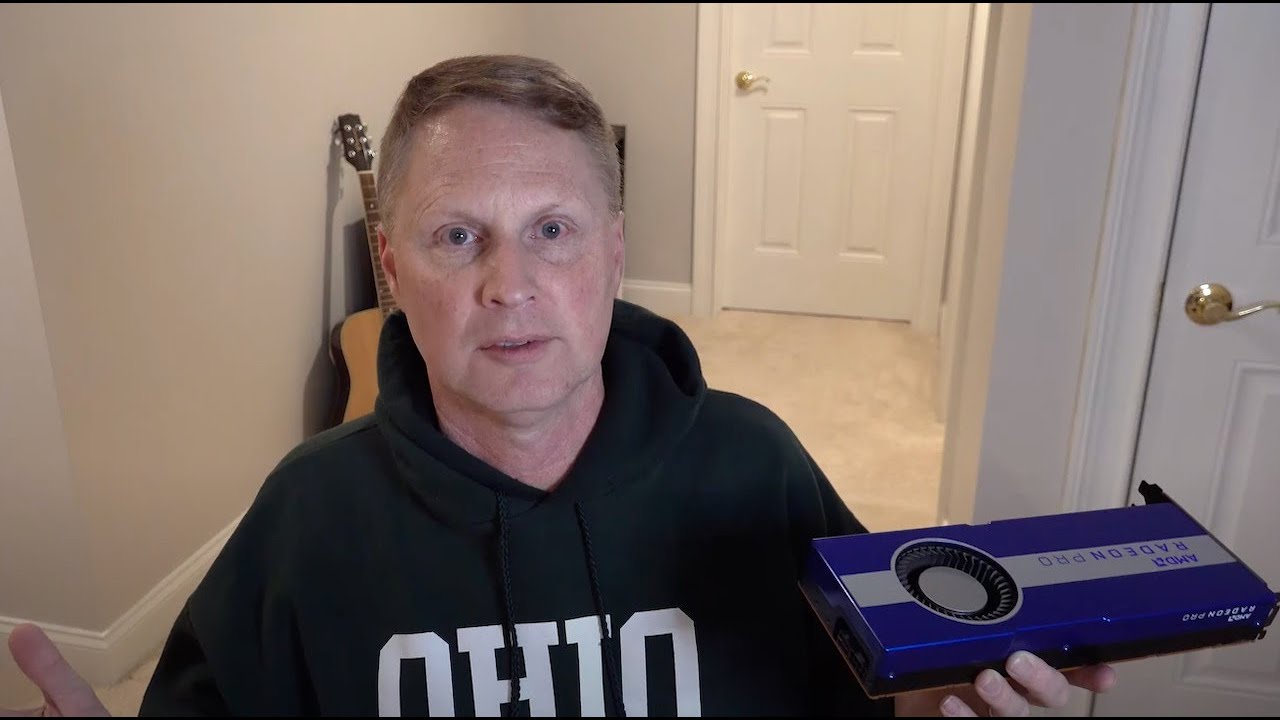
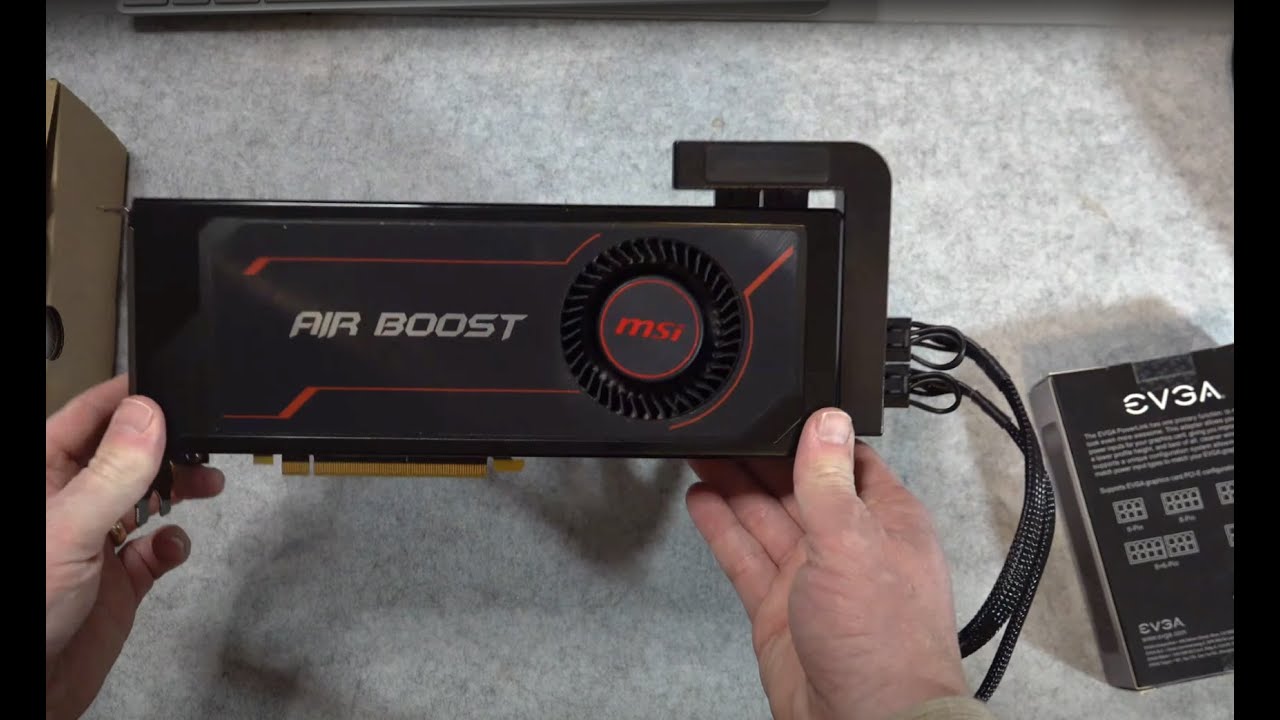
Installing a Vega 64, MSI Air Boost version, in the Mac Pro 5,1. I chose this GPU because it can be backplane powered (no Pixlas), it is compatible from High Sierra to Sequoia, and shoudl be +40% gaming performance compared to the RX 580.
This one doesn't go smooth and easy. First startup was black screen. Needed to download and flash VBOIS to show pre-boot display. Learned that there is no hardware video encode/decode acceleration in Ventura-plus for Vega generation GPUs.
On the other hand, gaming performance is good, and in some cases meets my goal of 3440x1440 resolution at 60 FPS.
I'm using the EVGA PowerLink to ensure that draw from the card's two 8-pin connectors is evenly divided between the two 6-pin connectors on the Mac Pro's backplane.
Thanks to TechPowerUp for such a wonderful and useful web site.
Chapters
0:00 Introduction
0:33 The BIG Problem
4:12 The MSI Air Boost Vega 56
5:02 Adding the EVGA PowerLink to the Vega 56
7:59 Removing the RX 580 and Installing the Vega 56
11:33 No Pre-Boot Display
13:56 Finding the Correct VBIOS on TechPowerUp.com, GPU-Z, AMDVBFlash
18:12 No Hardware Accelerated Video Code/Decode with Vega GPU in Ventura, Sonoma, or Sequoia
19:06 Gaming Performance and Benchmark Results
21:20 Decisions: Where do we go from here?
Corrections: 21:48 Resolve 19, not Resolve 9
Повторяем попытку...
Доступные форматы для скачивания:
Скачать видео
-
Информация по загрузке: