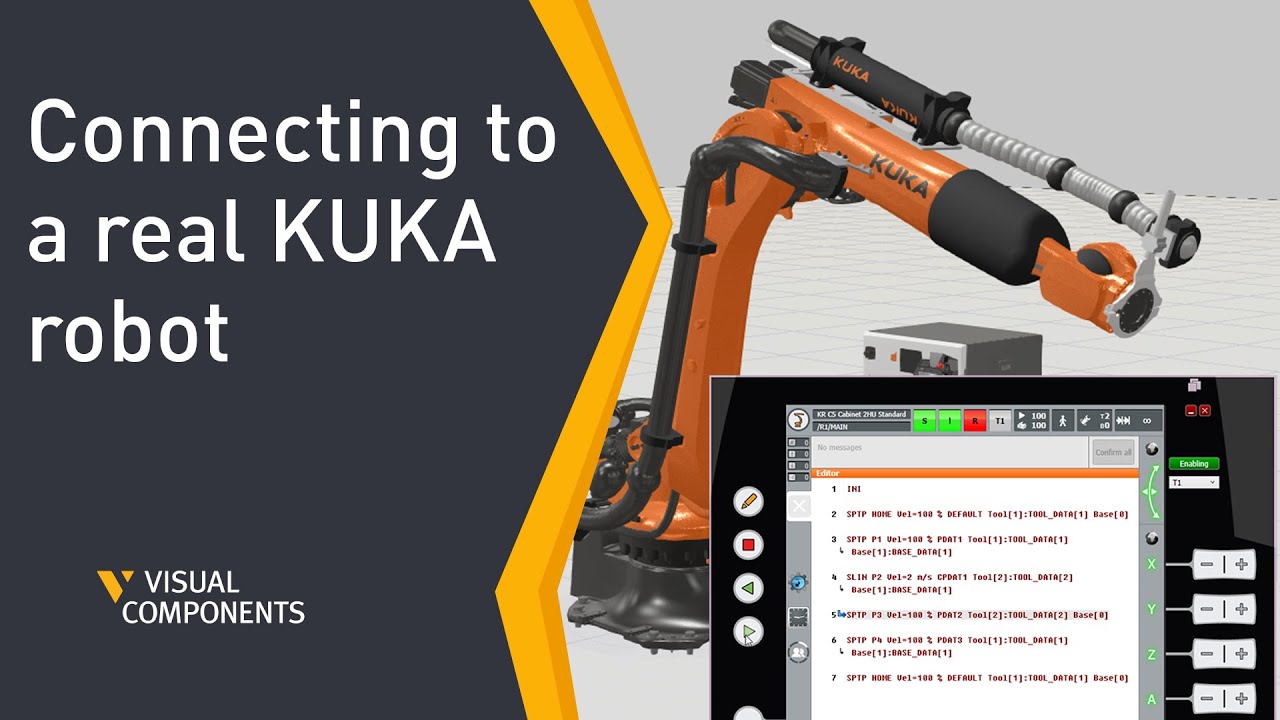
KUKA Sim AddOn Part 4 Connecting to a real KUKA robot
Автор: Visual Components
Загружено: 2024-05-29
Просмотров: 3155
Описание:
In these videos you will learn how to connect Visual Components Premium with the KUKA.Sim AddOn to a real robot. Transfer your configuration onto KUKA OfficeLite, mirror a real robot in the simulation and learn how to easily exchange (offline) KRL programs from a KUKA robot to Visual Components Premium without KUKA.WorkVisual
This lesson unlocks KUKA’s full potential VC as a digital twin of the real KUKA robot.
This video is also available from the Visual Components Academy:
https://academy.visualcomponents.com/...
Chapters:
00:00 Introduction
00:19 Check activation of the KUKA.Sim AddOn
00:31 Select the right KSS Version
00:50 Create a basic Layout with a KUKA robot
01:09 Change the Tool / Base management
02:31 Create a program
03:25 Transfer the configuration to a controller
06:29 Activate the project in Office Lite / on the real robot
07:11 Check the Tool and Base management on the real robot
07:46 Change the KRL Execution mode
10:05 Jog the robot through the robot HMI
11:38 Mirror the robot in Visual Components
12:48 Change a point while offline Programming
13:46 Load an active program onto and from the controller
14:55 Saving the layout in the RCS execution mode
Software Version: 4.8.0 or higher.
Product: Premium or Premium OLP
http://www.visualcomponents.com
Повторяем попытку...
Доступные форматы для скачивания:
Скачать видео
-
Информация по загрузке: