ycliper

Популярное

Музыка Кино и Анимация Автомобили Животные Спорт Путешествия Игры Юмор

Интересные видео

2025 Сериалы Трейлеры Новости Как сделать Видеоуроки Diy своими руками

Топ запросов

смотреть а4 schoolboy runaway турецкий сериал смотреть мультфильмы эдисон
Скачать

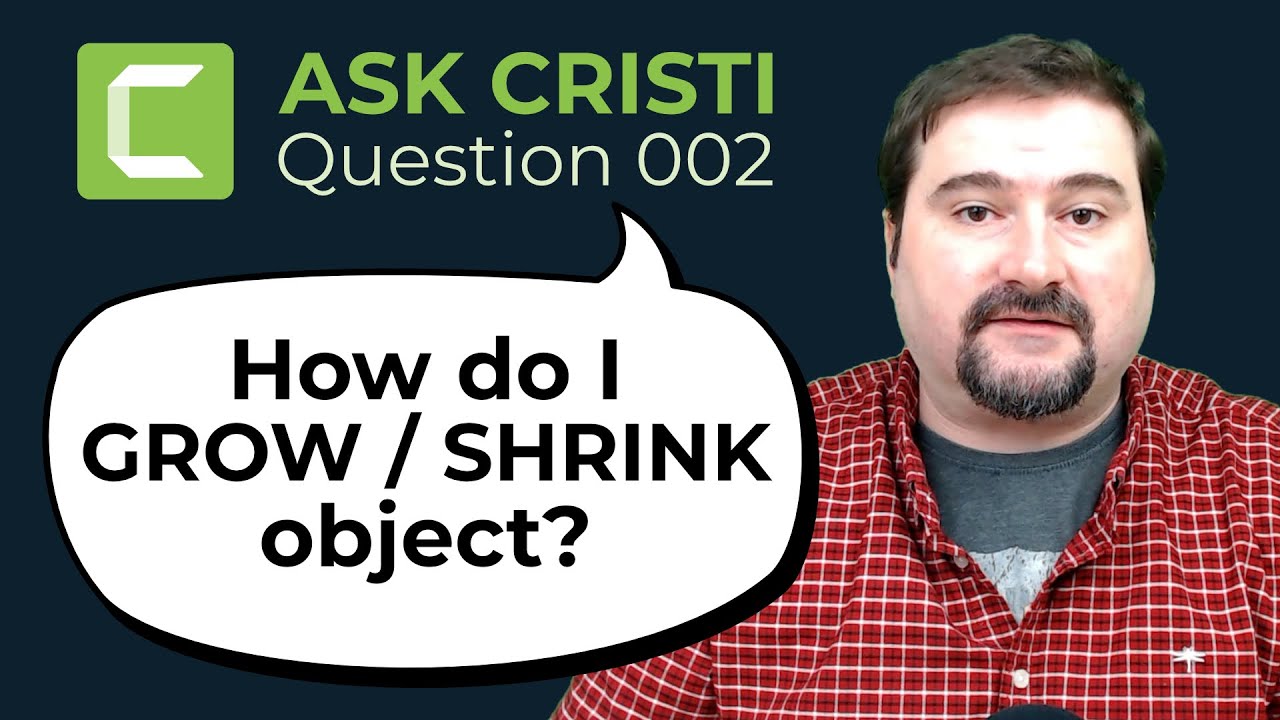
How to GROW / SHRINK objects with Animation in Camtasia | Question 002 | ASK CRISTI

Автор: Cristi Cotovan

Загружено: 2021-12-29

Просмотров: 3087

Описание: This question is about how to make an object grow or shrink with animation in Camtasia. I'm showing how to add a logo to the canvas, how to make it increase in size and decrease in size with custom animation, for a specified time interval, at a custom starting point.

I explain custom animation in Camtasia, how it works, how to create animation on a clip, how to increase or decrease the duration of the animation to make it smoother or faster. I also explain the notion of keyframes, properties of objects in each keyframe and how they work before, during and after the animation.

We add multiple animations to a single clip to make it grow or shrink. I also explain how to change the canvas/video size if Camtasia changes it automatically to fit the clip or object you add to the timeline for the first time.

Chapters:
00:00 Introduction
00:29 Add the object to the canvas
01:35 Change canvas dimensions
03:12 Set starting size of the object
05:02 How to use custom animations
07:58 Change animation speed
08:49 Make the object shrink
10:13 Rotate the object
10:49 Closing remarks

This quick Camtasia tutorial is an answer to a question I received on my Facebook group. If you have questions you'd like answered (about Camtasia or other software), feel free to ask it here in the comments, or on the Facebook group (link below).

Thank you for watching.

I have many more Camtasia tutorials here:
   • Camtasia Tutorials  

Join my Camtasia Help Facebook Group and ask questions, get help with Camtasia:
https://cotovan.com/group

Are my tutorials useful? Buy me a coffee! I LOVE coffee:
https://www.buymeacoffee.com/cristi

Cristi's website, blog and newsletter:
https://cotovan.com

-- SOFTWARE I use and recommend --

Camtasia (includes 10% OFF coupon: CRISTI10): https://cotovan.com/camtasia
Snagit (includes 10% OFF discount code CRISTI10): https://cotovan.com/snagit
Transcription and Captions: https://cotovan.com/descript
Remote recording: https://cotovan.com/riverside
Audio clean up and processing: https://cotovan.com/auphonic
My newsletter platform: https://cotovan.com/convertkit

Disclosure: Some of these links take you to my website and some of them are affiliate links where I will learn a small commission if you make a purchase. This is at no additional cost to you and they help support my work. Thank you!

#askcristi #camtasia #animation

Не удается загрузить Youtube-плеер. Проверьте блокировку Youtube в вашей сети.
Повторяем попытку...
How to GROW / SHRINK objects with Animation in Camtasia | Question 002 | ASK CRISTI

Поделиться в:

Доступные форматы для скачивания:

Скачать видео

  • Информация по загрузке:
Скачать аудио

Похожие видео

How to Move Text ALONG A PATH in Camtasia 2023

How to Move Text ALONG A PATH in Camtasia 2023

Basics of animation in Camtasia | Camtasia tutorial for beginners

Basics of animation in Camtasia | Camtasia tutorial for beginners

Using Animations In Camtasia: A Step-by-step Guide

Using Animations In Camtasia: A Step-by-step Guide

Prepare YouTube Videos Fast with Riverside Co-Creator AI (Complete Workflow)

Prepare YouTube Videos Fast with Riverside Co-Creator AI (Complete Workflow)

10 лет рисовал логотипы и вот что понял

10 лет рисовал логотипы и вот что понял

Я попробовал все нейросети для видео! Какую выбрать? МОЙ ТОП

Я попробовал все нейросети для видео! Какую выбрать? МОЙ ТОП

Master Precision Editing in Riverside for a Polished Final Cut #riverside

Master Precision Editing in Riverside for a Polished Final Cut #riverside

Введение в кодирование шейдерной графики

Введение в кодирование шейдерной графики

Мои любимые анимации Camtasia (2024) — обучающее видео

Мои любимые анимации Camtasia (2024) — обучающее видео

Camtasia Tutorials

Camtasia Tutorials

Понимание GD&T

Понимание GD&T

We're All Addicted To Claude Code

We're All Addicted To Claude Code

НОВЫЙ способ создания фильмов В НЕЙРОСЕТЯХ | В ФОРМАТЕ 4К

НОВЫЙ способ создания фильмов В НЕЙРОСЕТЯХ | В ФОРМАТЕ 4К

Изучите ОСНОВЫ затенения материалов в BLENDER (часть 1)

Изучите ОСНОВЫ затенения материалов в BLENDER (часть 1)

Учебное пособие по Premiere Pro для начинающих 2025 — всё, что вам НУЖНО ЗНАТЬ! (ОБНОВЛЕНО)

Учебное пособие по Premiere Pro для начинающих 2025 — всё, что вам НУЖНО ЗНАТЬ! (ОБНОВЛЕНО)

How to Resize & Rotate Annotations in Camtasia (Complete Guide)

How to Resize & Rotate Annotations in Camtasia (Complete Guide)

Учебное пособие по Inkscape: полное руководство для новых пользователей

Учебное пособие по Inkscape: полное руководство для новых пользователей

Учебное пособие по Blender — как использовать ИИ для создания 3D-моделей (ChatGPT и Blender)

Учебное пособие по Blender — как использовать ИИ для создания 3D-моделей (ChatGPT и Blender)

Как я сделал вирусное видео с помощью Google VEO 3 — Новый уровень нейросетей! #veo3 #ai #sora #flow

Как я сделал вирусное видео с помощью Google VEO 3 — Новый уровень нейросетей! #veo3 #ai #sora #flow

How to Add your LOGO to Riverside: Recordings, Edits, and Brand Kit

How to Add your LOGO to Riverside: Recordings, Edits, and Brand Kit

© 2025 ycliper. Все права защищены.


  • Контакты
  • О нас
  • Политика конфиденциальности


Контакты для правообладателей: [email protected]