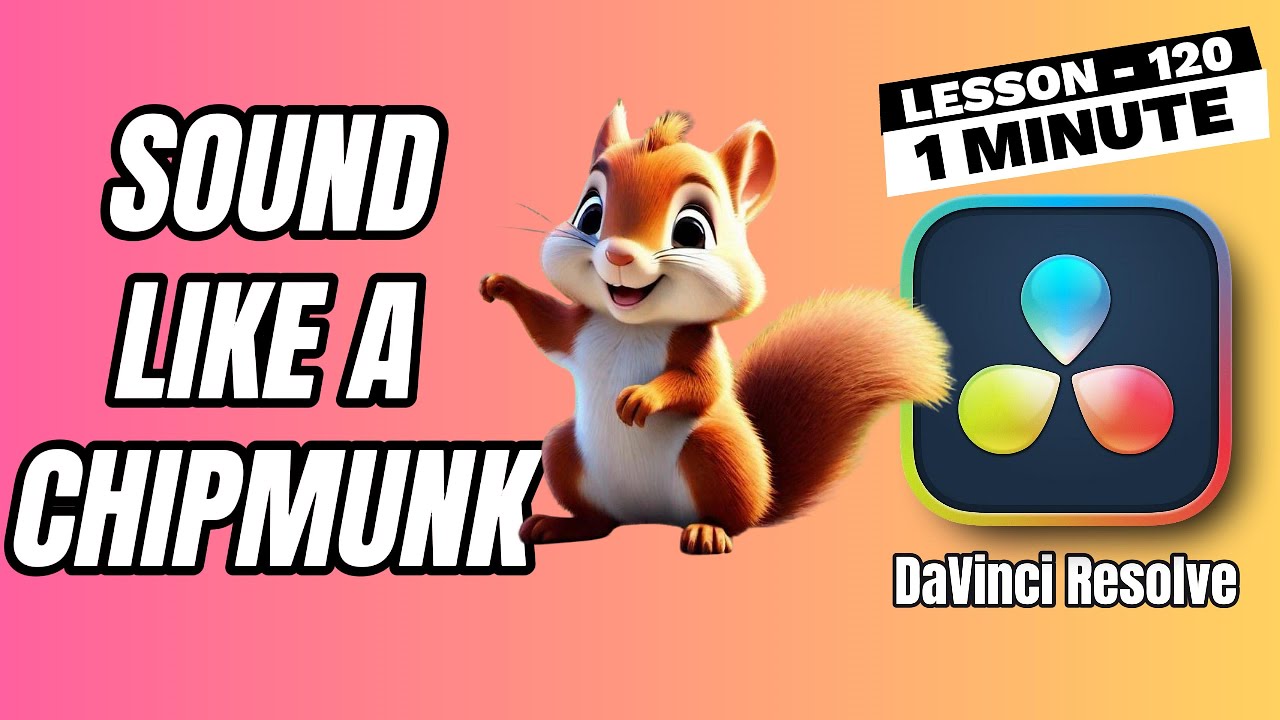
How to Make a Chipmunk Voice Effect in DaVinci Resolve - Lesson 120 DaVinci Resolve Tutorial
Автор: Edit in Minutes - Quick Tutorials
Загружено: 2025-02-02
Просмотров: 821
Описание:
Want to create a fun chipmunk voice effect for your videos? In this tutorial, we’ll show you how to easily adjust the pitch of your audio to get that classic high-pitched, squeaky chipmunk sound. This effect is perfect for funny videos, prank edits, or comedy content.
Simply import your clip, adjust the pitch slider in the Inspector Panel, and fine-tune the settings to get the perfect result. A pitch increase of +6 to +12 semitones works best for a natural chipmunk voice. You can also blend the effect using the Mix slider for a smoother result.
Try it out and add a playful touch to your content! If you found this tutorial helpful, don’t forget to like, subscribe, and hit the bell icon for more DaVinci Resolve tips.
#davinciresolvetutorial #davinciresolve
Повторяем попытку...
Доступные форматы для скачивания:
Скачать видео
-
Информация по загрузке: