Reports in Apptrop Books | Sales, Purchase, GST, Stock & Ledger Reports Explained
Автор: apptrop
Загружено: 2026-01-13
Просмотров: 17
Описание:
Welcome to Video 5 of the Apptrop Books accounting software tutorial series.
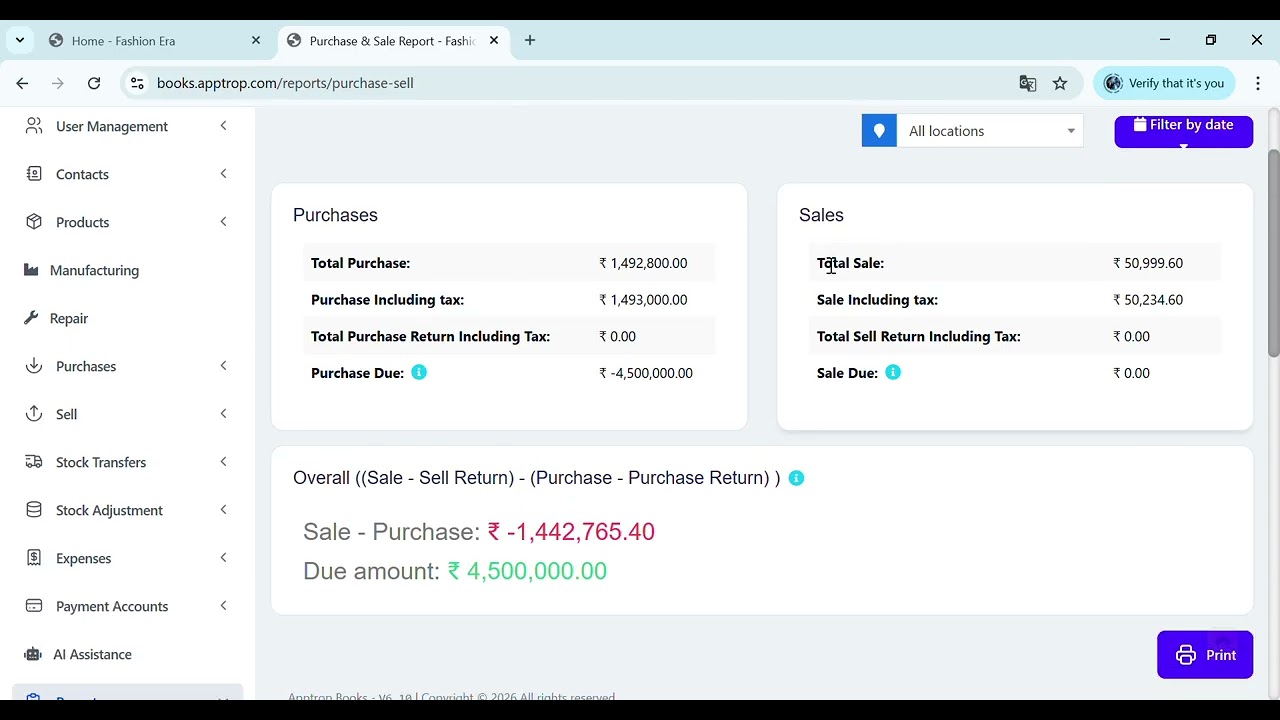
In this video, we will explain the Reports section in Apptrop Books, which includes 30+ business and accounting reports such as sales reports, purchase reports, GST reports, stock reports, and ledger reports.
Apptrop Books helps businesses make better decisions by converting daily transactions into clear and easy-to-understand reports.
🔹 What you’ll learn in this video
A quick overview of the reports covered.
How the Reports section works in Apptrop Books
Different types of sales and purchase reports
GST sales and GST purchase reports
Stock and inventory-based reports
Ledger and account reports
🔹 Understanding the Reports Section
The Reports section summarizes all your business data into meaningful insights for analysis and compliance.
🔹 Sales Reports
Shows income and customer-wise sales performance.
Sales reports help you track total sales, customer-wise sales, item-wise sales, and daily or monthly revenue.
🔹 Purchase Reports
Tracks supplier purchases and expenses.
Purchase reports show vendor-wise purchases, total purchase value, and buying trends.
🔹 GST Sales Reports
Helps with GST filing and compliance.
GST sales reports provide tax-wise breakup of sales, making return filing easier.
🔹 GST Purchase Reports
Supports accurate input tax credit tracking.
GST purchase reports show GST paid on purchases for ITC calculation and compliance.
🔹 Stock-Based Reports
Monitors inventory movement.
Stock reports help you track available stock, low stock items, and product movement.
🔹 Ledger Reports
Shows account-wise transaction history.
Ledger reports give a complete record of customer, vendor, and account transactions.
🔹 Profit & Business Summary Reports
Helps evaluate business performance.
These reports provide insights into profit, expenses, and overall business health.
🔹 Date-Wise & Filtered Reports
For detailed and customized analysis.
You can filter reports by date, customer, vendor, product, or GST type.
Повторяем попытку...
Доступные форматы для скачивания:
Скачать видео
-
Информация по загрузке: