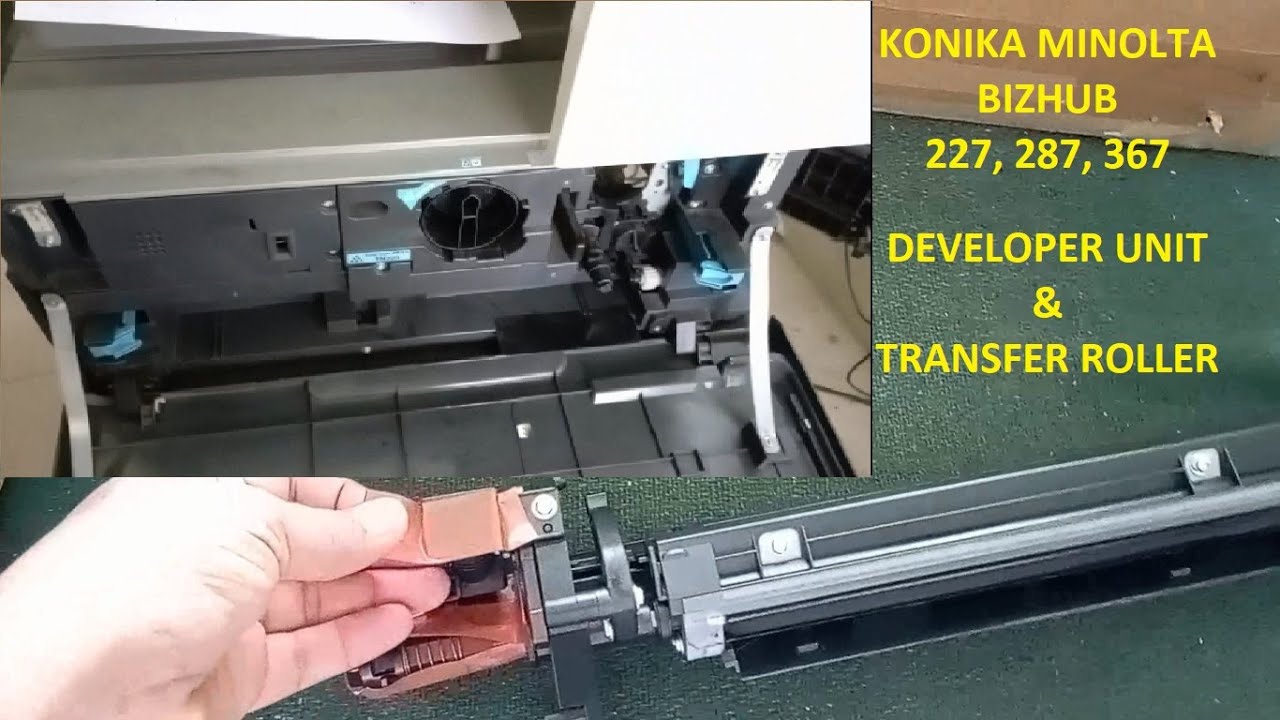
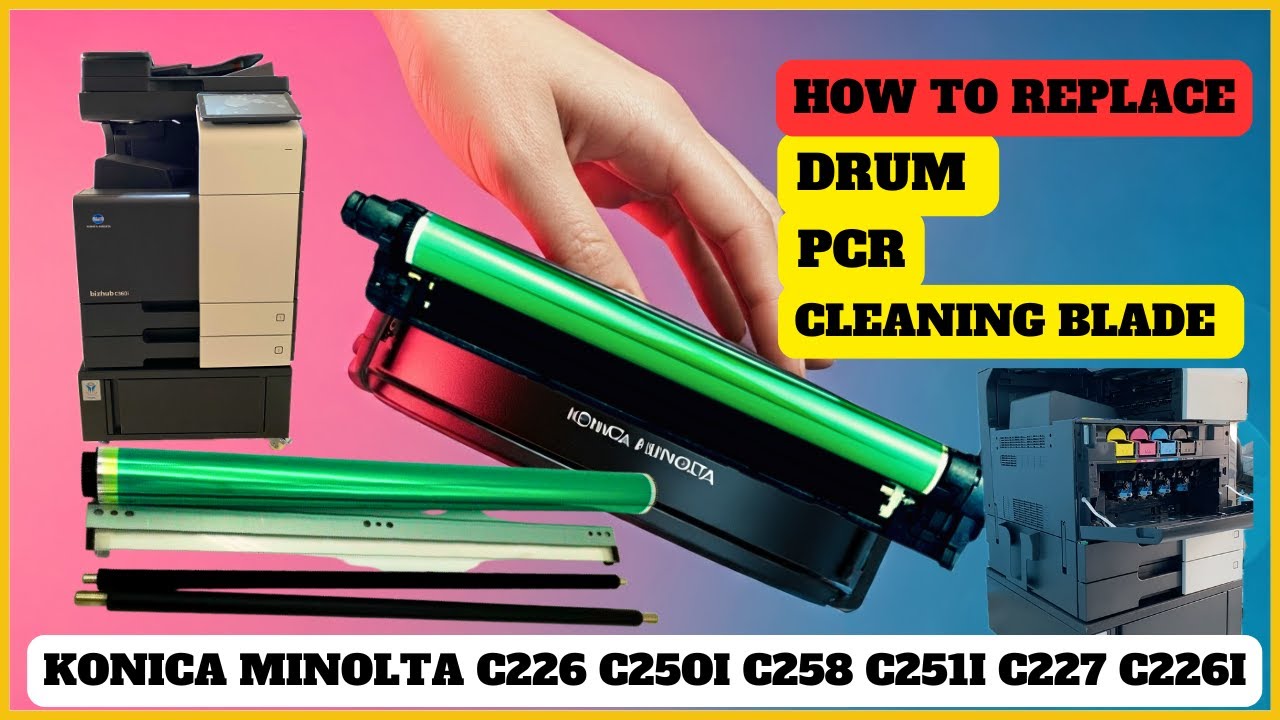
DEVELOPER UNIT CLEANING OF KONICA MINOLTA PHOTOCOPIER MACHINE
Автор: Tech Meta
Загружено: 2023-08-03
Просмотров: 10465
Описание:
Is the print quality of your Konica Minolta photocopier deteriorating? It might be time for a developer unit cleaning! Watch this informative repair tutorial to learn how to clean and maintain the developer unit of your Konica Minolta photocopier. Our step-by-step guide will walk you through the process, ensuring that you achieve optimal print performance and prolong the lifespan of your machine. Don't miss out – become a pro at Konica Minolta photocopier maintenance! #KonicaMinoltaRepair #TechTutorials #PhotocopierMaintenance
Content:
Introduction to the Developer Unit and its Importance in Print Quality
Tools and Materials Needed for the Cleaning
Step 1: Powering Off and Accessing the Developer Unit
Step 2: Removing the Developer Unit Safely and Properly
Step 3: Cleaning the Developer Unit Housing and Components
Step 4: Inspecting and Cleaning the Developer Roller and Magnetic Brush
Step 5: Reinstalling the Developer Unit and Performing Test Prints
Advanced Tips for Troubleshooting Persistent Print Quality Issues
Q&A Session: Answering Viewer Questions on Developer Unit Cleaning
Preventative Maintenance Tips for Prolonging Developer Unit Lifespan
Conclusion and Recap of Key Cleaning Steps
Don't Miss Our Future Repair Tutorials – Subscribe Now for More!
Maintaining your Konica Minolta photocopier's developer unit doesn't have to be a hassle. With our tutorial, you'll be equipped with the knowledge and skills to ensure optimal print output. If you found this tutorial helpful, remember to hit that "Like" button, and don't forget to subscribe for more valuable repair insights and maintenance guides. Keep your photocopier running smoothly and producing top-notch prints!
Повторяем попытку...
Доступные форматы для скачивания:
Скачать видео
-
Информация по загрузке: