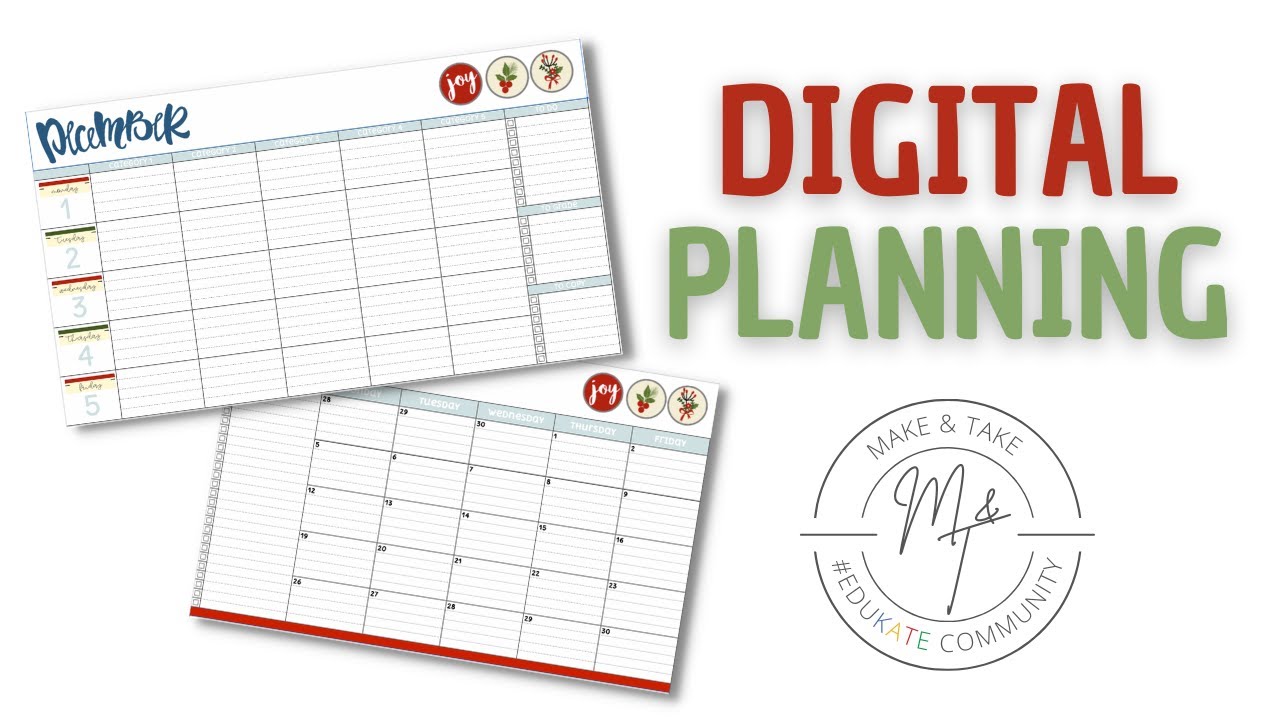
Updating The Monthly Sheet Names | Ultimate Editable Teacher Planner | Google Sheets
Автор: Abacus Whiskers
Загружено: 2023-07-23
Просмотров: 548
Описание:
#timemanagement #productivity #productivityhacks #digitalplanner
Download now from:
TES: https://www.tes.com/teaching-resource...
Abacus Whiskers: https://abacuswhiskers.com/product/ed...
TpT: https://www.teacherspayteachers.com/P...
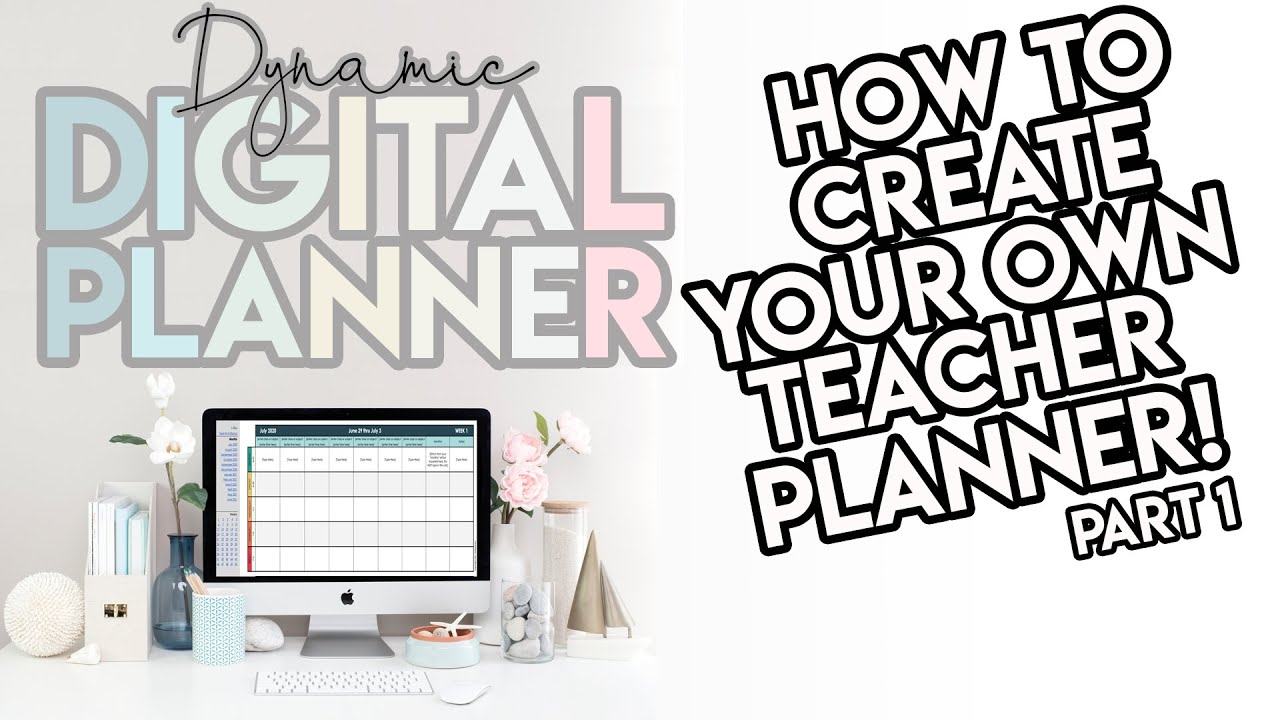
Enhance your teaching experience with our fully editable Teacher Planner on Google Sheets. This comprehensive planner offers a range of features designed to streamline your organization and boost productivity. Whether you're a seasoned educator or a new teacher, our planner is a must-have tool for effective planning and seamless classroom management.
Key Features:
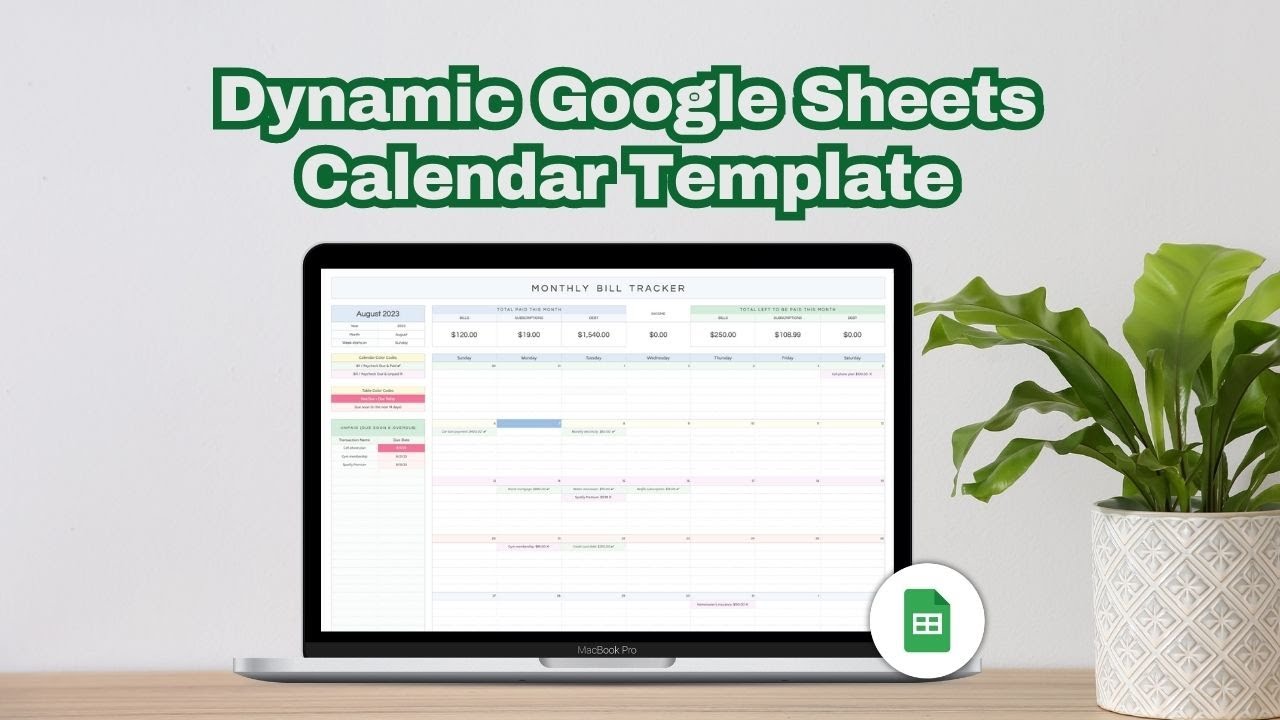
Monthly Calendar Pages: With 14 customizable monthly calendar pages, you can effortlessly plan your academic year. The dates are automatically populated based on your chosen starting year and month, ensuring accuracy and convenience. By default, the planner covers a period from July 2023 to August 2024.
Flexible Week Formats: Choose between Monday-to-Saturday or Sunday-to-Saturday week versions to align with your preferred scheduling style. This versatility accommodates various educational settings and preferences.
Notes, To-Dos, and Goals: Each calendar page provides ample space for jotting down essential notes, tracking to-dos, and setting goals. Stay organized and keep track of your priorities effortlessly.
Timetable and Week View: Plan your lessons efficiently with dedicated timetable and week view pages. These sections are perfect for incorporating live links to lesson resources, making it easy to access materials and streamline your teaching process.
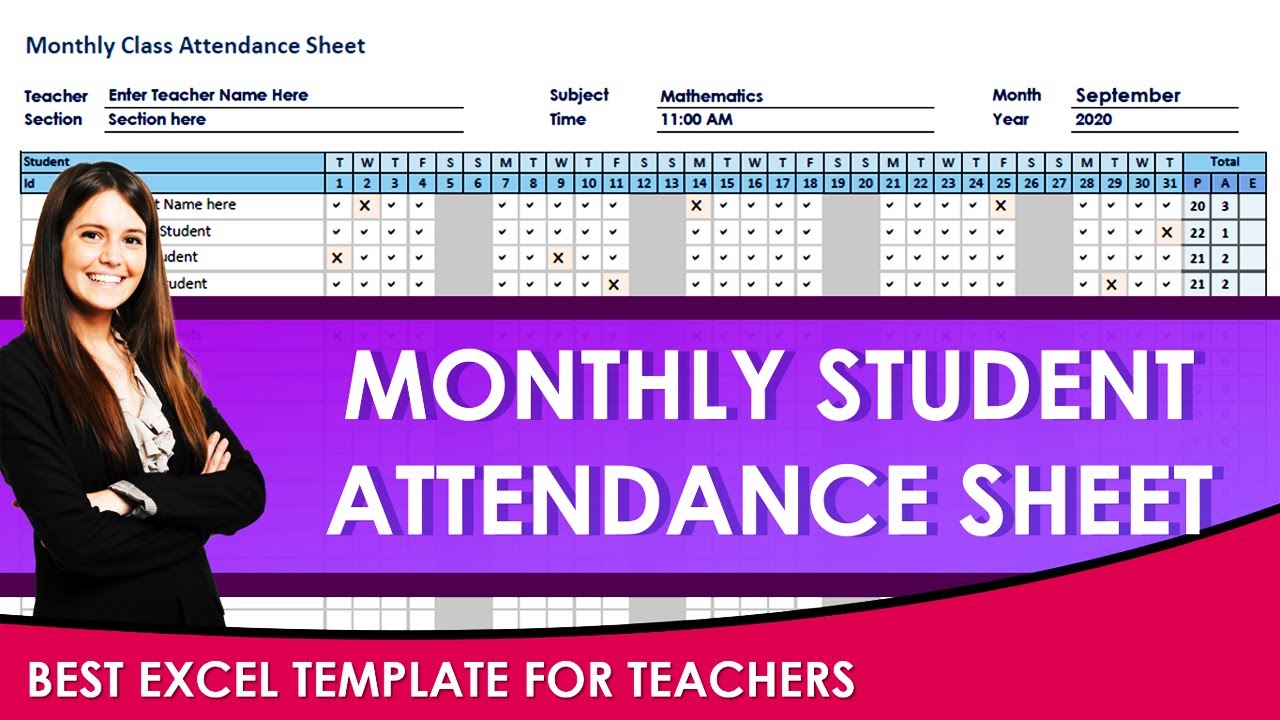
Assessment and Grading: Simplify the assessment process with our dedicated assessment page. Automatically average student scores and utilize color formatting for a visual representation of performance. Stay on top of your students' progress effortlessly.
Parent Communication Log: Maintain clear and effective communication with parents using the dedicated parent communication log. Keep track of conversations, important notes, and follow-ups conveniently in one place.
To-Do List with Tick Boxes and Emojis: Stay organized and motivated with our interactive to-do list. Utilize tick boxes and emojis to mark completed tasks and add a touch of fun to your planning process.
Notes Pages: Capture important ideas, reflections, and inspirations on the dedicated notes page. Use it as a personal journal or jot down important reminders for future reference.
Easy Navigation: Access various sections of the planner quickly with clickable links to main pages, such as monthly calendars. Effortlessly move between sections and save time navigating through your planner.
Stickers for Personalization: Add a touch of creativity and personalization to your planner with a selection of stickers. Simply copy and paste them wherever you desire, making your planner uniquely yours.
Vertical and Horizontal Formats: Choose between vertical and horizontal timetable and week view formats to suit your preferred layout. Customize your planner to align with your unique organizational style.
Embedded Video Tutorials: Access helpful video tutorials on using the planner effectively through embedded links to our Youtube channel. Maximize the planner's potential and enhance your productivity with our guidance.
What's Included When You Buy:
Google Sheets Editable Teacher Planner (Horizontal Version)
Google Sheets Editable Teacher Planner (Vertical Version)
Example completed planner for inspiration
Links to tutorial videos on our Youtube channel, providing step-by-step guidance
Free Yearly Updates:
Enjoy free yearly updates for the planner, ensuring you always have the latest version at no additional cost. Stay up to date with improvements and new features as they become available.
Повторяем попытку...

Доступные форматы для скачивания:
Скачать видео
-
Информация по загрузке: