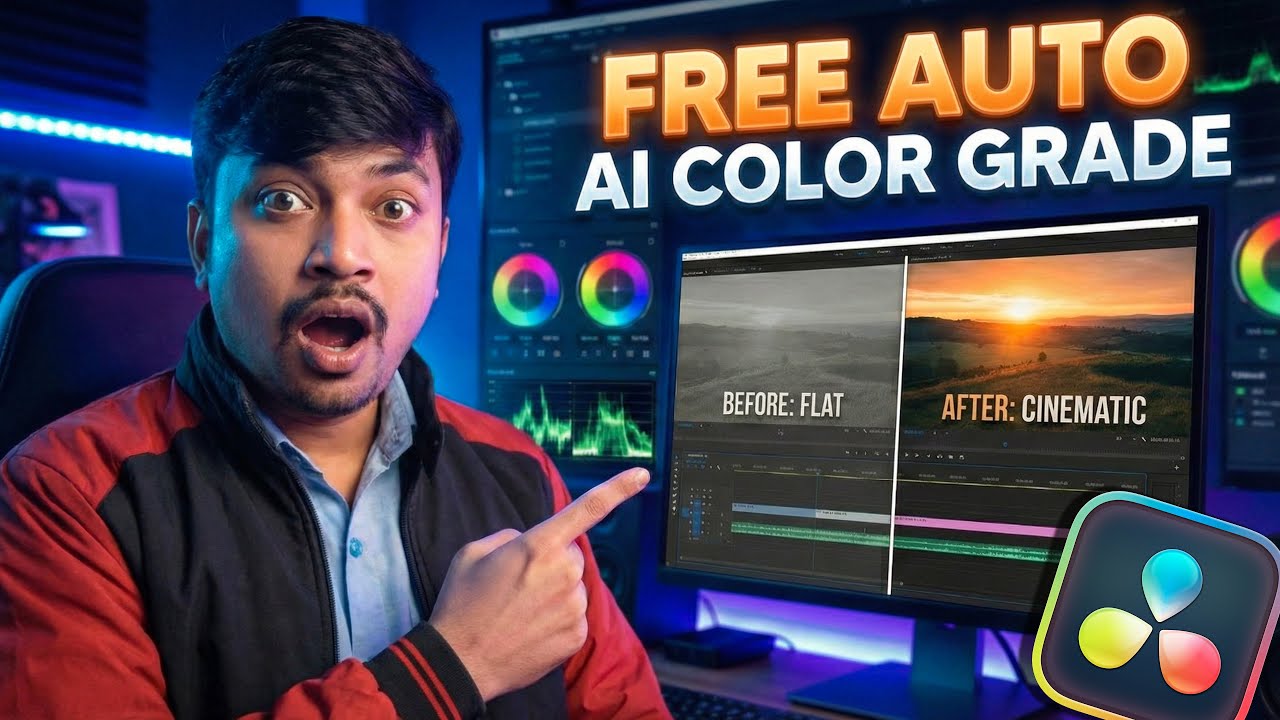
Auto Color Grade ANY Clip in 1 Click (Better Than AI?) - DaVinci Resolve Free
Автор: Resolve Edit Tips
Загружено: 2026-02-01
Просмотров: 732
Описание:
Auto Color Grade ANY Clip in 1 Click (Better Than AI?) - DaVinci Resolve Free
Learn how to automatically color grade any video clip in DaVinci Resolve using built-in free tools that rival paid AI plugins. In this tutorial, I reveal a secret workflow to get a professional cinematic look in seconds without spending a penny.
In this video, you will learn:
How to use DaVinci Resolve's auto-color features effectively.
Matching shots automatically without manual tweaking.
The "AI-like" workflow using native Resolve FX.
Tips to balance exposure and saturation instantly.
Timecodes
00:00 - Intro
00:59 - How to Apply PowerGrades
02:33 - Converter, Exposure & White Balance
04:08 - Adding Cinematic Effects
15:58 - Applying Film Print Emulation
17:46 - Adjusting Color Tones
19:04 - How to Download & Install
21:35 - Final Result & Conclusion
About the Channel: Welcome to Resolve Edit Tips! Here we share the best editing tricks, workflow hacks, and tutorials to help you master DaVinci Resolve. Subscribe for more weekly editing guides!
Recommended Playlists:
DaVinci Resolve Basics
Advanced Color Grading Tips
PLUGIN:- https://filmkid.com/products/filmkid-...
FREE PLUGIN:- https://t.me/ResolveEdit/78
#DaVinciResolve #ColorGrading #VideoEditing #DaVinciResolveFree #ColorCorrection #CinematicLook #Filmmaking #EditingTutorial #AutoColor #contentcreator
Tags: DaVinci Resolve color grading,how to color grade in DaVinci Resolve,automatic color grading DaVinci Resolve,DaVinci Resolve free tutorial,cinematic look DaVinci Resolve,color grading for beginners,DaVinci Resolve AI color grading,auto color correction,fast color grading workflow,resolve edit tips,DaVinci Resolve 19 tutorial,color match DaVinci Resolve,professional color grading free,video editing tricks,best color grading settings.
Повторяем попытку...
Доступные форматы для скачивания:
Скачать видео
-
Информация по загрузке: