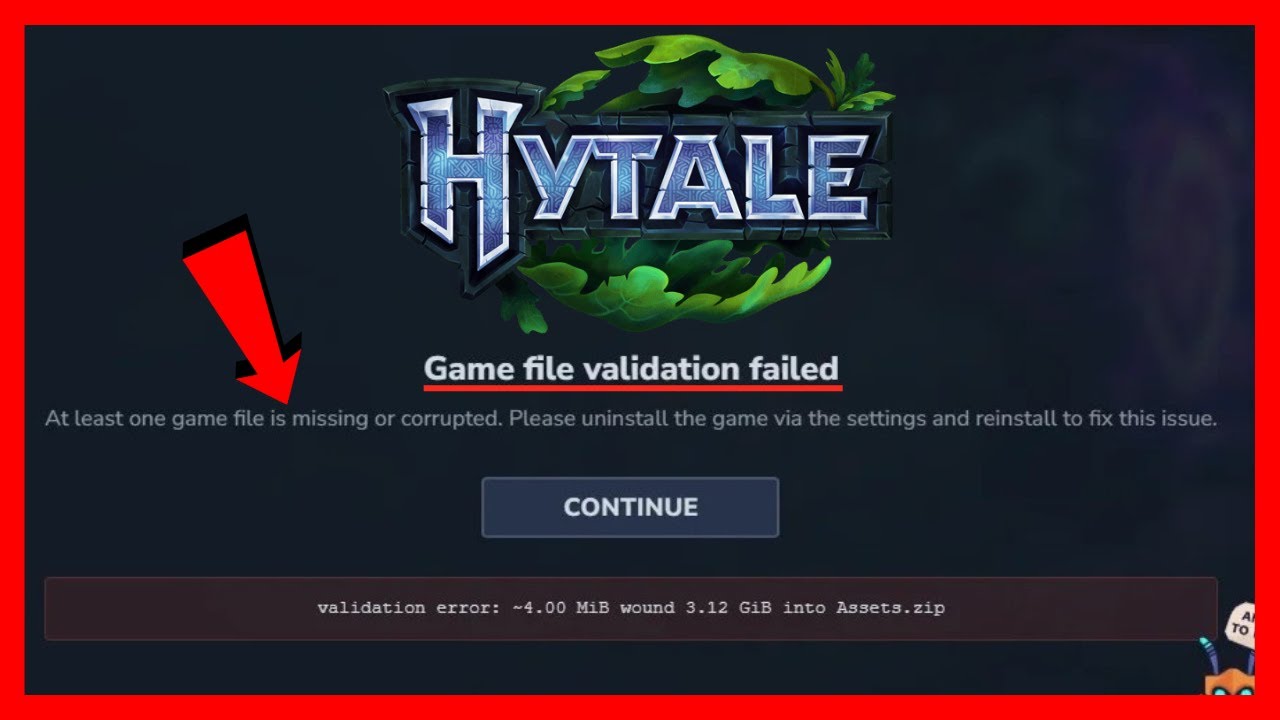
How to FIX Hytale Game File Validation Failed
Автор: TechVersity
Загружено: 2026-01-24
Просмотров: 16
Описание:
How to FIX Hytale Game File Validation Failed
The Hytale game file validation failed error indicates the launcher detected corrupted, missing, or modified game files. This FIX guide provides steps to repair your installation and pass the integrity check.
Problems addressed in this tutorial:
FIXing Hytale game file validation failed error.
Repairing corrupted or missing game data files.
Stopping antivirus false positive file quarantine.
Ending incomplete or interrupted game updates.
Solving manual mod installation conflicts.
First, use the Hytale launcher's built-in repair or verify function. This tool will scan all game files, compare them to the official versions, and automatically download replacements for any that are invalid.
If the validation continues to fail, temporarily disable your antivirus and firewall. Security software can sometimes quarantine or alter game files during updates, causing them to fail validation. Restore any quarantined Hytale files and add the installation folder as an exception.
If you have installed mods manually, they may be causing the failure. Remove any mods from the game directory and run the validation again. For a definitive fix, perform a clean reinstall of Hytale to ensure all files are fresh and official. Follow these steps to pass validation.
For more installation integrity support, please subscribe to our channel. Subscribe here: / @techversity1337
#Hytale #ValidationFailed #GameFiles #FIX
Повторяем попытку...
Доступные форматы для скачивания:
Скачать видео
-
Информация по загрузке: