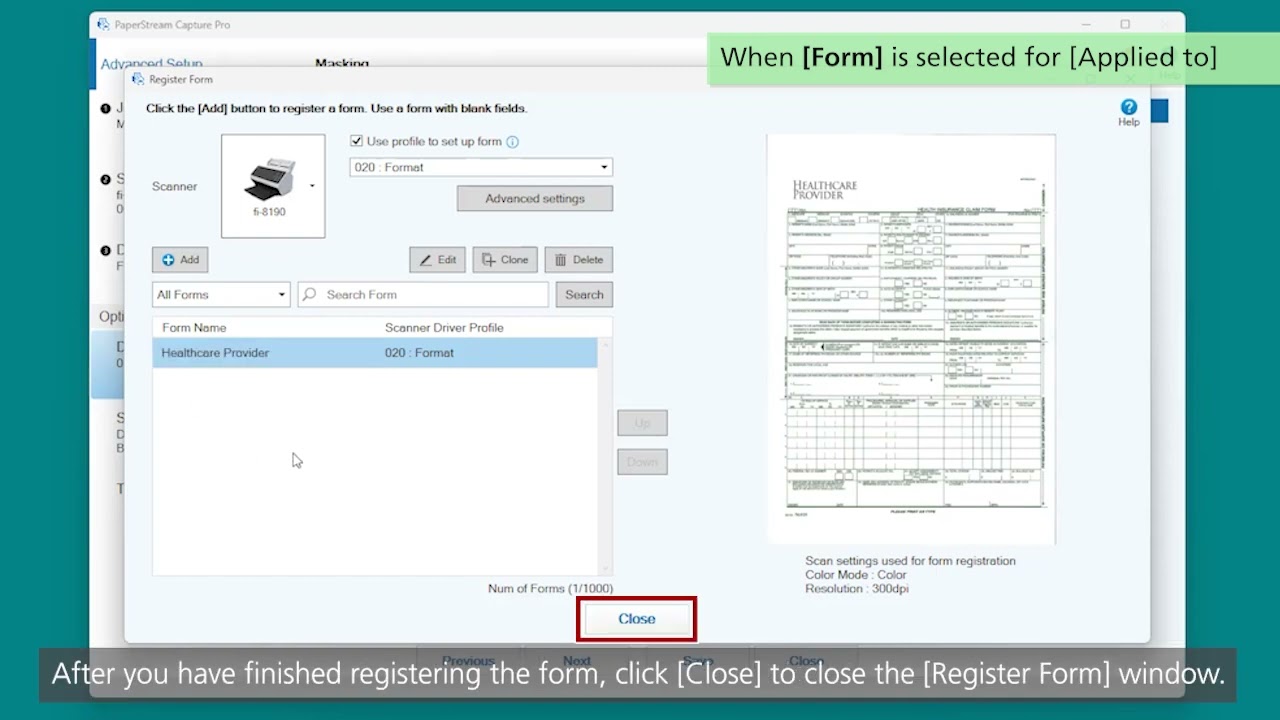
PaperStream Capture Start Scanning Using the Button on the Scanner
Автор: Ricoh Image Scanner Global
Загружено: 2023-04-03
Просмотров: 13605
Описание:
#Fujitsu #Ricoh #Scanner #fi #sp #PaperStream #Capture #Event
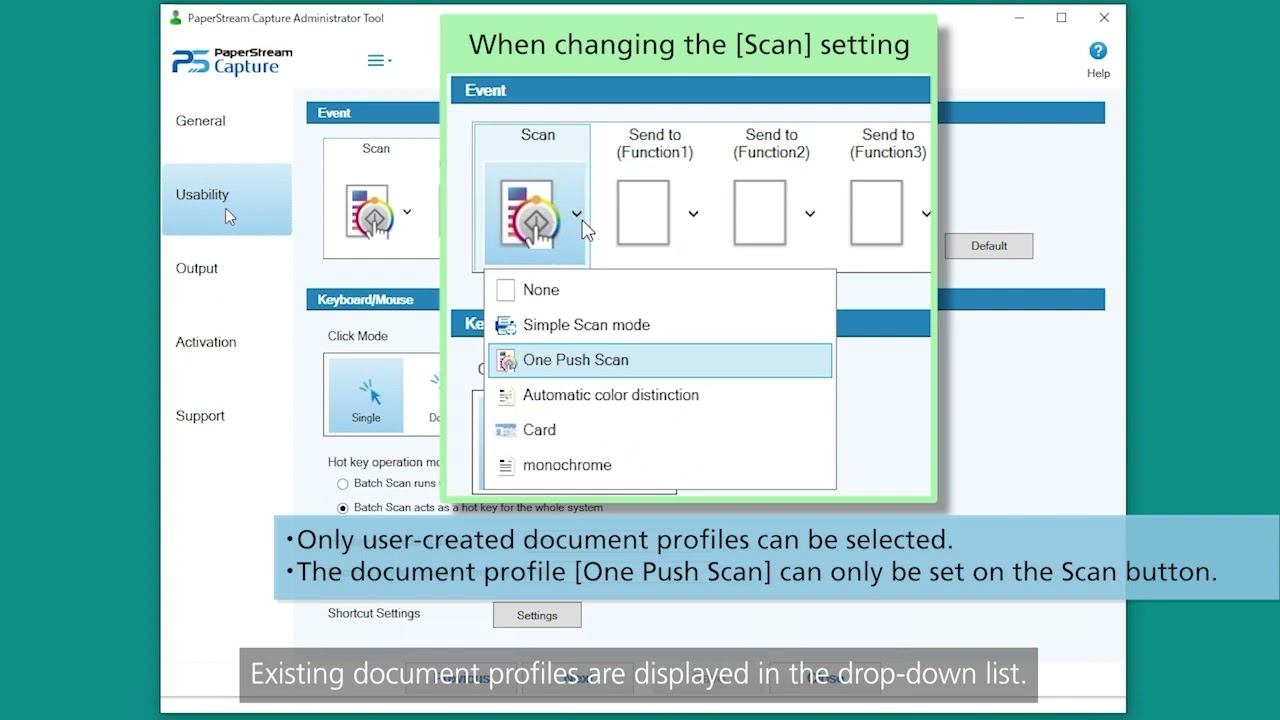
Learn how to switch the button functions on the scanner using the PaperStream Capture's Event function. Scan documents with your desired settings by simply switching document profiles. The video also explains how to shorten the time to start a scan.
00:00 Start Scanning Using the Button on the Scanner
01:23 Configuring the [Event] settings
03:05 Occupying the scanner to shorten the start time for a scan
03:56 Scanning a document using the selected document profile
fi and SP Series Top: https://www.pfu.ricoh.com/global/scanners/fi/
Повторяем попытку...
Доступные форматы для скачивания:
Скачать видео
-
Информация по загрузке: