Скачать
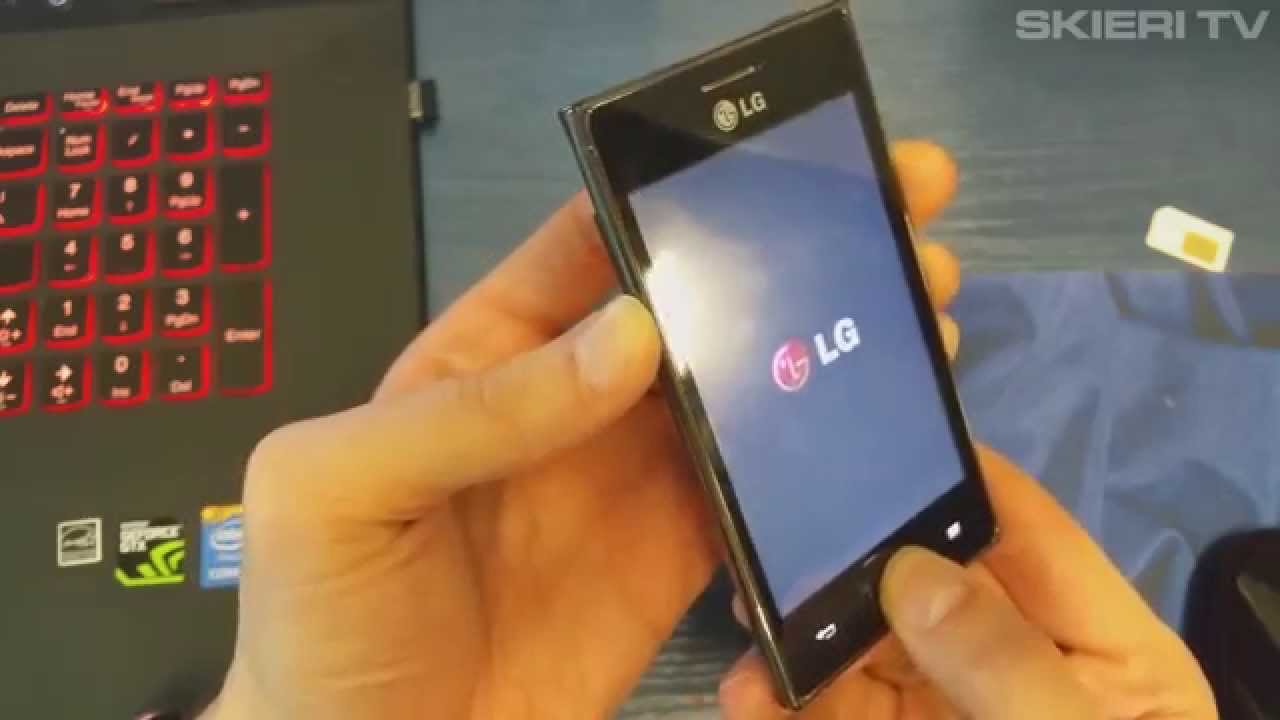
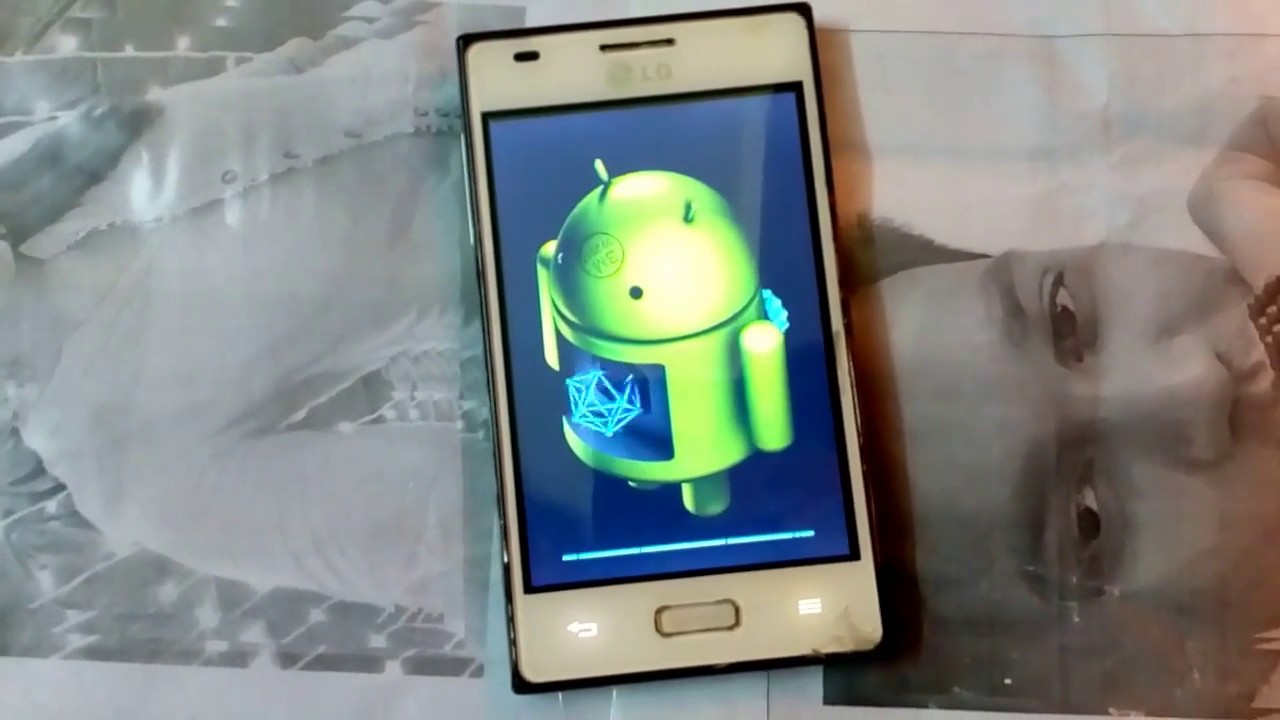
LG E610, E612 HAND RESET
Автор: Rufus Tech
Загружено: 2017-09-27
Просмотров: 497
Описание: 1. Tap Power button to switch off phone 2. Press and hold Volume Down + Power button. 3. When the LED keys on the bottom of the phone lights up, release Volume Down and Power buttons and hold down and release the Home key for a short while 4. When LG logo will appear on screen release buttons. 5. Device will restart, after that you can work on device. 6. hand reset is done. watch us on (www.facebook.com/rufusglobal)
Не удается загрузить Youtube-плеер. Проверьте блокировку Youtube в вашей сети.
Повторяем попытку...
Повторяем попытку...

Доступные форматы для скачивания:
Скачать видео
-
Информация по загрузке: