Retiming Clips and Speed Ramps in DaVinci Resolve
Автор: Chris Roberts Video Production & Training
Загружено: 2023-12-06
Просмотров: 20436
Описание:
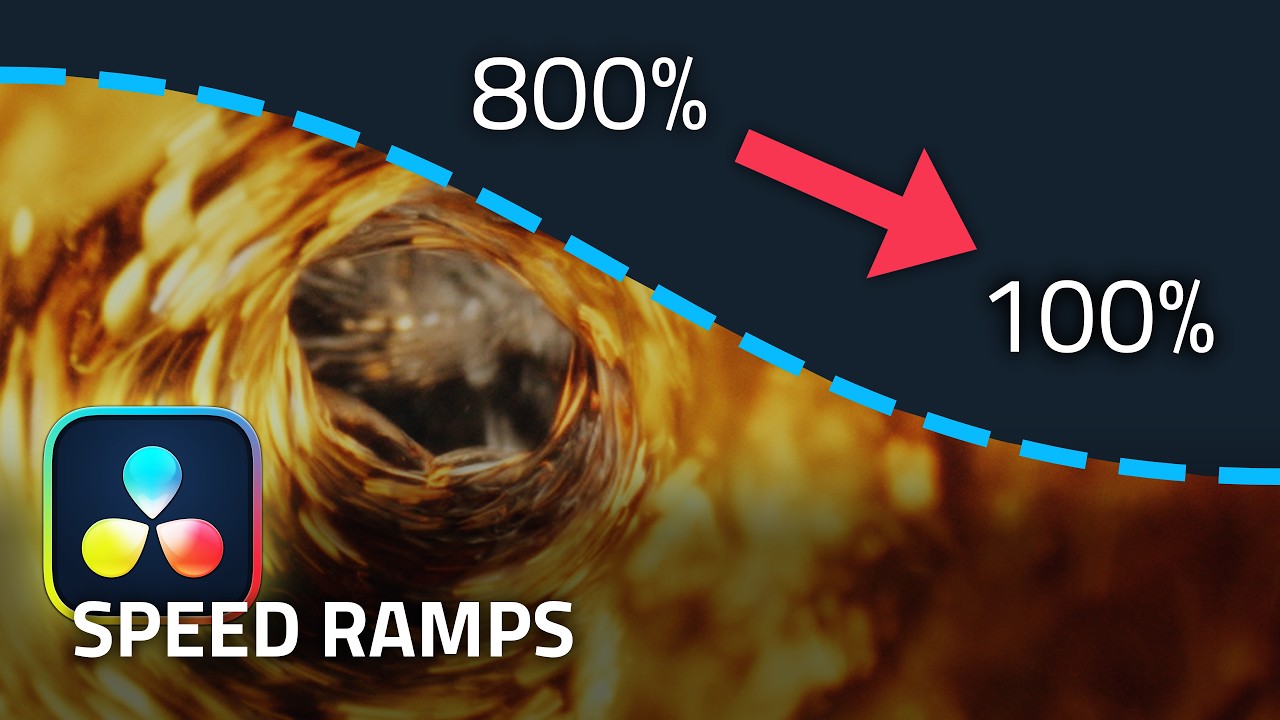
In this episode I show you how to use the Retime Controls to create eye-catching variable speed changes to your video clips in DaVinci Resolve 18.6, including gradually slowing a shot to a freeze frame and creating fast rewind effects.
Useful shortcuts:
CMD-R (Mac) / CTRL-R (Windows) = Open Retime Controls
CMD-[ (Mac) / CTRL-[ (Windows) = Add Speed Point (when Retime Controls active)
Please note that accordions do not actually compress time! 😂
Chapters:
00:00 - Intro
00:16 - Opening and using the Retime Controls
01:15 - Rippling Timeline
01:46 - Adding Speed Points
02:33 - Changing speed segment
03:03 - Custom speed segment
03:57 - Repositioning Speed Points
04:22 - Retime Curve
05:30 - Adding Bezier Handles
06:00 - Freeze Frame
07:00 - Rewind
#davinciresolve #videoediting #videoeditingtutorial
Повторяем попытку...

Доступные форматы для скачивания:
Скачать видео
-
Информация по загрузке:






![DaVinci Resolve — ускоренный курс Fusion [Идеально для начинающих!]](https://imager.clipsaver.ru/IxPaoQsjO50/max.jpg)