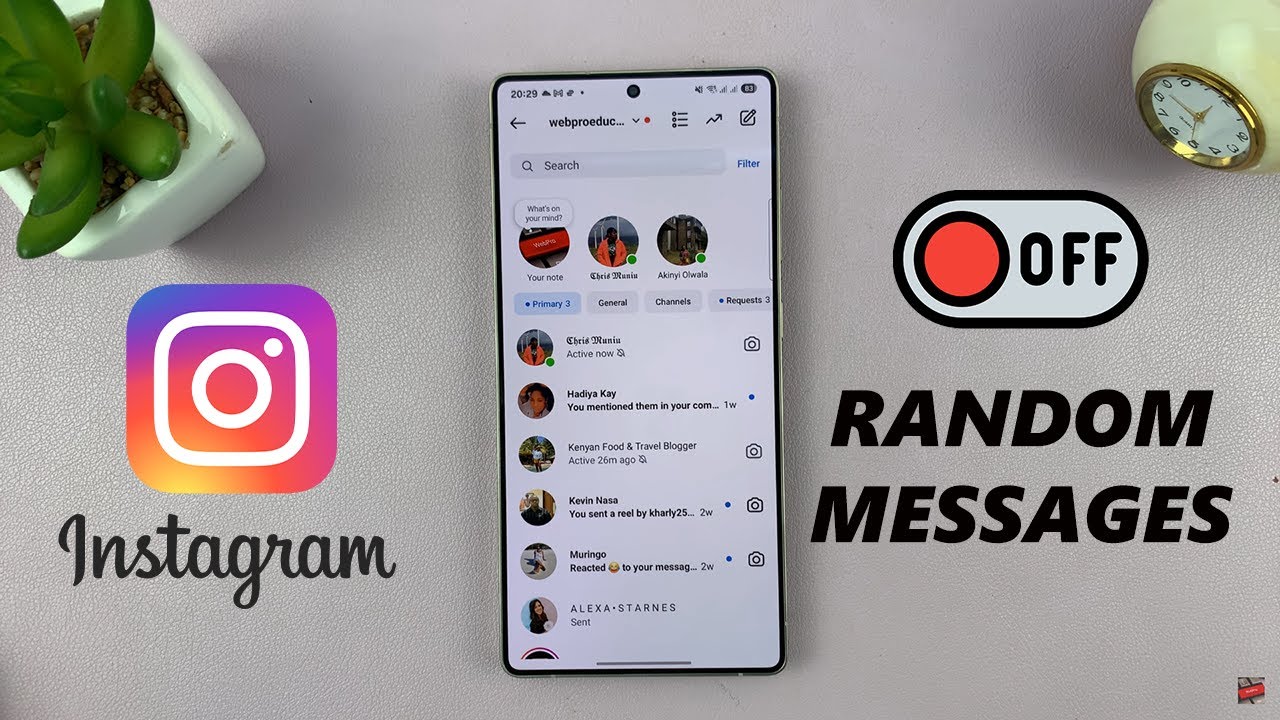
How To Stop Receiving Random Messages On Instagram
Автор: WebPro Education
Загружено: 2025-05-07
Просмотров: 148
Описание:
In this video, I’ll show you how to stop receiving random messages on Instagram quickly and easily.
Stick around to the end so you can secure your inbox and have more control over who can message you.
How To Stop Receiving Random Messages On Instagram
Launch the Instagram app on your mobile device and make sure you're signed in.
Click on the profile icon in the bottom-right corner of your screen.
Tap the three horizontal lines (☰) in the top-right corner to open “Settings and activity.”
Under the “How others can interact with you” section, tap on “Messages and story replies.”
Select message requests.
Adjust your messages control
----My Gear for Youtube videos----
Main Camera (iPhone 13 pro): https://amzn.to/3GZztve
Tripod: https://amzn.to/35acqRa
Cell Phone Tripod Adapter: https://amzn.to/3v3wFuI
Lights: https://amzn.to/3vkoGK7
As full disclosure, I use affiliate links on this channel and purchasing through these links earns me a small commission. The price you pay will be the same!
Website: https://www.webproeducation.org
Facebook: / webproeducation.org
Twitter: / webpro_e
Instagram: / webproeducation
Повторяем попытку...
Доступные форматы для скачивания:
Скачать видео
-
Информация по загрузке: