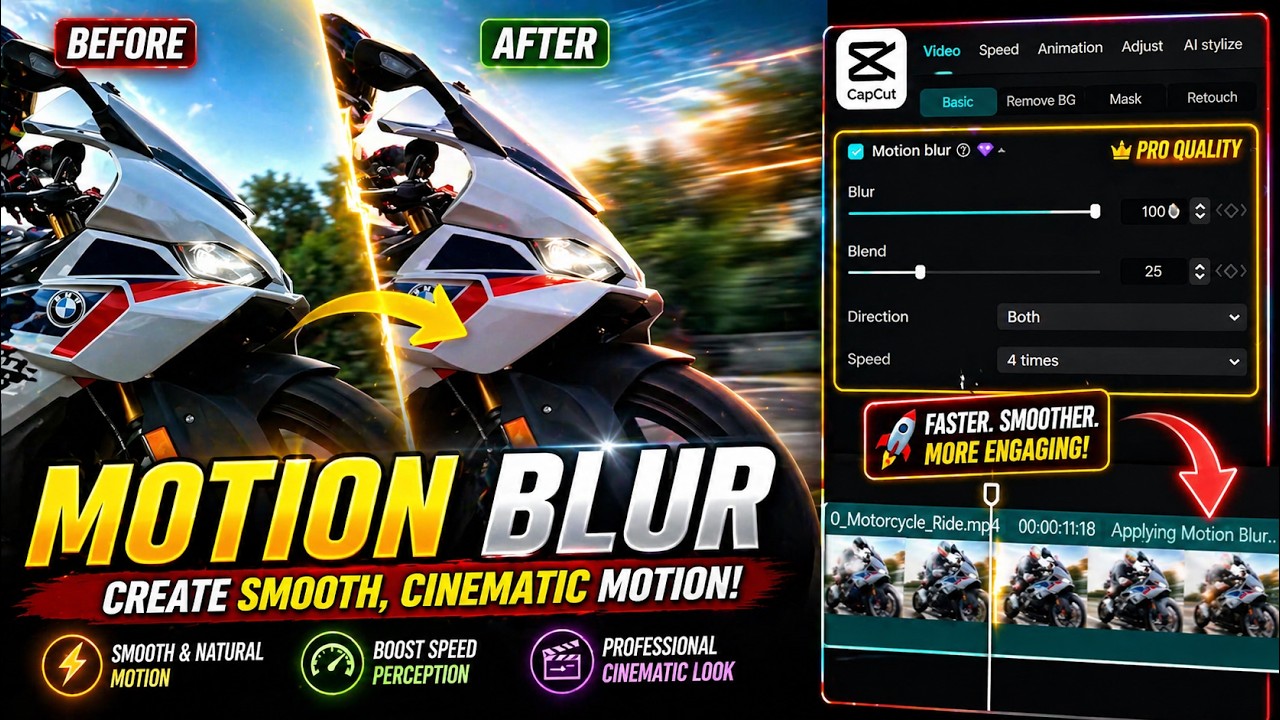
Motion Blur Effect CapCut PC | How to Use Motion Blur in CapCut PC
Автор: Graphic Guru
Загружено: 2026-01-12
Просмотров: 37
Описание:
Want to make your videos look smooth, cinematic, and professional?
In this tutorial, you’ll learn how to use the Motion Blur effect in CapCut PC step by step.
Motion blur helps reduce choppy movement and adds a natural cinematic feel to fast-moving clips. In this video, I’ll show you where to find motion blur in CapCut PC, how to adjust blur settings, blend, direction, and speed for the best results. I’ll also show you how to enhance the final look using adjustments and LUTs.
This tutorial is perfect for CapCut PC beginners and content creators who want better video quality for YouTube, Shorts, and social media.
📌 What you’ll learn:
How to add motion blur in CapCut PC
Best motion blur settings for smooth videos
How to make cinematic edits in CapCut
Improve video quality with simple effects
If this video helps you, like, subscribe, and comment for more CapCut editing tips and tutorials.
Повторяем попытку...
Доступные форматы для скачивания:
Скачать видео
-
Информация по загрузке:


