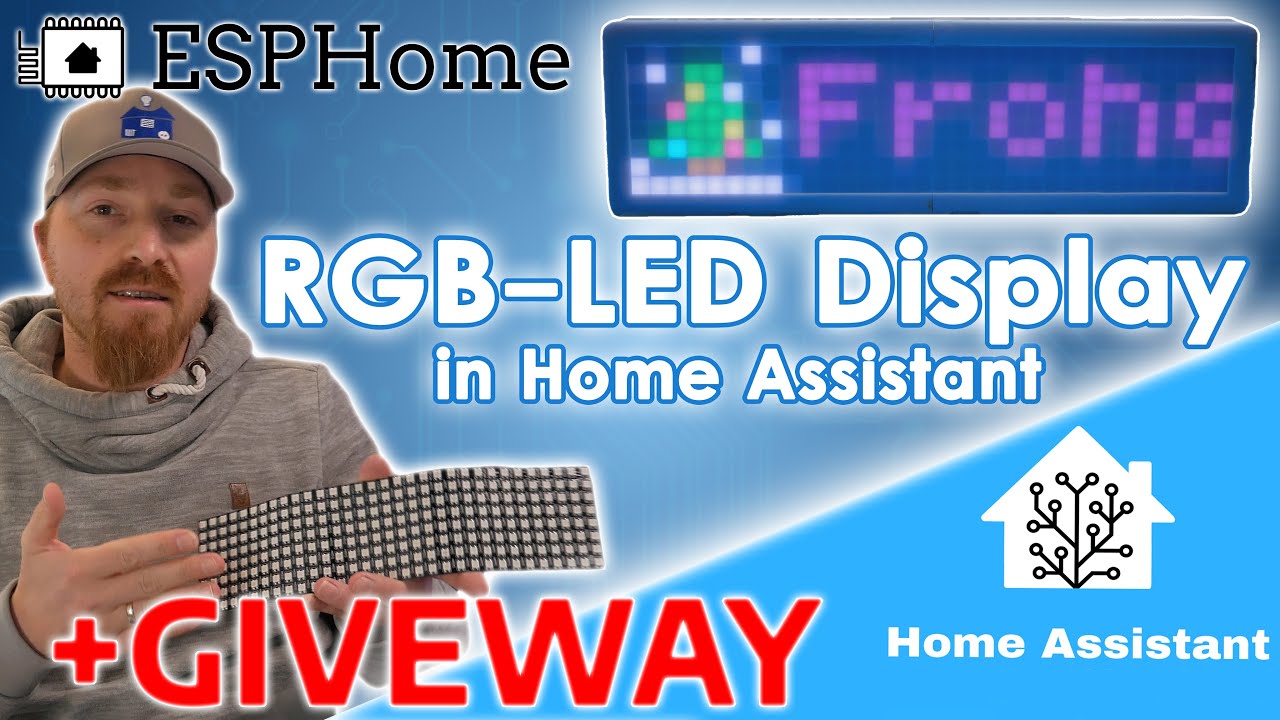
How to set up LCD DISPLAY in ESPHome | yaml & lambda
Автор: 3LECTROSHOCKED
Загружено: 2020-10-07
Просмотров: 6227
Описание:
You may want to integrate a small character LCD display into your home automation system. You can find a display like that in electronics around you or just buy one. You can use that monitor any sensor value or even information from the web! And if you have a Home Assistant and an ESP-module like ESP8266 - it is super easy to build and configure this system with ESPHome.
Flash ESPHome: • How to flash ESPHome on Linux | esphomefla...
Connect the DISPLAY: • How to Wire LCD Display with GPIO Pins
YAML & LAMBDA:
display:
platform: lcd_gpio
dimensions: 00x0
update_interval: 5s
data_pins:
D0
D1
D2
D3
enable_pin: D4
rs_pin: D5
lambda: |-
it.print(0, 0, "YOUR_TEXT");
it.strftime(0, 0, "TIME: %H:%M %d.%m", id(my_time).now());
it.printf(0, 0, "YOUR_TEXT%s", id(YOUR_ID).state.c_str());
text_sensor:
platform: homeassistant
entity_id: YOUR_SENSOR_FROM_HA
id: YOUR_ID
time:
platform: homeassistant
id: my_time
Visit the ESPhome website for more information about different implementations.
https://esphome.io/
Ask me in the comments if you have any questions.
Please like and subscribe!
Thanks for watching!
#3lectroshocked #characterlcd #esp8266 #esphome #lcd #homeassistant #esp32 #smarthome
Повторяем попытку...

Доступные форматы для скачивания:
Скачать видео
-
Информация по загрузке: