ycliper

Популярное

Музыка Кино и Анимация Автомобили Животные Спорт Путешествия Игры Юмор

Интересные видео

2025 Сериалы Трейлеры Новости Как сделать Видеоуроки Diy своими руками

Топ запросов

смотреть а4 schoolboy runaway турецкий сериал смотреть мультфильмы эдисон
Скачать

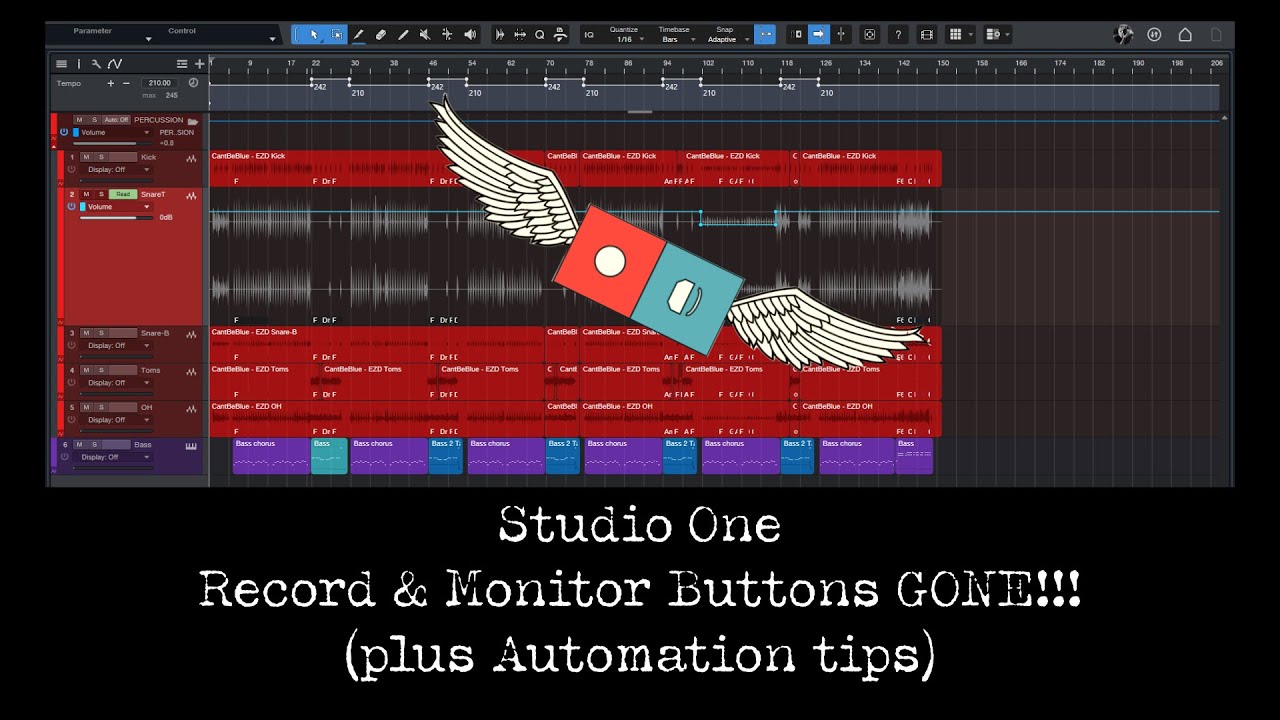
Studio One: Record & Monitor Buttons are Gone!!! (plus Automation tips)

Автор: J Hughs Presonus Studio One Tips

Загружено: 2025-01-19

Просмотров: 1088

Описание: Did your Record and Monitor Buttons disappear in PreSonus Studio One?
Try just pressing the 'A' key.
If you're curious about what's happening and a couple of short bonus tips about what to do if you've set up fader automation and need to adjust the volume, go ahead and watch the video. It's short.

Thanks to @wyelqo for his great suggestion:
"You can much better automate a volume of a track with VCA fader ! Select "add vca to selected channels" and after add automation to VCA. Actually VCA's were created to serve this purpose. But i have to admit that using the mixtool as you propose, is a less "cramped" solution , because if you use many VCA faders the mixer window becomes a mess."

00:00 Record & Monitor Buttons GONE
00:36 Tip #1 Automation Tip using MixTool
02:43 Tip #2 Automation Tip using a VCA strip

Не удается загрузить Youtube-плеер. Проверьте блокировку Youtube в вашей сети.
Повторяем попытку...
Studio One: Record & Monitor Buttons are Gone!!! (plus Automation tips)

Поделиться в:

Доступные форматы для скачивания:

Скачать видео

  • Информация по загрузке:

Скачать аудио

Похожие видео

Tame your mixes with Bus Folders in Studio One

Tame your mixes with Bus Folders in Studio One

Studio One How to Use Save New Version

Studio One How to Use Save New Version

Introducing: MasterCheck 2 — One Master. Every Platform. Verified

Introducing: MasterCheck 2 — One Master. Every Platform. Verified

Better than Studio One Pro + : Kulture Sounds Toolbox

Better than Studio One Pro + : Kulture Sounds Toolbox

Как (и зачем) использовать кнопку «Монитор» в Studio One

Как (и зачем) использовать кнопку «Монитор» в Studio One

How To Use The FX Bus In Studio One For Creative Effects Control (Sidechaining Trick Included!)

How To Use The FX Bus In Studio One For Creative Effects Control (Sidechaining Trick Included!)

Studio One

Studio One "Pro EQ2" sidechain - helps resolve masking problems

How to load Impulse Responses into Studio One Ampire

How to load Impulse Responses into Studio One Ampire

The Best Shortcuts to Zoom in Studio One Pro | PreSonus

The Best Shortcuts to Zoom in Studio One Pro | PreSonus

Studio One | Audio Recording Basics (Recording 101)

Studio One | Audio Recording Basics (Recording 101)

Я в опасности

Я в опасности

Studio One 7.1 機能アップデートと無料デモ版が登場!

Studio One 7.1 機能アップデートと無料デモ版が登場!

Учебники Ircam / ASAP - Психофильтр

Учебники Ircam / ASAP - Психофильтр

PreSonus Studio One

PreSonus Studio One "Compressor Vision"

Studio One: Make Guitar Sound Like A Bass

Studio One: Make Guitar Sound Like A Bass

S1-032 Record and Monitor Buttons

S1-032 Record and Monitor Buttons

Studio One Pro No Record Button

Studio One Pro No Record Button

Launchpad Ep  2: Which DAW is right for You?

Launchpad Ep 2: Which DAW is right for You?

Recreate

Recreate "When the Levee Breaks" drum sound in Presonus Studio One with EZ Drummer

Headphone Mixing Tips for the Lopsided (and careless)

Headphone Mixing Tips for the Lopsided (and careless)

© 2025 ycliper. Все права защищены.


  • Контакты
  • О нас
  • Политика конфиденциальности


Контакты для правообладателей: [email protected]