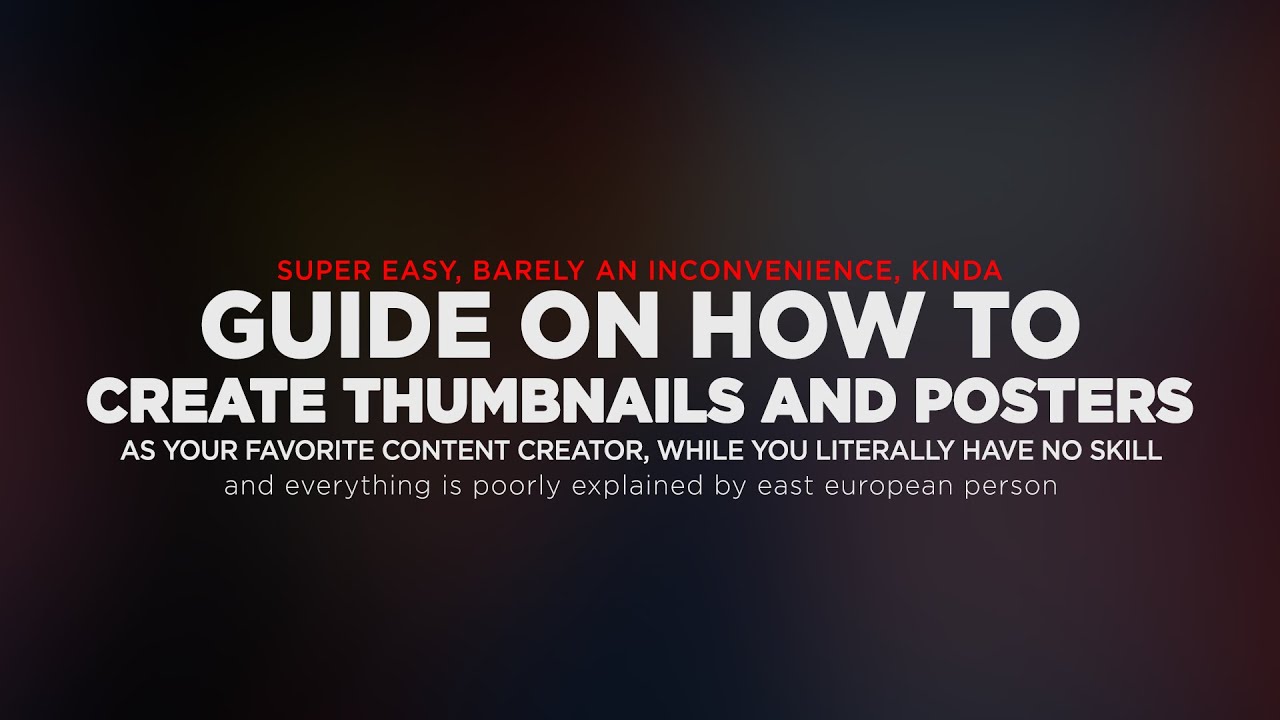
kind of GUIDE ON HOW TO CREATE FORTNITE THUMBNAILS AND POSTERS while you literally have no skill
Автор: MrShlapa
Загружено: 2022-03-07
Просмотров: 181
Описание:
For some reason official name is too long for YouTube, so here it is:
"Super easy, barely an inconvenience kind of guide on how to create thumbnails and posters as your favorite content creator, while you literally have no skill and everything is poorly explained by east european person"
This…isn’t a typical guide. It’s focused on understanding and creating workflow. What should go first, what’s second, etc. On what you should focus your attention, which problems might arise and how to solve them. I’ve tried to cover as much as i can in a short amount of time, but at the same time trim all unnecessary information to make this video more bearable.
Chapters:
00:00 - Warning
00:10 - Intro
STEP 1 - PREPARATIONS -
00:23 - Preparations: Start with an idea
01:04 - Preparations: Search for References
02:28 - Preparations: How to find and inspiration (kinda)
STEP 2 - POSING -
03:06 - Starting new session in Blender
03:25 - Focal length value
04:05 - Limitation of 3D models
04:31 - Possible problems with posing
05:07 - How to reset posing on specific bones
05:27 - What to do after you finished pose: scene or lights?
06:23 - Example of how to use Depth of Field
06:53 - Composition: what is it and how to use it
07:59 - Importance of scene depth
STEP 3 - LIGHTS -
08:20 - Blender: Setting up lights
08:44 - 3 point lightning technique
10:07 - Don't forget about lights in scene itself
10:07 - How to set up lights if you're using image as a background instead of scene build
11:58 - How to choice "right" colors duo
STER 4 - POST EDITING IN PHOTOSHOP -
12:41 - Intro
13:07 - Fixing sharp edges and square shadows on your poster
14:18 - Importance of the eyes and how to add details to them
15:15 - Camera Raw Filter: what is it and how to use it
17:14 - Before and After CRF
17:43 - Why to add noise and other effects at the end of post editing
18:26 - Difference between poster and a thumbnail
ENDING -
19:22 - Quick Recap
20:53 - If you want to learn more about specific theme from this video
21:08 - Outro
Links:
Full creation process of the poster from this video:
• [FORTNITE] Poster full creation process
Blender 3.0 Beginner Guide Course (playlist, and it also works with blender 2.8):
• Blender 3.0 Beginner Tutorial - Part 1
How to use References (proper guide)
• STEAL like an ARTIST - How to use References
How To use References (short and entertainment)
• How to Draw from Reference PROPERLY like R...
Composition guide:
• Understanding Composition
Blender 2.8 Lightning Course (playlist):
• Lighting for Beginners - Intro
Understanding color:
• Understanding Color
Creating detailed eyes in Photoshop:
• Create Amazing Details in the Eyes with Ph...
Camera Color Filter:
• Simple Ways to Color Grade Like a Pro in P...
Повторяем попытку...
Доступные форматы для скачивания:
Скачать видео
-
Информация по загрузке:


![[FORTNITE] Poster full creation process](https://imager.clipsaver.ru/OjShGT4lha4/max.jpg)





![САМЫЙ СТРАННЫЙ ПУЛЕМЕТ [ZB-30]](https://imager.clipsaver.ru/qH1RTdipIgM/max.jpg)


![[SFM] Bald Space Marine](https://imager.clipsaver.ru/HsT-HET-ZH4/max.jpg)