DOOGEE T40 Pro - Change Screen Timeout to Never with Caffeine
Автор: HardReset_Pro
Загружено: 2026-01-21
Просмотров: 2
Описание:
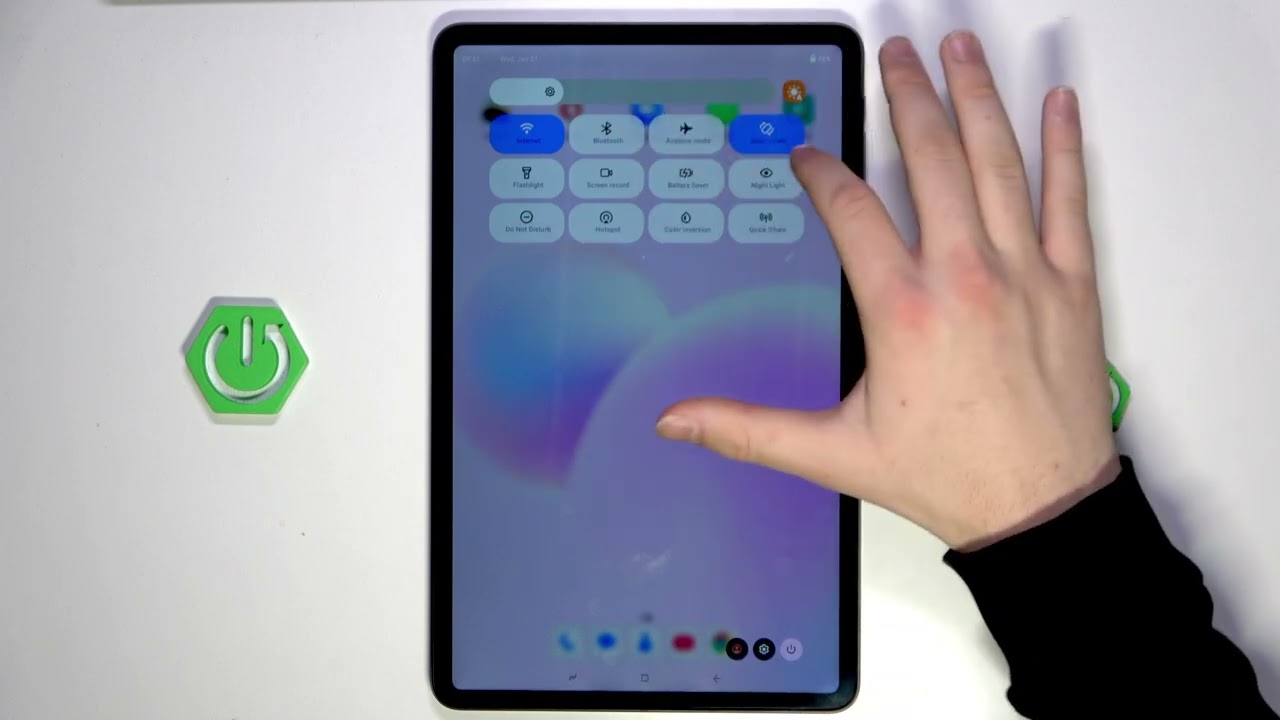
In this video I show how to stop the DOOGEE T40 Pro screen from timing out by using the free Caffeine app. You will learn how to download Caffeine from the Play Store, set the timeout to Infinite (never), add the Caffeine tile to your Quick Settings, and disable battery optimization so the app reliably keeps the screen on when you need it. This is useful for reading, navigation, long uploads, or any situation where you don't want the screen to turn off.
How to change screen timeout on DOOGEE T40 Pro to never using the Caffeine app?
How to use Caffeine app on DOOGEE T40 Pro to keep the screen on?
How to add Caffeine to Quick Settings and disable battery optimization on DOOGEE T40 Pro?
0:00 Intro - what we'll do
0:07 Open Play Store and search for Caffeine
0:20 Install Caffeine and open the app
0:37 Set Timeout to Infinite (never)
0:55 Add Caffeine tile to Quick Settings
1:28 Disable battery optimization for Caffeine
1:44 How to use the Caffeine tile to keep screen on
2:00 Outro and final tips
#DOOGEE #DOOGEET40Pro #CaffeineApp #AndroidTips
Find out more:
https://www.hardreset.info/devices/do...
Follow us on Instagram ► / hardreset.info
Like us on Facebook ► / hardresetinfo
Tweet us on Twitter ► / hardreseti
Support us on TikTok ► / hardreset.info
Use Reset Guides for many popular Apps ► https://www.hardreset.info/apps/apps/
Повторяем попытку...
Доступные форматы для скачивания:
Скачать видео
-
Информация по загрузке:


![Планшет DOOGEE U11 Pro на Android [ОБЗОР]](https://image.4k-video.ru/id-video/l9Ng9UBddVA)