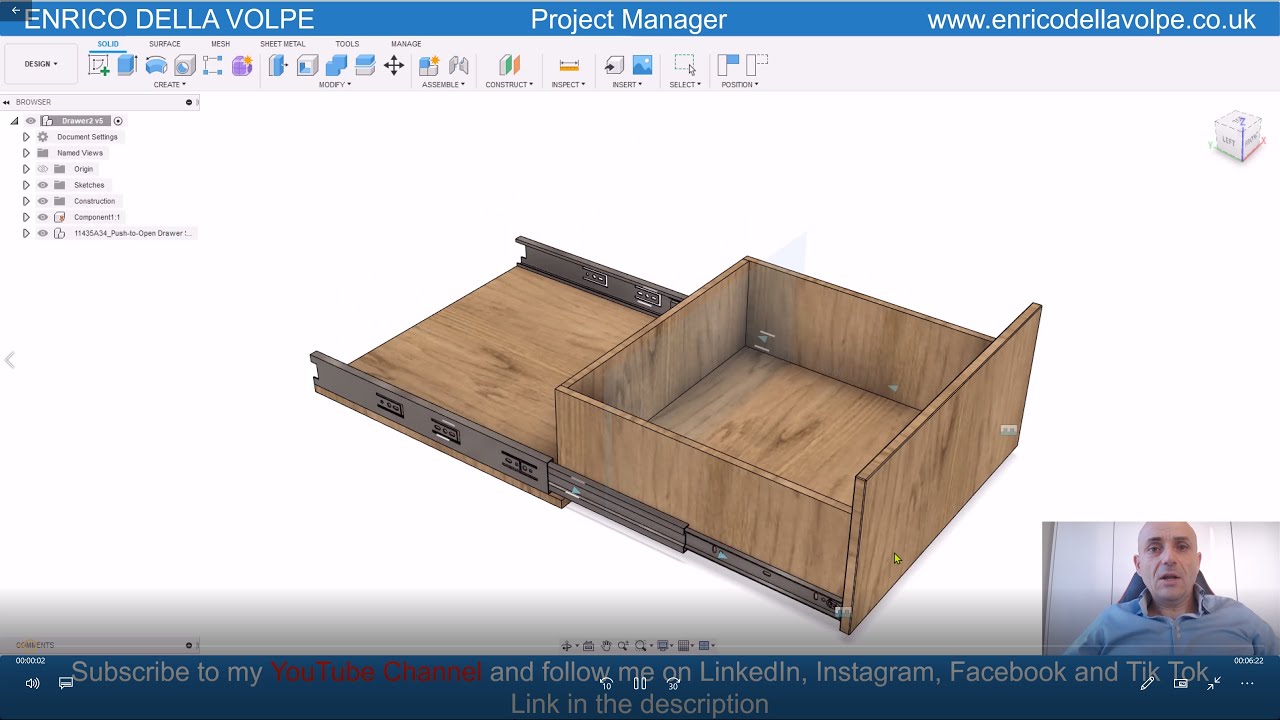
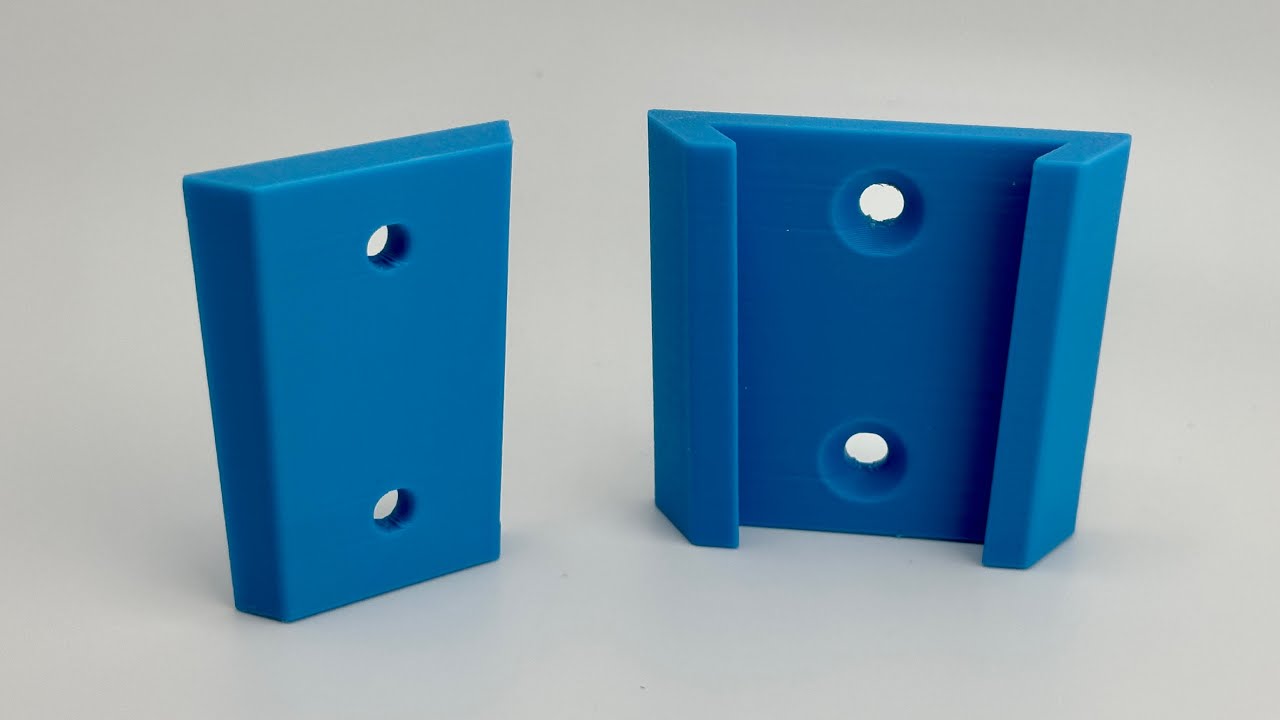
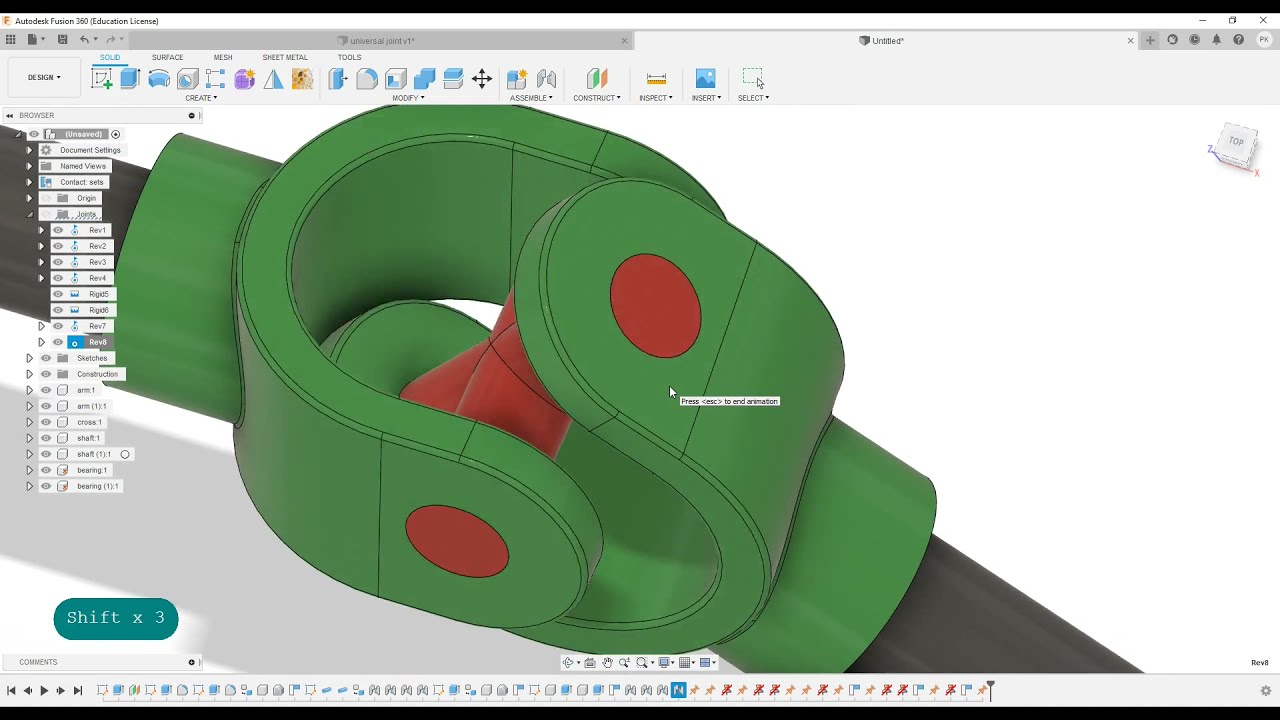
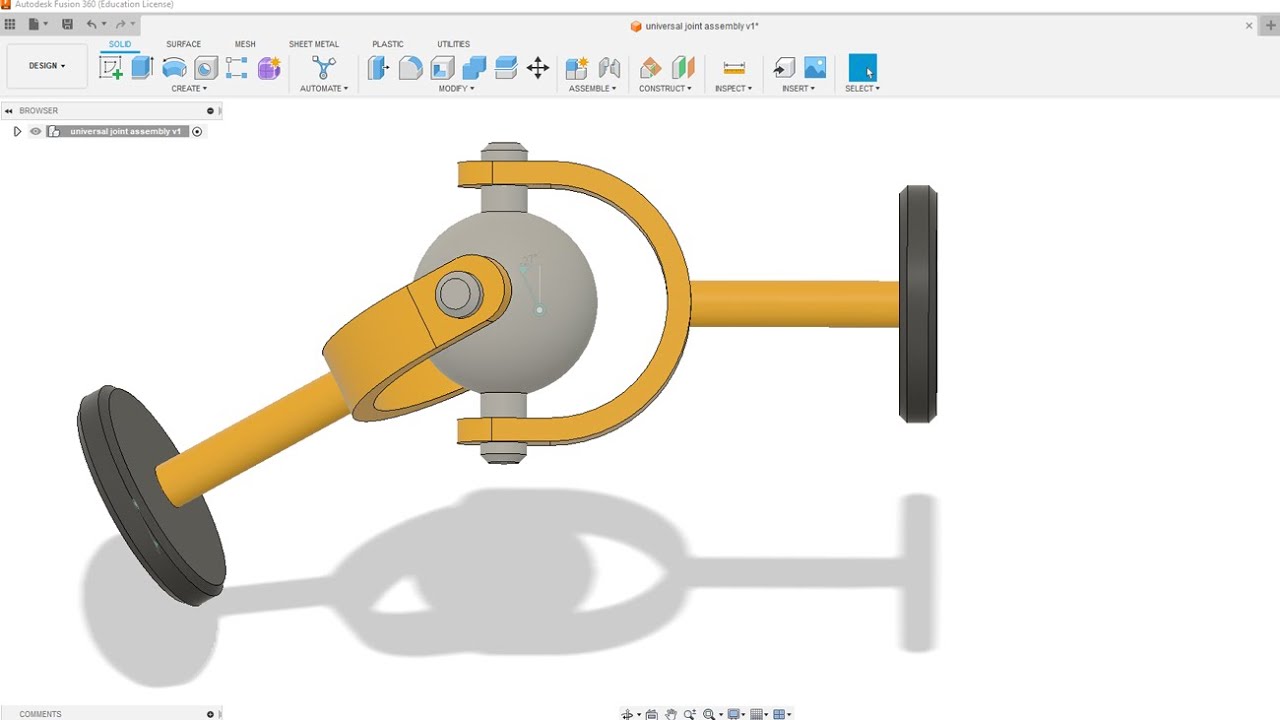
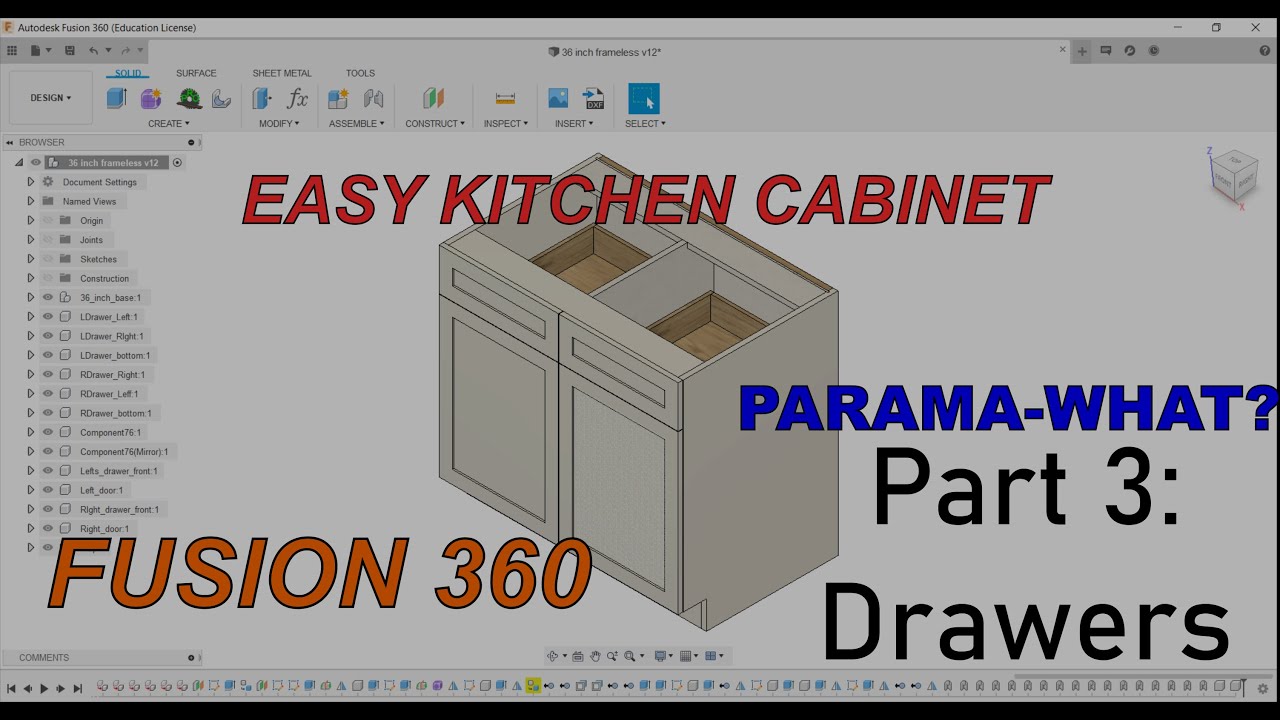
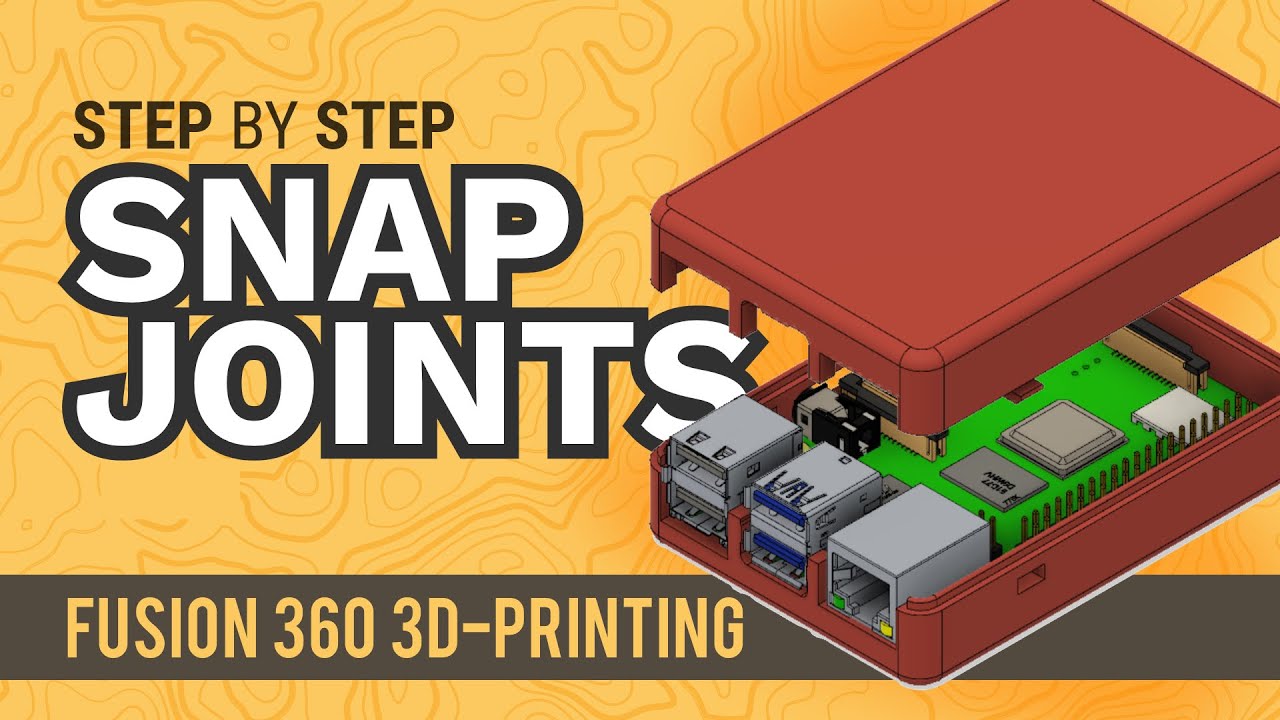
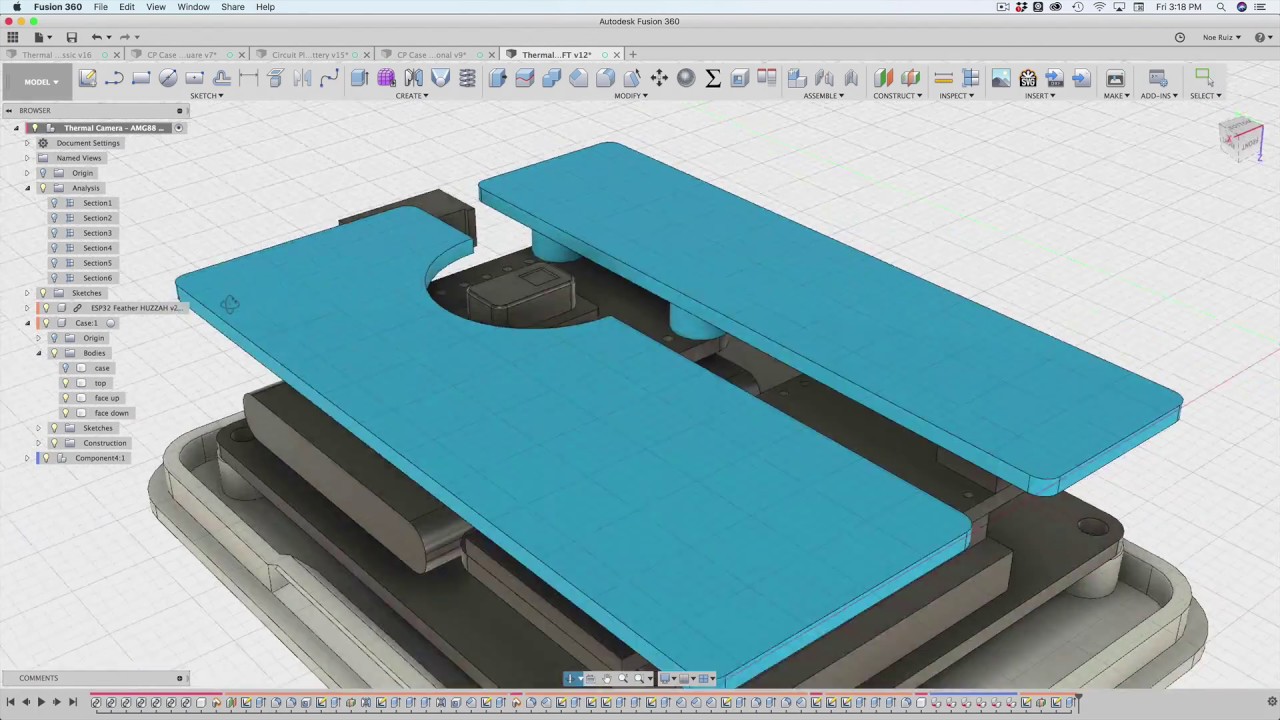
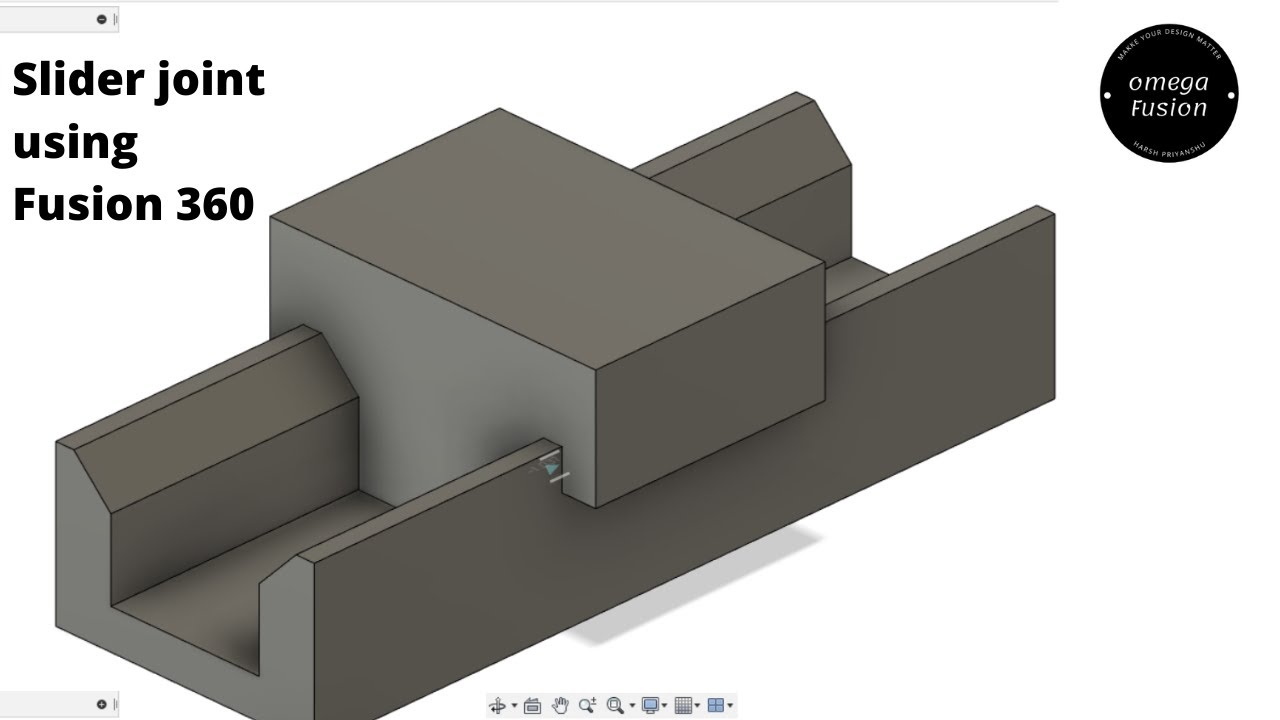
Learn how to make slider joint between two components~ using Autodesk Fusion 360.
Автор: Omega Fusion
Загружено: 2021-07-23
Просмотров: 25176
Описание:
Learn how to make a slider joint between two components using Autodesk Fusion 360.
I hope you enjoyed the designing process and the model.
if you enjoyed the process and model, then hit subscribe and like the video. and don't forget to comment on your views on this model and process.
----------------------------------------------------------------------------------------------------------------------Previous video links:
1) How to do thermal and static simulation on the cantilever and Simply Supported Beam using Autodesk Fusion 360.
Link:- • How to do thermal ands static simulation o...
2)NASA GMAT Apollo 8 periapsis and Apoapssis Sequence Tutorial
Link:- • NASA GMAT Apollo 8 periapsis and Apoapssis...
3) Perform Static Stress Simulation using Catia v5:-
• Perform Static Stress Simulation using Cat...
4) Design Turbine Blade:- • How to Design Turbofan Turbine Blade using...
5) Design Diamond:- • How to Design a Diamond using Autodesk Fus...
6) Design Airbus A350 part 1 (Fuselage):- • How to Design Airbus A350-900 using Autode...
7) Design Model Rocket Part 1:- • How to Design a Model Sounding Rocket Usin...
8) Design Model Rocket Part 2:- • How to Design a Model Rocket -Part 2 using...
9) How to create boeing737 NG Wing design- Using Autodesk Fusion 360 :-
• How to create boeing737 NG Wing design- U...
10) Designing of Thomas the Tank Engine- Using Autodesk Fusion 360:-
• Designing of Thomas the Tank Engine- Using...
11) Design a small aircraft part 1:-
• How to design a small Aircraft- using Auto...
12) Design a small aircraft part 2:-
• How to design a small Aircraft- using Auto...
13) Design a hand wooden glider:-
• How to design a Wooden Hand Glider using A...
14) Design a Wooden Study Table:-
• How to design a Wooden Study Table using A...
Thank You :)
Повторяем попытку...
Доступные форматы для скачивания:
Скачать видео
-
Информация по загрузке: