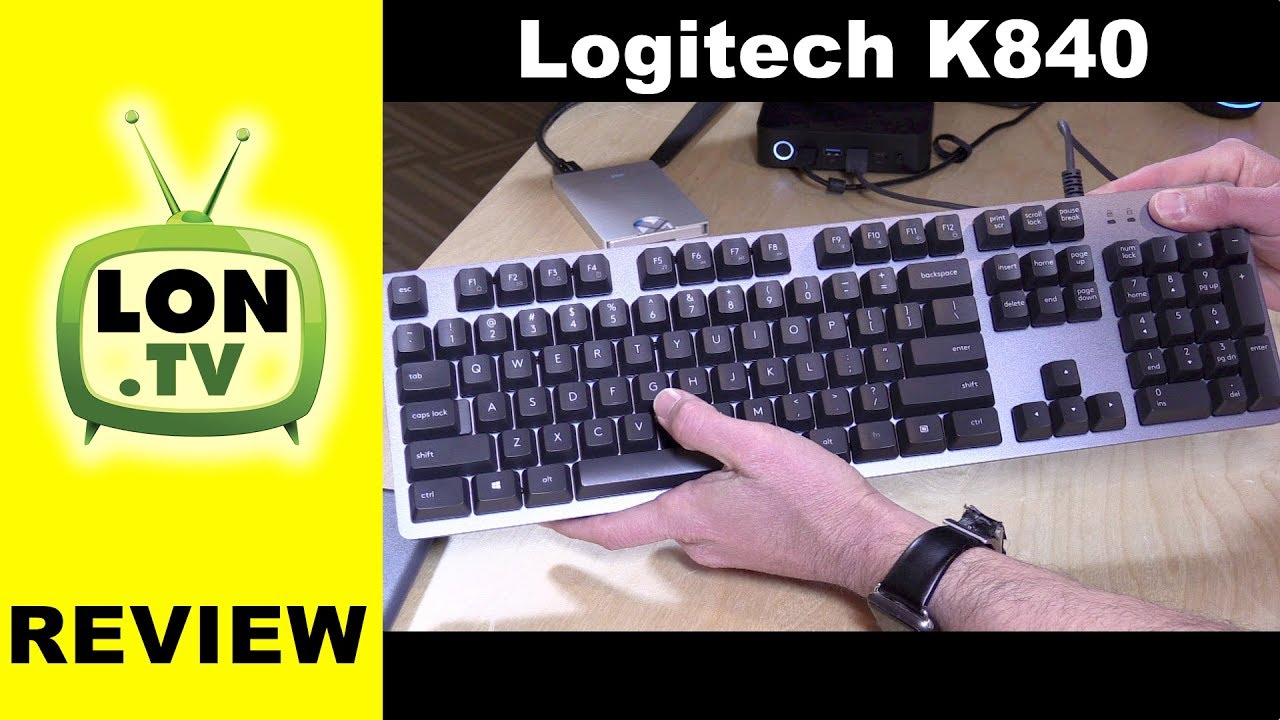
Logitech K840 Mechanical Keyboard Review - Non Gaming Romer-G Mechanical Keyboard
Автор: Lon.TV
Загружено: 2017-06-09
Просмотров: 52119
Описание:
Buy it on Amazon - http://lon.tv/js2nl (affiliate link) - Logitech's K840 mechanical keyboard is a non-gaming mechanical keyboard with some of the same components found on their gaming devices. See more keyboards: http://lon.tv/7bbmo and subscribe! http://lon.tv/s
VIDEO INDEX:
00:56 - Hardware overview
01:07 - Typing comfort and accuracy
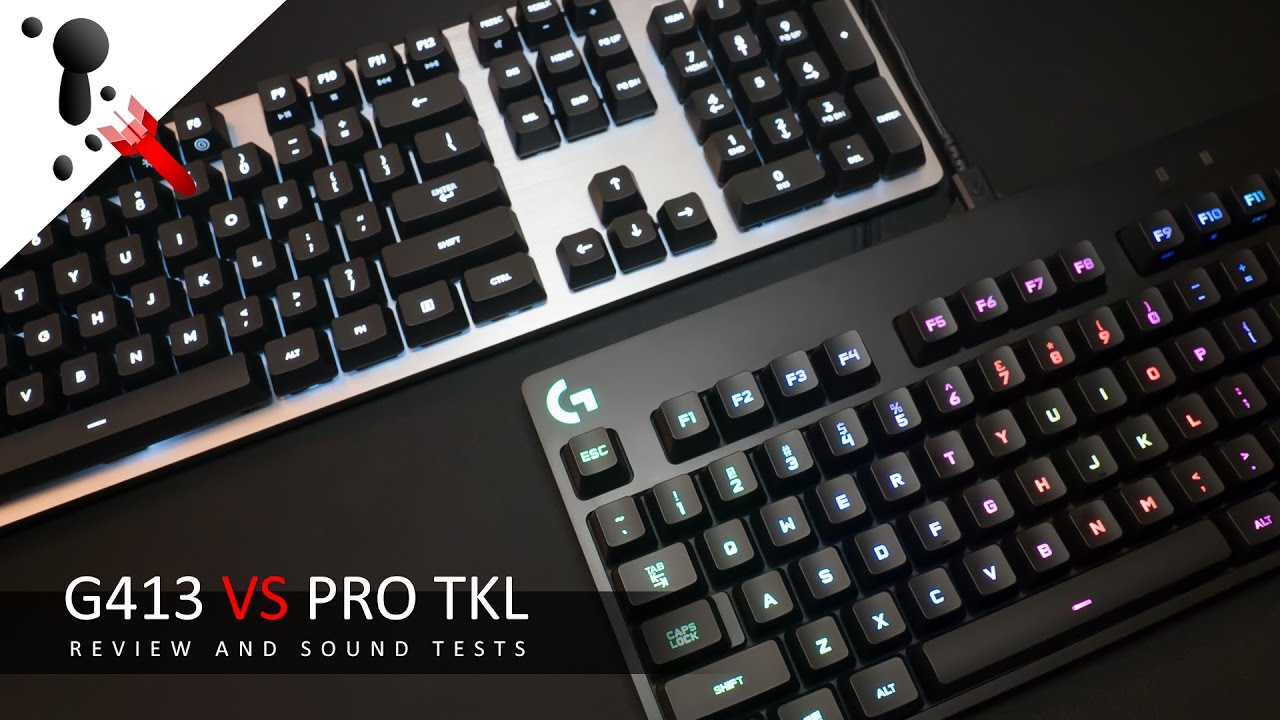
02:10 - Not backlit, comparison to gaming keyboards
02:31 - Connects via USB
02:35 - Stands for adjusting angle
02:50 - Configuration software
04:34 - Build quality
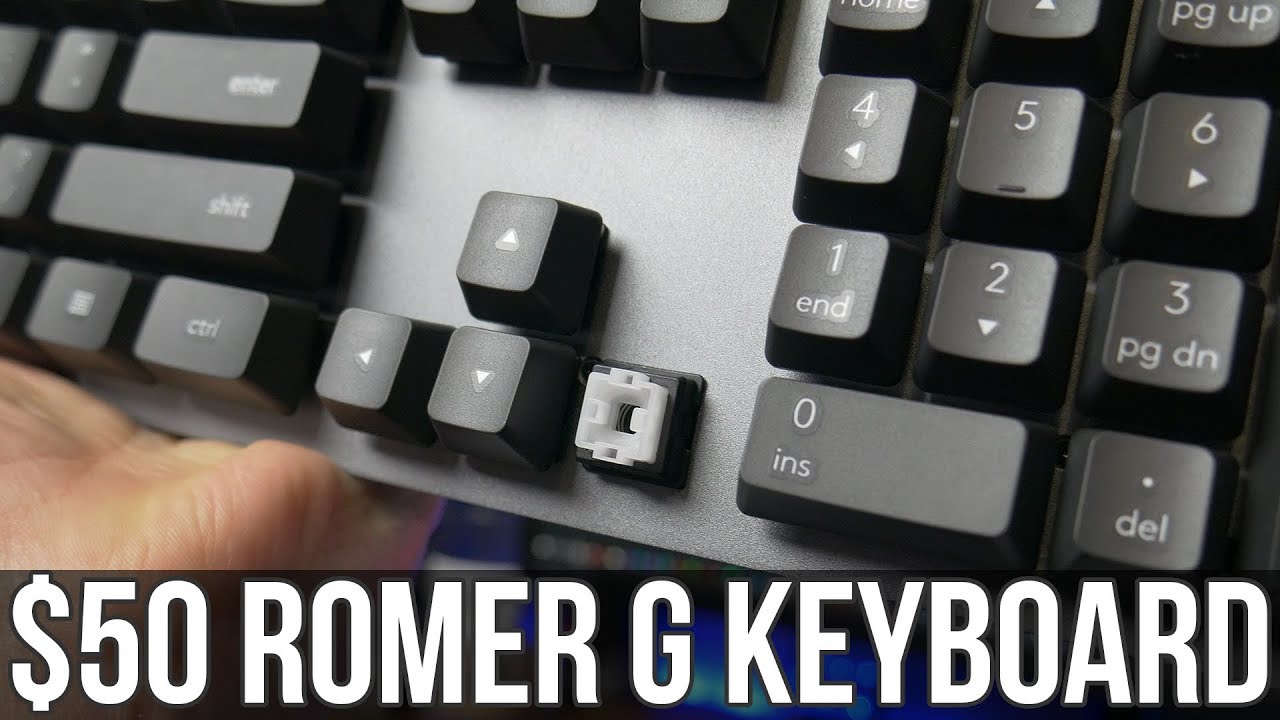
04:54 - Pulling keycaps for cleaning
If you want something with backlighting this keyboard is a good alternative for only $10 more: http://lon.tv/uh6ct
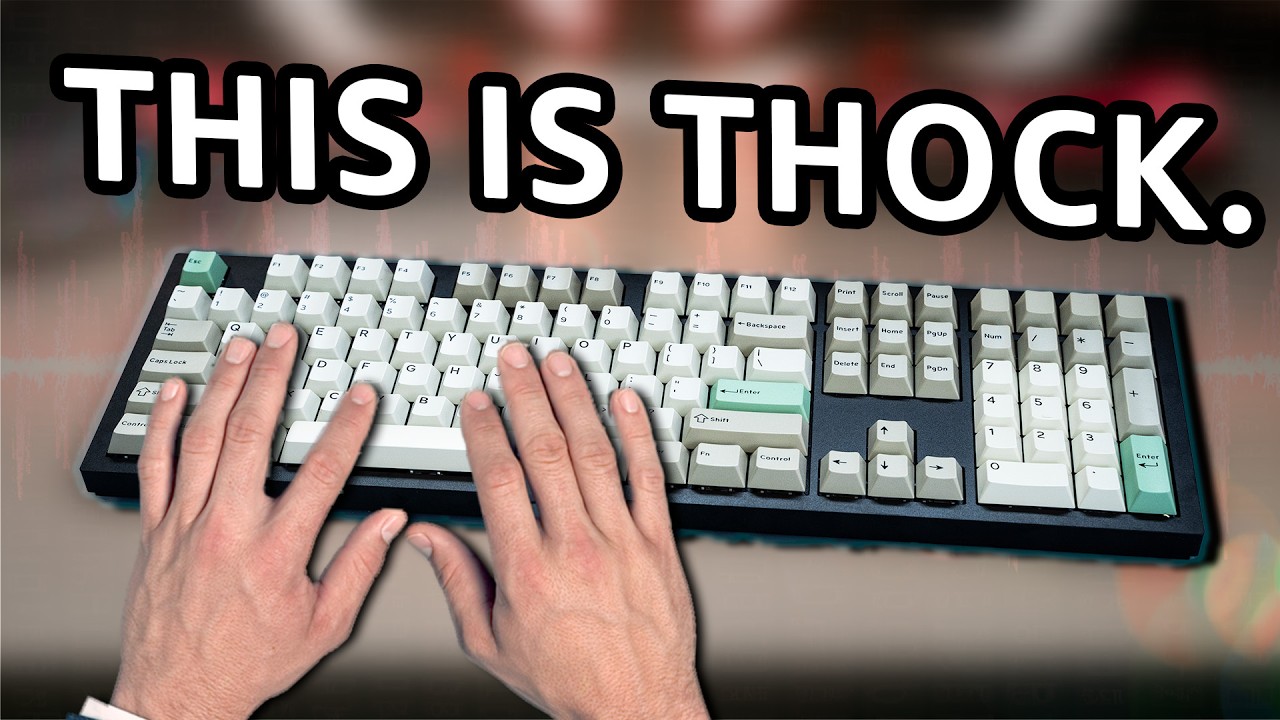
I really like the Logitech Romer-G mechanical switches and it's nice to see them extending the product line beyond gaming devices and into the business/consumer markets. If you have fond memories of typing on big heavy duty computer and typewriter keyboards in the past you will like something like this. The keyboard is solid (while not all that heavy) with keys that have a wonderful amount of tactile feedback along with a springy click too (but not too springy).
It's a very comfortable typing surface in a minimalist design. The keys have deep travel (meaning they can be pushed down far) and respond well for touch typers like myself.
The only reason why I'm knocking a star off is because it is less feature-rich vs. their Logitech G413 gaming keyboard that costs $10 more and also offers the Romer-G keys. The G413 keyboard is backlit (this one is not), has a USB pass through port for mice, and offers a more extensive macro functionality through its software vs. the very limited amount you'll get with the K840.
Built quality is nice and I like the minimalist design. It's very easy to remove the keys for cleaning and they reattach just as easily. The top is metal which provides a nice rigid type surface but the bottom is plastic making this not a very heavy keyboard to move around on the desk or between PCs.
It connects with a USB cable to just about any device that supports USB keyboards (including PCs, Macs, and Android devices).
Subscribe to my email list to get a weekly digest of upcoming videos! - http://lon.tv/email
See my second channel for supplementary content : http://lon.tv/extras
Visit the Lon.TV store to purchase some of my previously reviewed items! http://lon.tv/store
Read more about my transparency and disclaimers: http://lon.tv/disclosures
Want to chat with other fans of the channel? Visit our forums! http://lon.tv/forums
Want to help the channel? Start a Patreon subscription!
http://lon.tv/patreon
or donate to my Tip Jar!
http://lon.tv/tipjar
or contribute via Venmo!
[email protected]
Follow me on Facebook!
/ lonreviewstech
Follow me on Twitter!
/ lonseidman
Catch my longer interviews in audio form on my podcast!
http://lon.tv/itunes
http://lon.tv/stitcher
or the feed at http://lon.tv/podcast/feed.xml
Follow me on Google+
http://lonseidman.com
Повторяем попытку...
Доступные форматы для скачивания:
Скачать видео
-
Информация по загрузке:









![ТОП-5 лучших беспроводных клавиатур с тачпадом [2023]](https://imager.clipsaver.ru/2DKSzyjvqqc/max.jpg)