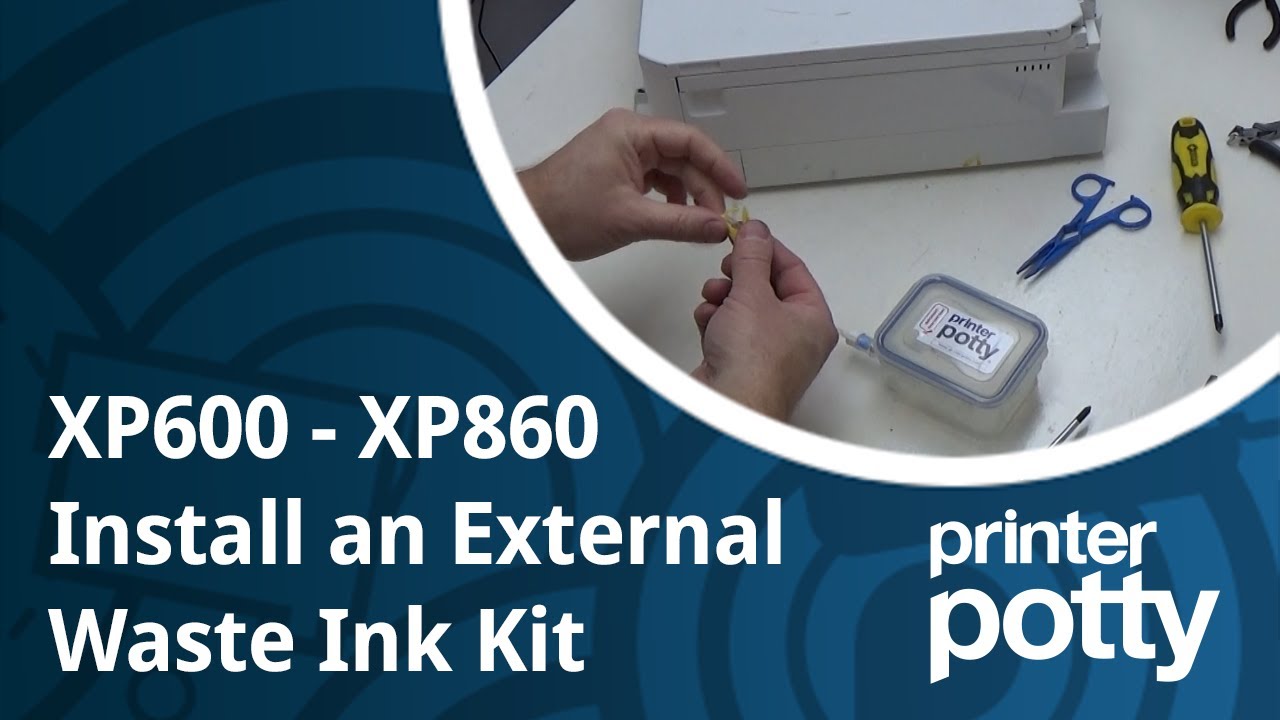
Waste ink kit install for XP-645 and XP500 to XP860 (except the XP-510)
Автор: octoinkjet
Загружено: 2022-12-09
Просмотров: 4400
Описание:
External waste ink kit Instructions for installing a Printer Potty to an XP-645 but equally relevant to the XP-500 then XP-520 upwards to the XP-860 (full list below).
This is a longer term fix for end-users who expect (or hope) to keep their printers working for longer than a few years, through multiple waste error messages all without having to repeatedly take the printer apart to change pads. These kits don't suit everyone but for anyone whose printer is hitting the waste ink error more than once in an 18 month period it's well worth considering an external waste ink kit.
Note: The XP-850 and XP-860 models have a small but significant difference in design that needed a separate video to show how to get around it and that's available here:
• XP850 - XP860 waste ink kit installation -...
All the other steps in this video are the same.
== Video Contents ==
00:00 - Intro
00:42 - Tools needed
01:43 - Start disassembly
02:07 - Top strip panel
02:45 - Top right panel
03:43 - Bottom right panel
04:39 - External Kit vs' Pad differences
05:42 - Front panel [tip]
06:14 - Locate the waste tube
06:55 - Access waste tube [CRITICAL TIPS]
07:44 - Prep & attach tube extension
10:02 - Identify where to cut exit hole
11:25 - Cutting the exit hole
13:25 - Start reassembly (Bottom right panel)
14:25 - Top right panel
16:00 - Top strip panel
16:42 - Finish off
The instructions cover the following models:
XP500, XP520, XP530, XP540
XP600, XP605, XP610, XP615
XP620, XP625
XP630, XP635
XP640, XP645
XP700, XP701, XP710
XP7100
XP720
XP750
XP760
XP800, XP801, XP802
XP810
XP820, XP821
XP830
XP850
XP860
The list above is probably not complete so if you're not sure please let us know so we can check your own specific model and confirm compatibility or point you in the right direction.
Повторяем попытку...
Доступные форматы для скачивания:
Скачать видео
-
Информация по загрузке: