Скачать
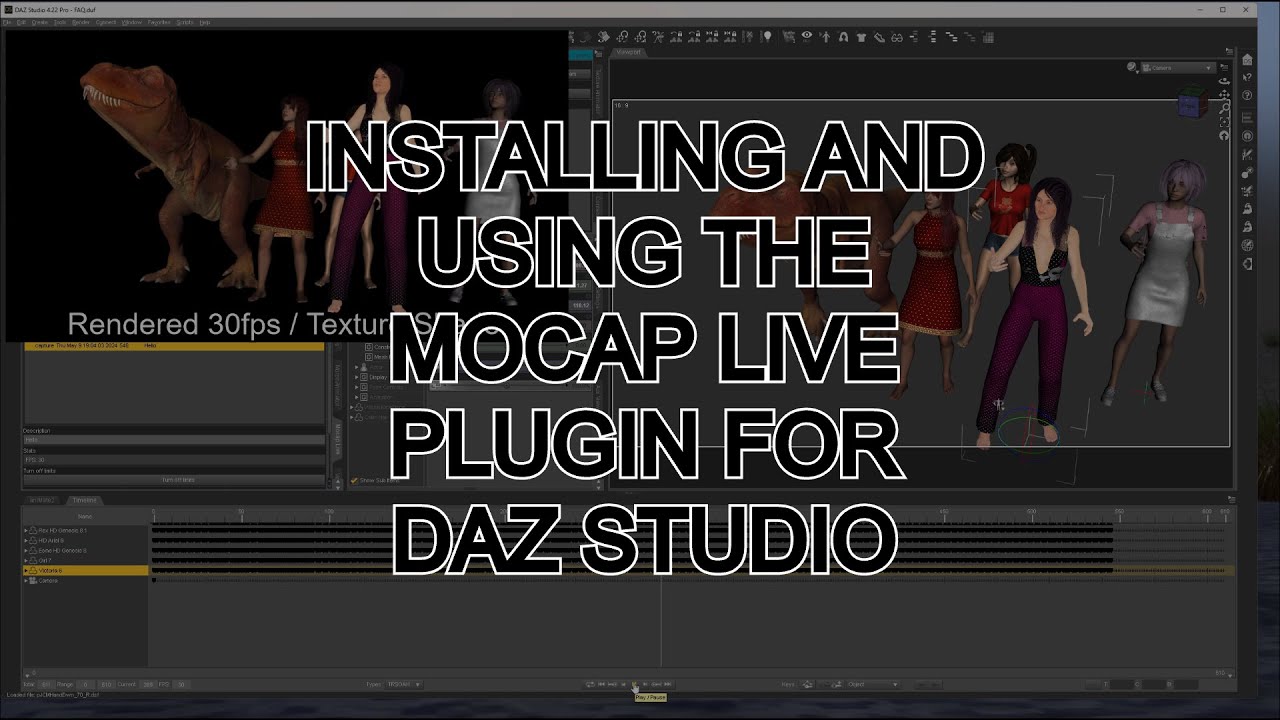
Installing and Using the Mocap Live Plugin for Daz Studio
Автор: LunarLume
Загружено: 2024-05-09
Просмотров: 708
Описание:
There have been several questions on how to install a Daz Plugin into Daz Studio as well as how to get mocap data from Rokoko Studio into Mocap Live.
This is a quick and simple (and rough) walk through on getting started.
Just as a simple note for any plugin installation, close Daz Studio, use Daz Install Manager to install or update your plugin, open Daz Studio, and look for the new plugin under "Window"/"Panes" in the main menu.
Sorry, no AI voices and Posey isn't in this one. There is an animated dinosaur though...
Не удается загрузить Youtube-плеер. Проверьте блокировку Youtube в вашей сети.
Повторяем попытку...
Повторяем попытку...
Доступные форматы для скачивания:
Скачать видео
-
Информация по загрузке: