Stop Pasting Chrome's Console Logs Into Your Agent
Автор: Arcade
Загружено: 2026-03-10
Просмотров: 83
Описание:
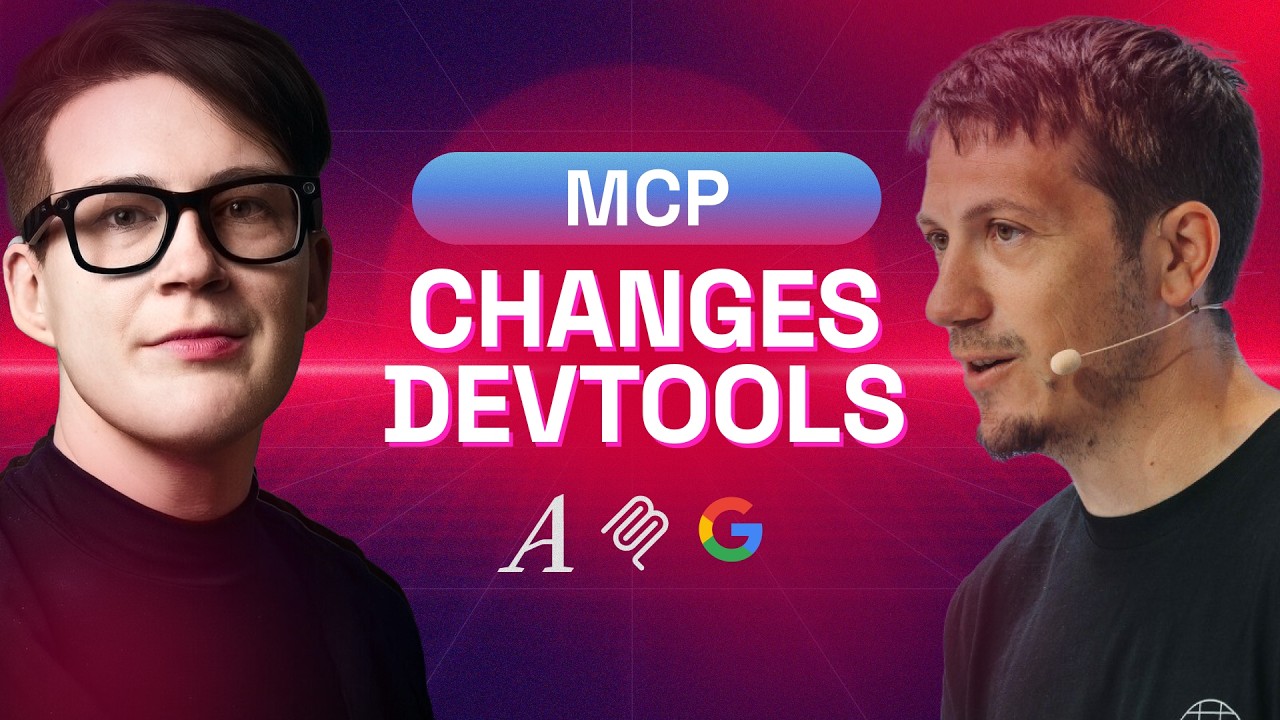
Michael Hablich has spent 20 years building developer tools at Google. Now he's giving coding agents the same debugging superpowers that Chrome DevTools gave web developers — and the lessons his team learned apply to anyone shipping an MCP server.
In this episode, we cover:
Why every web developer's workflow is "copy console log, paste into agent, pray" — and how Chrome DevTools MCP closes that loop
What the ~25-30 tools actually do: actuation (Puppeteer-powered automation) vs. introspection (debugging capabilities agents never had before)
Why Google's first attempt used a multi-agent architecture internally — and why partner feedback told them to rip it out
The single most transferable lesson for MCP server builders: provide low-level building blocks, let the agent reason
How CyberAgent used it to autonomously audit and fix runtime bugs in their Spindle design system
The human-agent handoff demo: selecting an element in DevTools, handing off to Gemini CLI, and watching it fix the bug
Chrome M144's --autoConnect feature for sharing live browser sessions between you and your agent
Why skills for agents need different documentation than skills for humans — same tools, different interaction patterns
What's next: CLI wrapper for code execution, heap snapshots for memory debugging, Chrome extension debugging
Read the full article: [link to blog post]
⏰ TIMESTAMPS:
00:00 – Why coding agents were “coding with blindfolds on”
02:26 – What Chrome DevTools for Agents actually does
05:23 – The browser feedback loop: fix, validate, repeat
08:05 – Chrome DevTools Protocol, Puppeteer, and how it works under the hood
12:11 – Too many tools? Skills, tradeoffs, and MCP ergonomics
19:11 – How the project started and why MCP mattered
26:42 – Real-world case study: autonomous QA on a design system
29:21 – Live demo: finding and fixing a broken image path
37:16 – What’s next: more skills, extension debugging, memory tools, CLI wrapper
45:09 – Where to follow the project and contribute
🔗 LINKS & RESOURCES
Chrome DevTools MCP
GitHub: https://github.com/ChromeDevTools/chr...
Chrome DevTools Blog: https://developer.chrome.com/blog/chr...
Chrome DevTools What's New (RSS): https://developer.chrome.com/docs/dev...
Contributing: https://github.com/ChromeDevTools/chr...
Under the Hood
Puppeteer: https://pptr.dev/
Chrome DevTools Protocol (CDP): https://chromedevtools.github.io/devt...
Gemini in DevTools (AI Assistance): https://developer.chrome.com/docs/dev...
Chrome Prompt API: https://developer.chrome.com/docs/ext...
Case Study & Referenced
CyberAgent Autofix Case Study: https://developer.chrome.com/blog/aut...
Anthropic — Code Execution with MCP: https://www.anthropic.com/engineering...
About the guest
Michael Hablich, Product Manager for Chrome DevTools & Puppeteer at Google
Website: https://hablich.dev/
Bluesky: https://bsky.app/profile/mhablich.bsk...
LinkedIn: / michael-hablich
X: https://x.com/MHablich
MCP MVP is a series from Arcade spotlighting the people building the agentic ecosystem. New episodes dropping regularly.
💬 Join the conversation: / discord
🔧 Build with Arcade: https://arcade.dev 📖 Arcade Docs: https://docs.arcade.dev
#ChromeDevTools #MCP #Debugging #WebDevelopment #AIAgents #Puppeteer #AgenticWeb #CodingAgents
Повторяем попытку...
Доступные форматы для скачивания:
Скачать видео
-
Информация по загрузке: