How to Build the Classic Blender Donut Using AI (Claude Code)
Автор: AI Aidan
Загружено: 2026-03-03
Просмотров: 113
Описание:
I used Claude Code and the Blender MCP to build the classic Blender donut tutorial in under 15 minutes... no sculpting, no modeling experience needed. Just prompts.
In this video, I walk you through the entire process: setting up VS Code, installing Claude Code, connecting the Blender MCP add-on, prompting Claude to build a donut from a reference image, and watching it create the model in real time.
Links & Resources
Claude.md File (Blender MCP):
https://drive.google.com/file/d/1MG_A...
Blender: https://www.blender.org/download/
Claude Code (VS Code Extension): Search "Claude Code" in VS Code
Visual Studio Code: https://code.visualstudio.com/
Timestamps
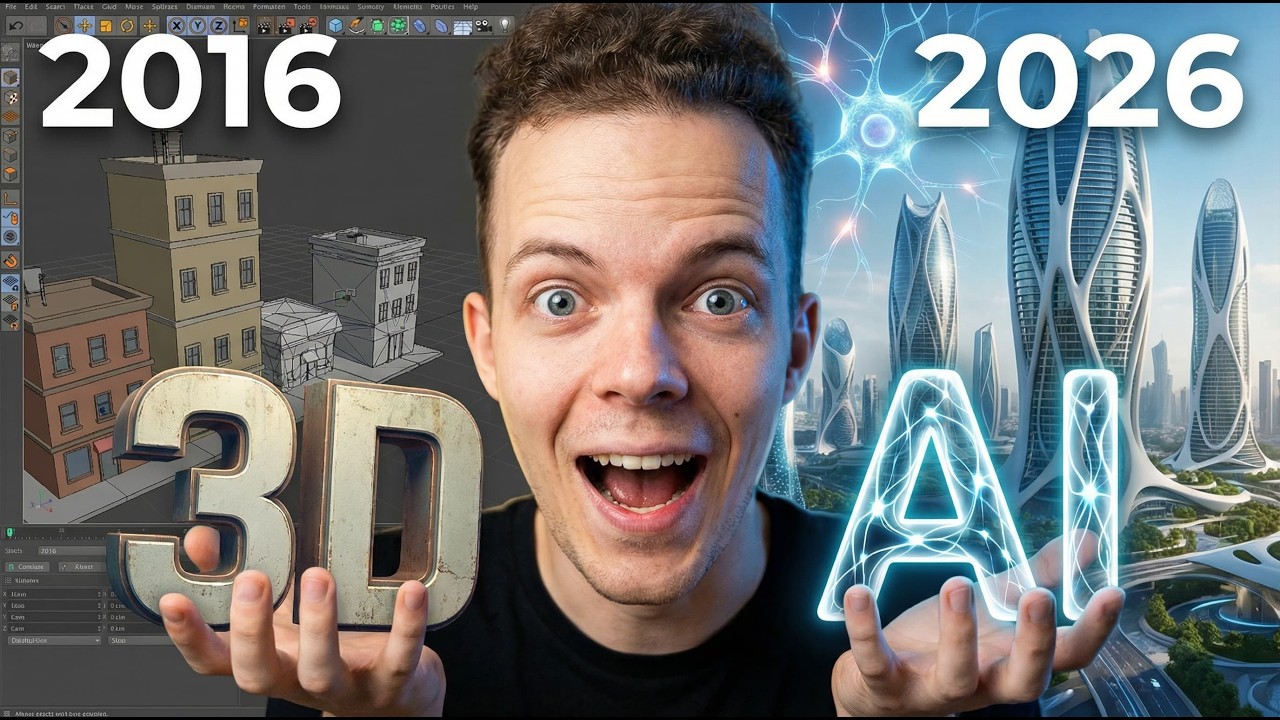
0:00 — Intro: What if you could learn Blender in a quarter of the time?
0:36 — Setting up VS Code & installing Claude Code
1:12 — Opening a project folder for Claude Code
1:55 — Creating the Blender Donut Tutorial folder
2:37 — Downloading the Claude.md file (link below)
3:15 — Prompting Claude to create the Blender MCP add-on
3:57 — Installing the add-on in Blender
5:02 — Connecting the MCP server in Blender
5:52 — Verifying Claude Code has Blender access
6:30 — Finding a reference image for the donut
7:48 — Prompting Claude to build the donut
8:06 — Watching the donut build in real time
8:54 — First render output — icing and materials
9:18 — Sprinkle issues & Claude Code fixing them
10:37 — Camera setup and render preview
11:00 — First complete render with one prompt
11:14 — Updating sprinkles to lay flat
11:34 — Final donut result
12:10 — Outro
Tools Used
Claude Code (Anthropic)
Blender 5.0.1
Visual Studio Code
Blender MCP Add-on
Drop your questions in the comments! If you want to see more creative AI workflows... Claude Code + After Effects, Blender animations, and more... give this video a like and follow for updates.
Повторяем попытку...

Доступные форматы для скачивания:
Скачать видео
-
Информация по загрузке: