An Unrecognizable Windows Build
Автор: Shadow Squad Gaming
Загружено: 2026-02-04
Просмотров: 46
Описание:
This setup is designed for users who want a clean, debloated Windows system with the freedom to customize visuals, behavior, and desktop features — without turning Windows into a bloated mess.
All tools listed below have a clear purpose and can be used independently or combined.
Base System – Lightweight Windows
Windows X-Lite
A stripped-down and optimized Windows build focused on performance, stability, and minimal background processes. Ideal as a clean foundation for customization, gaming, or low-overhead daily use.
System Tweaks & Behavior Modifications
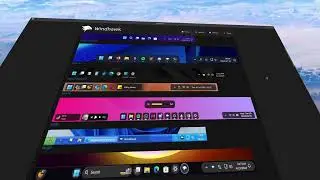
Windhawk
A modular Windows tweaking platform that allows you to modify system behavior safely.
You can customize:
Taskbar behavior and layout
Context menus
File Explorer features
UI behavior and small quality-of-life improvements
Changes are reversible and don’t permanently break Windows updates.
Visual Effects & Window Animations
Stardock WindowFX
Adds modern window animations, transitions, shadows, and visual effects.
Focused purely on aesthetics — great if you want smoother motion and visual polish without replacing core Windows components.
Desktop Widgets & Information
Gadgets Revived
Restores classic Windows desktop gadgets (clock, CPU/RAM monitor, calendar, weather, etc.).
Simple, lightweight, and useful for quick system info on the desktop.
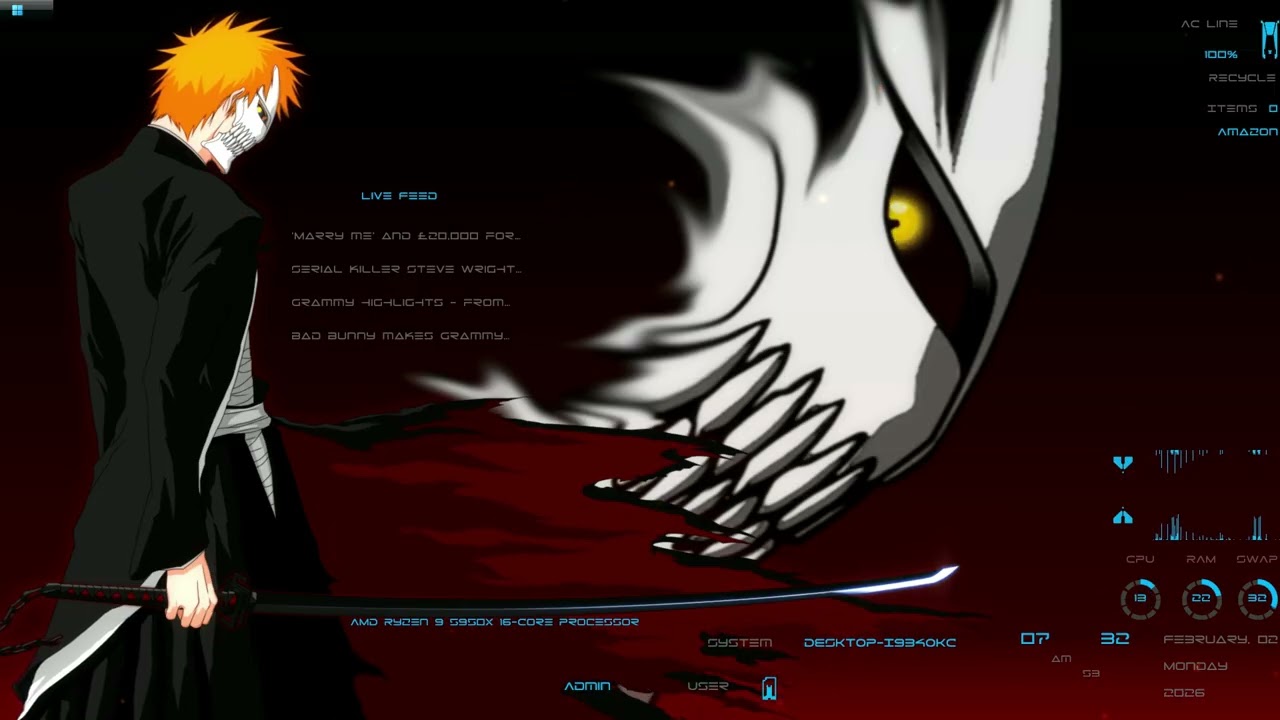
Rainmeter
A powerful desktop customization engine.
Allows fully custom skins that display:
System stats
Weather
Time and date
Media controls
Launchers and full desktop layouts
Best choice for users who want deep desktop control.
Animated Wallpapers
Lively Wallpaper (Microsoft Store)
A free and open-source alternative to Wallpaper Engine.
Supports animated wallpapers using videos, GIFs, and web-based content (HTML).
Features:
Multi-monitor support
Auto-pause during full-screen apps or games
Low performance impact
No cost, no Steam required
Wallpaper Engine (Steam – Paid)
A premium solution with a massive community library of animated and interactive wallpapers.
Offers higher polish, more complex effects, and deep customization, but requires purchase through Steam.
UI & Shell Customization
Seelen UI (Microsoft Store)
A Windows UI customization tool focused on changing the look and layout of the Windows interface itself.
It allows alternative taskbar layouts, UI behavior changes, and a more customized shell experience without installing a full custom Windows build.
End Result
With this setup, users get:
A clean and lightweight Windows base
Safe and modular system tweaks
Optional visual effects
Desktop widgets and live information
Animated wallpapers (free or paid)
UI layout customization without breaking Windows
Everything is optional, controlled, and reversible — no unnecessary apps, no forced bloat.
For users who already have Windows 11 installed and don’t want to reinstall or use a custom ISO like X-Lite, WinHance is a great alternative.
WinHance allows you to debloat, optimize, and customize Windows 11 directly on your existing installation. It focuses on disabling unnecessary services, removing unwanted apps, improving performance, and applying clean UI and system tweaks — all without reinstalling Windows.
This is ideal for users who want:
A cleaner and faster Windows 11
Less background activity and bloatware
Better system responsiveness
Optimization without breaking system stability
No full OS reinstall required
WinHance gives you much of the benefit of a lightweight Windows setup while keeping your original, activated Windows 11 installation intact. https://winhance.net/
https://windowsxlite.com/
https://windhawk.net/
https://www.stardock.com/products/win...
https://gadgetsrevived.com/
https://www.rainmeter.net/
https://apps.microsoft.com/detail/9nt...
https://store.steampowered.com/app/43...
https://apps.microsoft.com/detail/9p6...
Повторяем попытку...
Доступные форматы для скачивания:
Скачать видео
-
Информация по загрузке: