How to Configure an industrial sensor using serial port
Автор: Avcomm Technologies, Inc.
Загружено: 2022-11-28
Просмотров: 49
Описание:
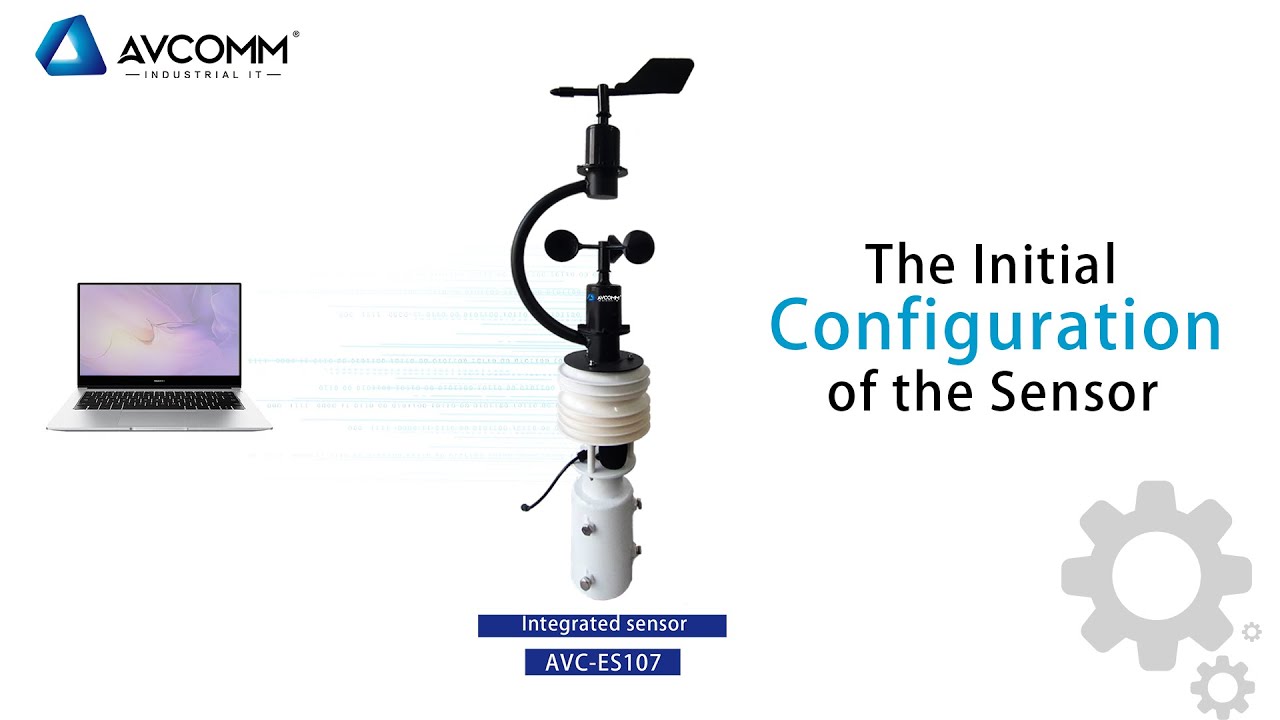
Hello, today we will introduce the initial configuration of the sensor
First, connect the 485 to USB adapter between the sensor and the computer, and connect the sensor to the power supply. Then open the 485 Device Data Package
Click USB to 485 Module Driver
After opening it, you will see three different module drivers. Here is to install the RS-USB-485-1USB to 485 Module Driver as an example
Click RS-USB-485-1USB to 485 Module Driver
Then click Blue Shell USB to 485 Driver
and click SET UP
Finally click INSTALL
After installation, return to the 485 Device Data Package
Click 485 Parameter Configuration Software
After opening it, you will see the 485 Parameter Configuration Tool V401
and click it
First, you need to select the serial port, which should be recognized by the computer.
Then click Test Baud Rate
and identify ”Device ID is 3”, “Device Baud Rate is 4800.” In this way, device ID and baud rate are successfully tested.
The device ID and baud rate can be modified according to the needs of use, and the current functional status of the device can be queried.
If the test is unsuccessful, please recheck the device wiring and 485 driver installation.
Повторяем попытку...
Доступные форматы для скачивания:
Скачать видео
-
Информация по загрузке:




![Почему работает теория шести рукопожатий? [Veritasium]](https://imager.clipsaver.ru/ggI1xKzoANs/max.jpg)