How to Use the Revolve Tool in Tinkercad (Make a Custom Planter)
Автор: The STEAM Room
Загружено: 2026-02-20
Просмотров: 17
Описание:
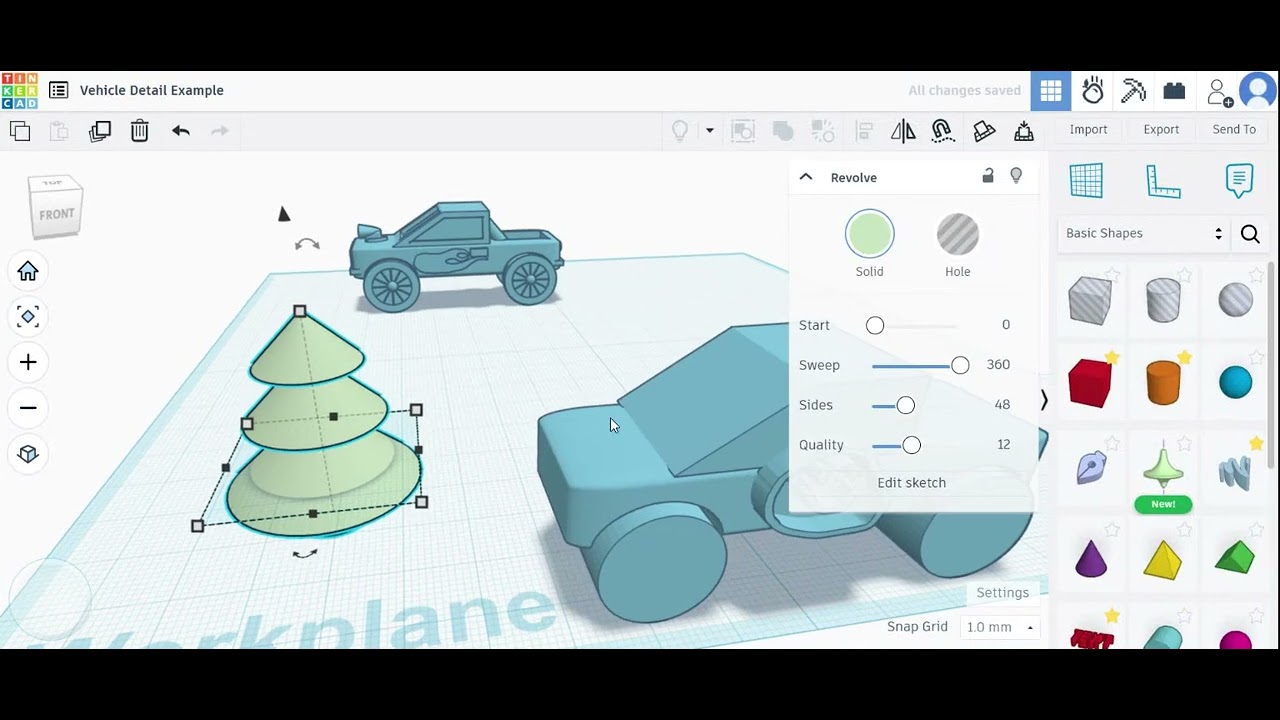
In this episode of Learning in the STEAM Room, we use the Revolve tool in Tinkercad to design and 3D print a custom planter. This beginner-friendly tutorial shows how simple 2D sketches can be transformed into smooth, curved 3D shapes.
In this video, you’ll learn:
• What the Revolve tool does
• How to sketch a profile shape
• How 2D lines become 3D objects
• How to prepare your planter for printing
This is a great project for kids who want to move beyond basic shapes and start creating more advanced designs using curves and symmetry.
If you’re a parent helping your child learn 3D design, this project introduces important concepts like rotation, structure, and functional design in a simple way.
Next up: turning drawings into 3D prints using Procreate.
Subscribe to keep building in the STEAM Room.
Повторяем попытку...
Доступные форматы для скачивания:
Скачать видео
-
Информация по загрузке: