Unix & Linux: Understanding backtick (`) (3 Solutions!!)
Автор: Роэль Ван де Паар (Техническая помощь Роэля)
Загружено: 2020-08-14
Просмотров: 81
Описание:
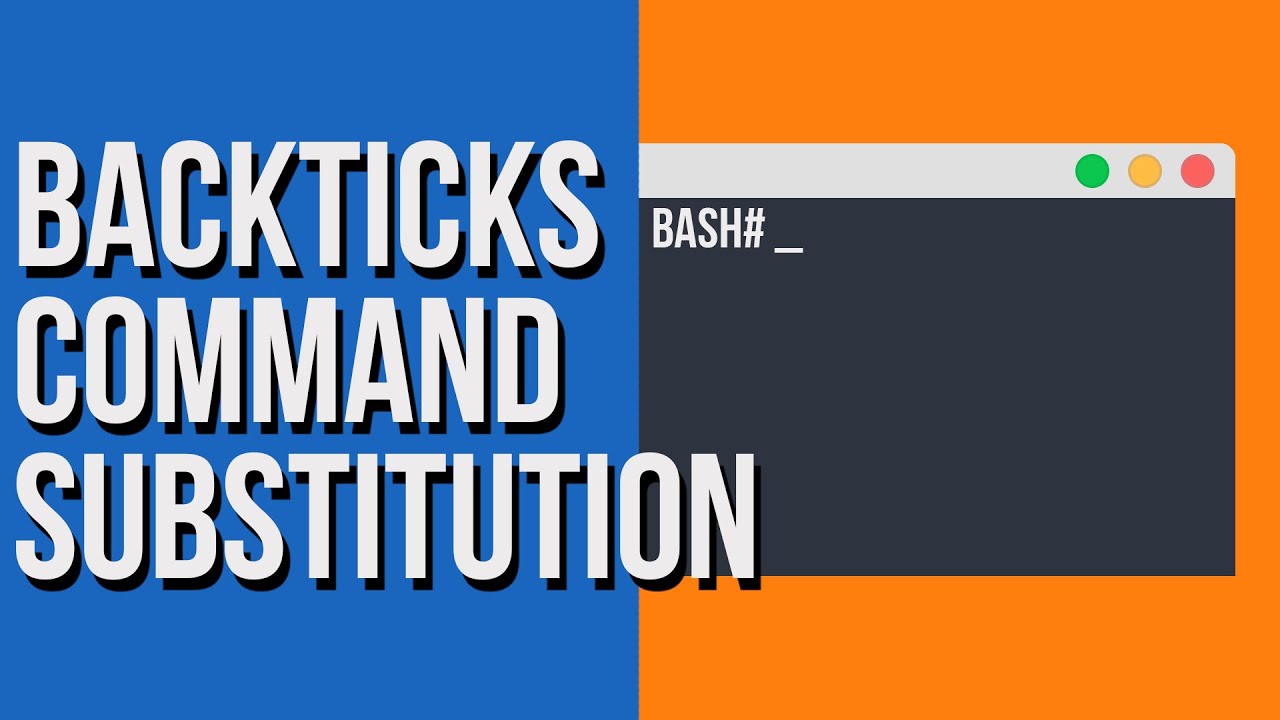
Unix & Linux: Understanding backtick (`)
The Question: I am trying out the command
$ b=5; echo `$b`;
-bash: 5: command not found
but it does not print 5 as it is supposed to. What am I missing here?
https://unix.stackexchange.com/questi...
mean-in-bash seems to say that ` evaluates the commands within and replaces
them with the output.
Solutions: Please watch the whole video to see all solutions, in order of how many people found them helpful
== This solution helped 56 people ==
Text between backticks is executed and replaced by the output of the command
(minus the trailing newline characters, and beware that shell behaviors vary
when there are NUL characters in the output). That is called command
substitution because it is substituted with the output of the command. So if
you want to print 5, you can't use backticks, you can use quotation marks, like
echo "$b" or just drop any quotation and use echo $b.
As you can see, since $b contains 5, when using backticks bash is trying to run
command 5 and since there is no such command, it fails with error message.
To understand how backticks works, try running this:
$ A=`cat /etc/passwd | head -n1`
$ echo "$A"
cat /etc/passwd |head -n1 should print first line of /etc/passwd file. But
since we use backticks, it doesn't print this on console. Instead it is stored
in A variable. You can echo $A to this. Note that more efficient way of
printing first line is using command head -n1 /etc/passwd but I wanted to point
out that expression inside of backticks does not have to be simple.
So if first line of /etc/passwd is root:x:0:0:root:/root:/bin/bash, first
command will be dynamically substituted by bash to A="root:x:0:0:root:/root:/
bin/bash".
Note that this syntax is of the Bourne shell. Quoting and escaping becomes
quickly a nightmare with it especially when you start nesting them. Ksh
introduced the $(...) alternative which is now standardized (http://
pubs.opengroup.org/onlinepubs/9699919799/utilities/V3_chap02.html#tag_18_06_03)
and supported by all shells (even the Bourne shell from Unix v9). So you should
use $(...) instead nowadays unless you need to be portable to very old Bourne
shells.
Also note that the output of `...` and $(...) are subject to word splitting and
filename generation just like variable expansion (in zsh, word splitting only),
so would generally need to be quoted in list contexts.
== This solution helped 8 people ==
Going step by step your line should explain it.
$ b=5; echo `$b`;
1. sets variable b to 5
2. evaluates $b (effectively runs 5)
3. echoes the output of the evaluation above.
So yes, the output you got is expected. You're evaluating the contents of a
variable, not the actual command you thought you were. Everything you put
inside backticks is simplay evaluated (runned) in a new (sub)shell.
With thanks & praise to God, and with thanks to the many people who have made this project possible! | Content (except music & images) licensed under cc by-sa 3.0 | Music: https://www.bensound.com/royalty-free... | Images: https://stocksnap.io/license & others | With thanks to user terdon (https://unix.stackexchange.com/users/..., user Krzysztof Adamski (https://unix.stackexchange.com/users/..., user gertvdijk (https://unix.stackexchange.com/users/..., user coolcric (https://unix.stackexchange.com/users/..., user chepner (https://unix.stackexchange.com/users/..., and the Stack Exchange Network (http://unix.stackexchange.com/questio.... Trademarks are property of their respective owners. Disclaimer: All information is provided "AS IS" without warranty of any kind. You are responsible for your own actions. Please contact me if anything is amiss at Roel D.OT VandePaar A.T gmail.com.
Повторяем попытку...

Доступные форматы для скачивания:
Скачать видео
-
Информация по загрузке: