Скачать
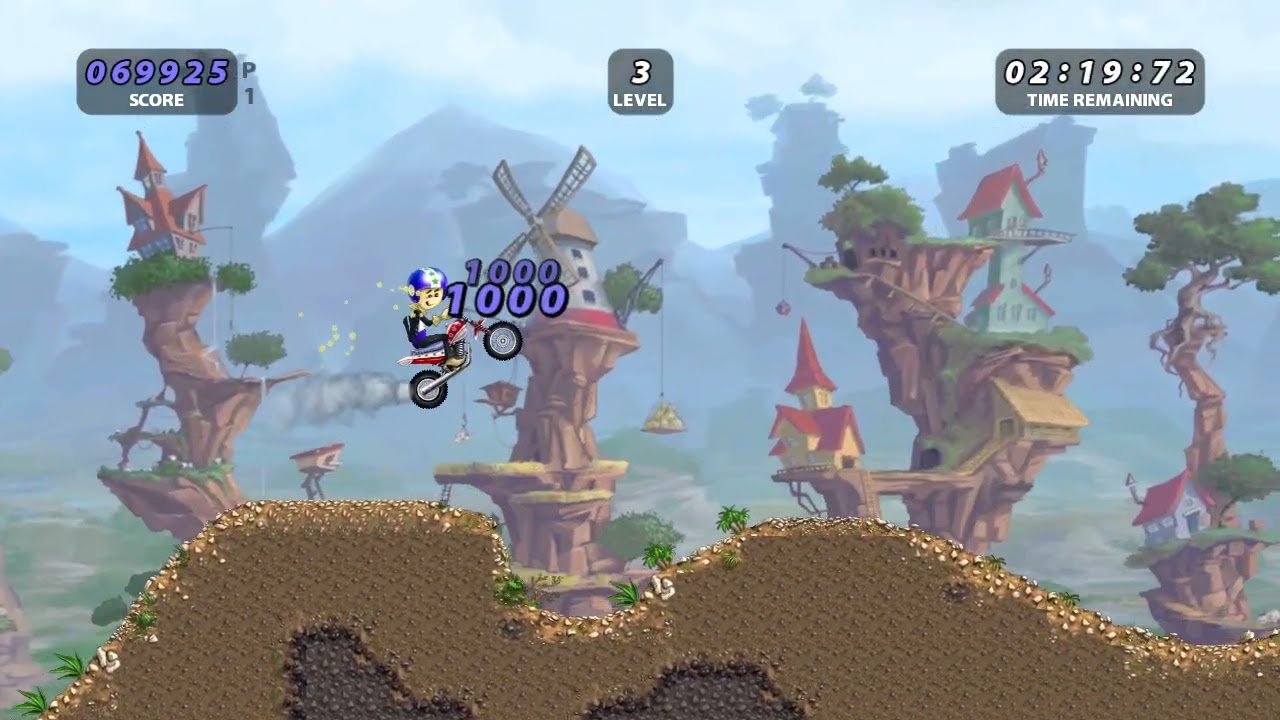
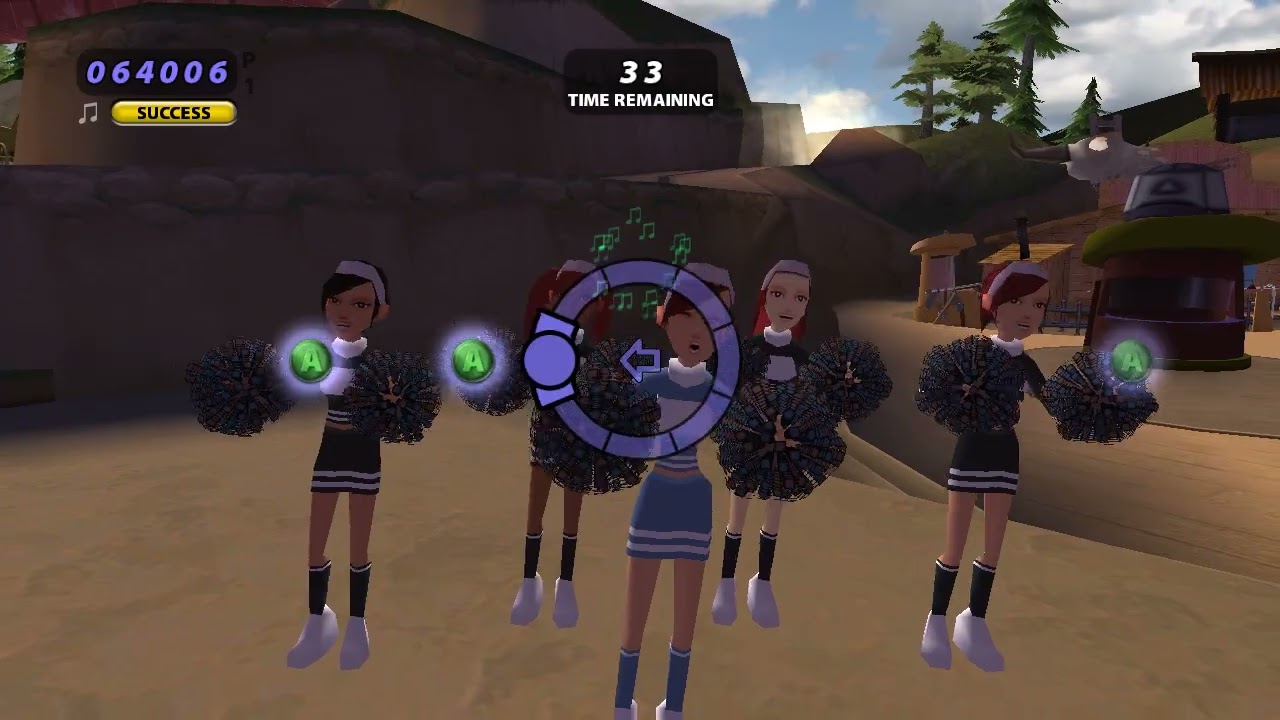
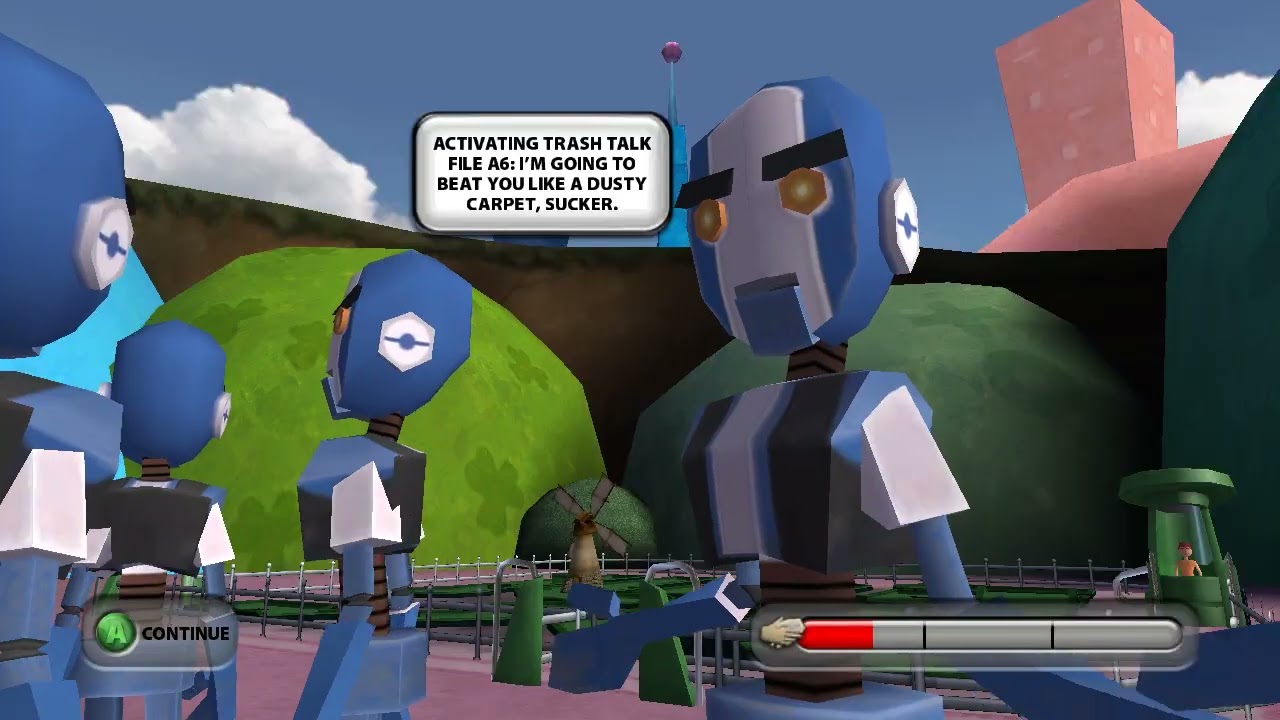
How To Change Thrillville: Off The Rails Music - Tutorial
Автор: Thrillville Wiki
Загружено: 2023-11-26
Просмотров: 258
Описание:
1. Look up the BPM of the song you want to replace in the game.
2. Get a song of the same bpm
3. Edit the song to be the same length of the replaced song. It CANNOT be longer or shorter than the original.
4. Open ThrillEdit and then open Music.zap
5. Replace song (the entertainer songs start after Song 53) and Save
Now open Thrillville and test it!
Не удается загрузить Youtube-плеер. Проверьте блокировку Youtube в вашей сети.
Повторяем попытку...
Повторяем попытку...

Доступные форматы для скачивания:
Скачать видео
-
Информация по загрузке:





![Aware Worship - Anointing (Featuring Calvin Nowell and Marcus Criner) [A Tribute to Ron Kenoly]](https://imager.clipsaver.ru/xss_F2Xwrfg/max.jpg)