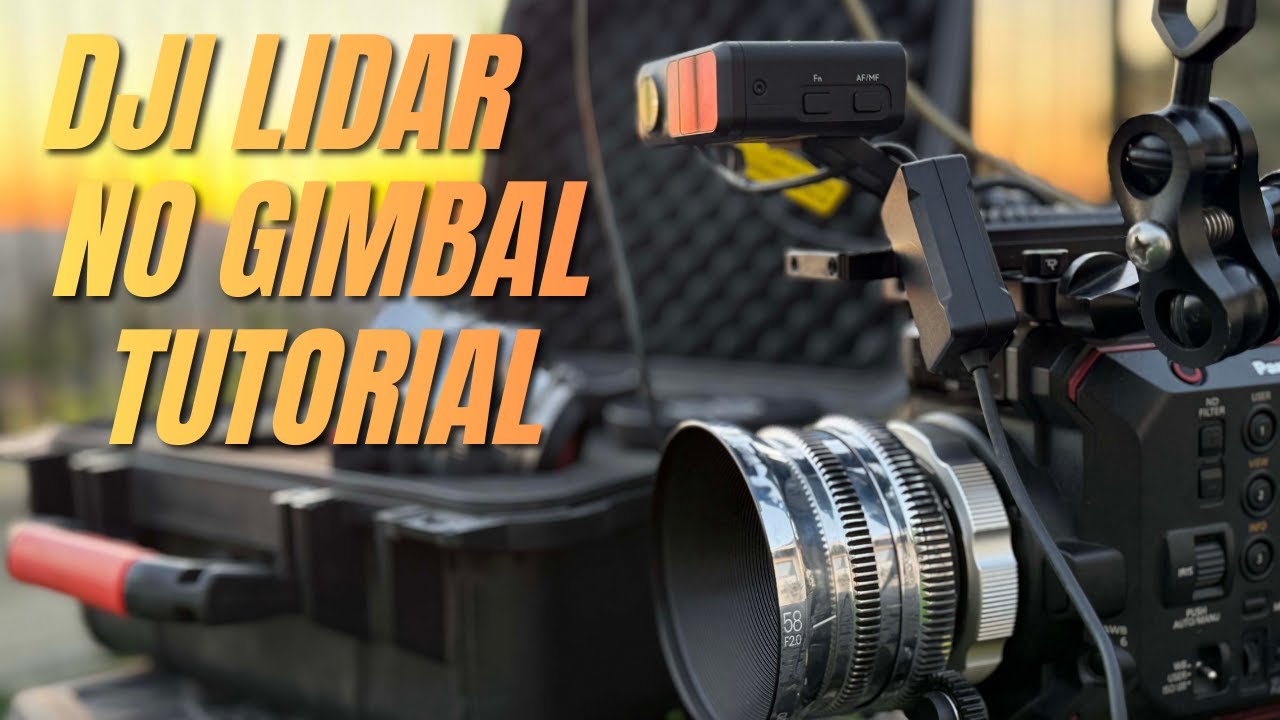
DJI Lidar without the gimbal Tutorial w/Test footage.
Автор: CineMilled
Загружено: 2025-12-03
Просмотров: 474
Описание:
Any questions? Just leave a comment and I'll try to help you out!
Ever wanted to use the DJI Lidar NOT on a gimbal? yeah me too. Enjoy the full tutorial video and test footage with commentary at the end.
Parts needed:
15mm to 12mm IRIS Rod Shim
https://www.amazon.com/dp/B0F9NF9B1X?...
USB C to D Tap - High voltage version
https://www.amazon.com/dp/B09SL5WYNK?...
Here is step by step TLDR text manual:
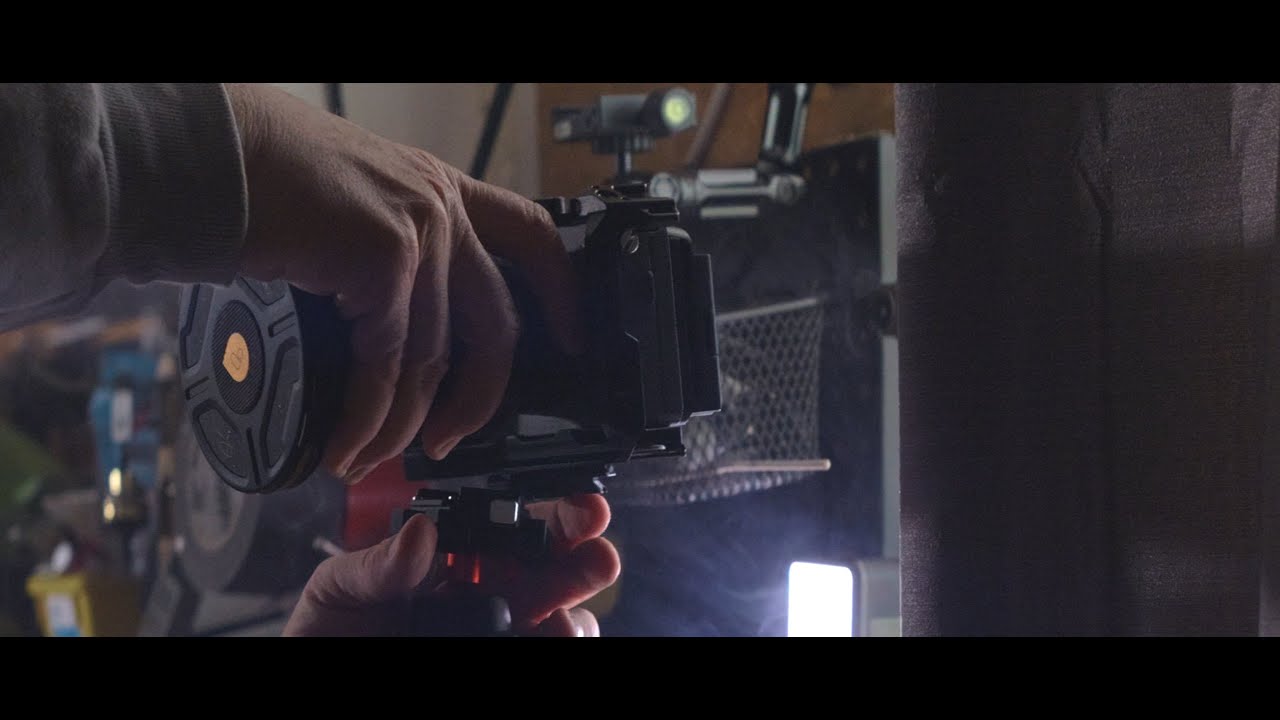
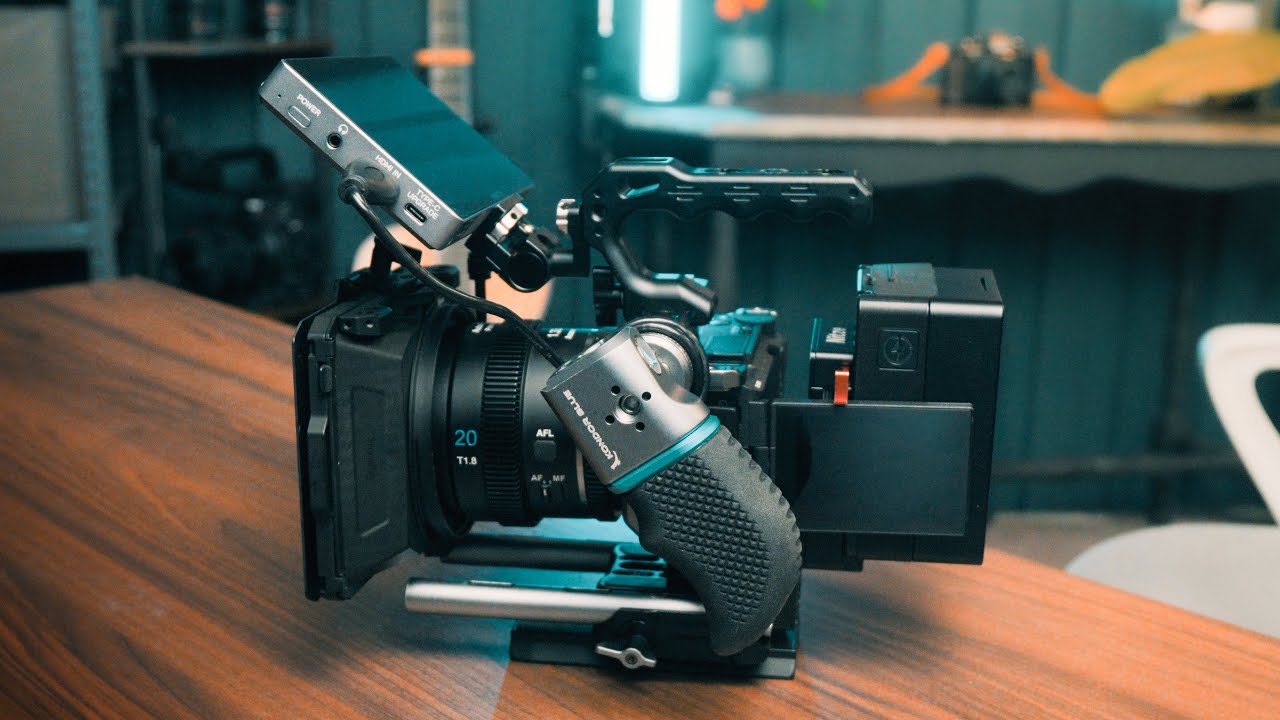
1- Attach DJI follow focus motor and DJI Lidar to the camera.
2- Connect one end of a USB-C cable to the Lidar and another one to the correct port on the rs3 gimbal (bottom port).
With a second USB-C cable connect one end to the motor and another to the
middle USB port on the gimbal.
3- Power on the gimbal
Slide right to access Lidar menu
Go to Lidar settings menu
Measure Lidar installation distance on the camera from the sensor to the front of the Lidar. Then enter the installation distance at the Lidar settings menu in mm.
4- Go to Lens profile and add a new lens profile. Enter Focal length of the lens and then start motor calibration.
To Calibrate the Lidar place a subject one meter in front of the Lidar.
Turn on the hero camera, turn on focus assist/peaking and using the focus wheel on the gimbal to adjust focus on the subject/focus chart. When done click on the message on the bottom of the screen to move to next step.
5- Then place the subject/focus chart 4 meters away and adjust the focus again. Confirm the settings.
6- Unplug the focus motor and the lidar from the gimbal. Then connect power from the Hero camera using the special D-tap to USB C cables. Use one cable to power the lidar and another to power the motor. If you use any regular Dtap to USB with lower Voltage the system will not work
7- Power up the here camera and thus the Dtap power source
Wait for about 20 seconds for a light to appear on the Lidar.
*Press Fn button to select correct lens profile.
*Press Fn twice to calibrate the motor
*Press AF/MF to activate autofocus.
Test the Lidar by pointing at the subject or focus chart and walk closer or farther away from it and confirm everything is working as it should.
,,,, and BAM you are now autofocusing on any cinema camera with your DJI Lidar 1 from the DJi RS3 pro combo.
Your welcome!!
=============================
🎥 Gear I Use to Make Videos:
=============================
Video lit by Aputure lighting exclusively. Get the industry leading LED lighting for any budget at:
https://shop.aputure.com/?ref=mWTGOeI...
1. Panasonic EVA1
2. Panasonic GH5s
3. Sigma PL Zooms
4. Tokina 11-20 PL
5. Rode Lavs
6. Ready Rig GS Pro Arm
7. osee 21" set monitor
8. IronGlass Mk.1 custom red flare P set
=============================
🤓 Follow Us:
=============================
Twitter: / @CineMilled
/ cinemilled
Instagram: / @CineMilled
/ cinemilled
Facebook: / @CineMilled
/ cinemilled
=============================
👕 Merchandise:
=============================
If you want to be part of the CineMilled Camera crew then pick up one of our "classic crew" t-shirts and more here ➡ https://cinemilled.com/c/soft-goods/
=============================
📜 Affiliate Disclosure:
=============================
Some of the links used in the description will direct you to Amazon or other vendors, as affiliate I may earn from qualifying purchases at no additional cost to you.
CineMilled ALSO has an affiliate program!!
If you want to Join the CineMilled Affiliate program watch this video
• CineMilled Partner Program, Join the team ...
or
Click this link to join the CineMilled "partner program" and share in our success!!
Join here today - https://partners.cinemilled.com/
Повторяем попытку...
Доступные форматы для скачивания:
Скачать видео
-
Информация по загрузке: