Build a Course with Me in Less Than 15 Minutes Using iSpring Suite
Автор: Tiny Technical Tutorials
Загружено: 2022-05-09
Просмотров: 2900
Описание:
Try iSpring Suite for free with a 30-day trial: https://www.ispringsolutions.com/ispr...
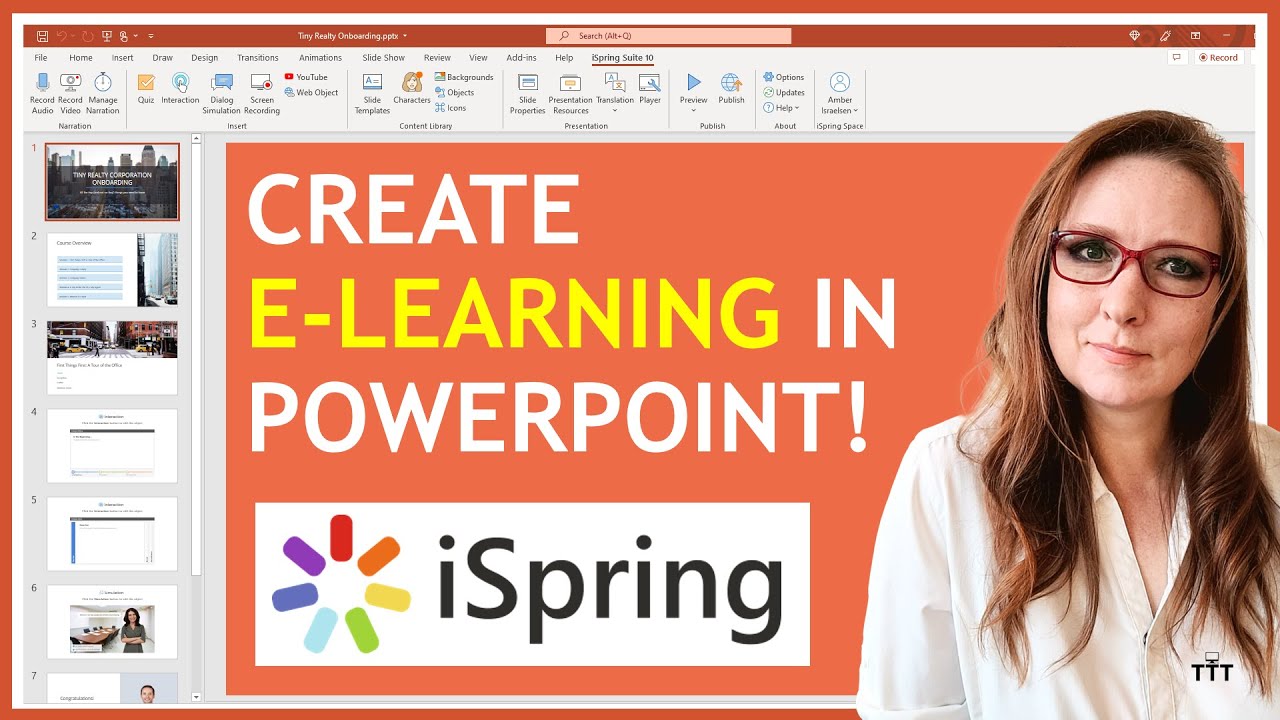
Creating an e-learning course can sometimes feel overwhelming—so many choices to make about tools, technologies and approaches. Luckily, iSpring Suite makes it super easy!
With iSpring Suite, you can create a professional, polished course all from within Microsoft PowerPoint, with features like:
• The content library for slide templates, characters, backgrounds and icons
• Engaging interactions and dialog simulations
• Audio and video, whether it’s pre-recorded, or something you want to record right from iSpring Suite
• Graded quizzes and surveys
Once you’ve built your masterpiece, you can publish to a variety of formats, including HTML5, MP4, hosted LMS, SCORM, AICC, or even publish directly to a YouTube channel.
00:00 – Previewing the completed course built with iSpring Suite
00:41 – Download and install iSpring Suite
01:02 – Creating a new onboarding course from a blank PowerPoint deck
01:13 – Using slide templates from the Content Library
02:43 – Inserting video and audio into your course
03:43 - Inserting a timeline interaction with background pictures
06:14 - Inserting an accordion interaction
07:26 - Inserting a dialog simulation, with characters and backgrounds
11:12 - Using slide templates from the Content Library
11:32 – Inserting a graded quiz with a multiple-choice question
12:53 – Ta-dah! Previewing the full course
13:27 – Using the Video Lecture player
14:01 – Options for publishing: HTML5, MP4, hosted LMS, SCORM, AICC, YouTube and more!
Повторяем попытку...
Доступные форматы для скачивания:
Скачать видео
-
Информация по загрузке: