How to Upgrade Legendary Gems in Diablo Immortal - Beginner's Guide
Автор: TergoLive
Загружено: 2022-06-11
Просмотров: 729
Описание:
Check out my twitch here! / tergolive
Hey guys! Tergolive here and in this video I will break down how to upgrade legendary Gems In diablo Immortal. This guide will be a bit longer than my other ones as its a bit more detailed.
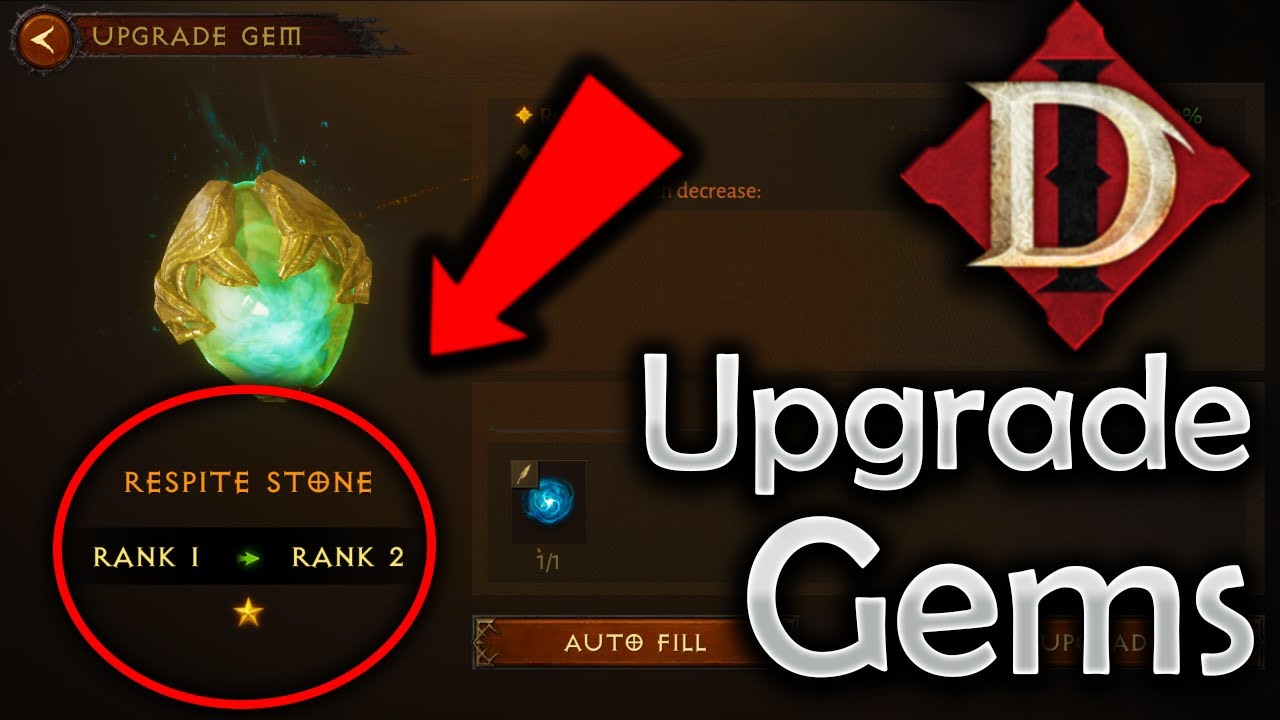
To start off, you will want to go to jeweler and under "Manage" it will show your current gear. The game will show a green up arrow for a Legendary Gem that is available for a upgrade. Click on it and then click upgrade. It will bring up a panel that shows you the stats that itll be increased by when upgrading it. Than below is a required panel, when clicking on the blue swirly with the plus it brings up the pane that shows you gems that you can us to help upgrade this gem. When you click on the gem you want to use for upgrading it will show how much gem power it gives on the right. Any excess gem power will be given back as gem fragments. You can also choose to use Auto fill and the game will just take a gem and fill in the required power. From here the Gem will be powered up to the next rank and you will do that for each rank you are looking to push up! Also you can do this for gems that you dont currently have equipped as well, but are just sitting in your inventory.
I hope that this guide helped you and if you want to see more mmo content make sure to hit that sub button otherwise I'll see you in the next video!
Make sure to Subscribe to the channel for more varied content!
If you’d like to connect with me, the info is down below :)
Twitch: / tergolive
Facebook: / tergolive
Twitter: @Tergoliv
Instagram: Tergolive
If you would like to donate/support, first of all Thanks!
Here is the Donation Link: https://streamlabs.com/TergoLive
Paypal: [email protected] -- Watch live at / tergolive
Twitch: / tergolive
Facebook: / tergolive
Twitter: @Tergoliv
Instagram: Tergolive
Повторяем попытку...
Доступные форматы для скачивания:
Скачать видео
-
Информация по загрузке: