Basilisk II & Vintage Macs: How it works (Episode 17)
Автор: Amateur Vintage Electronics
Загружено: 2021-11-04
Просмотров: 768
Описание:
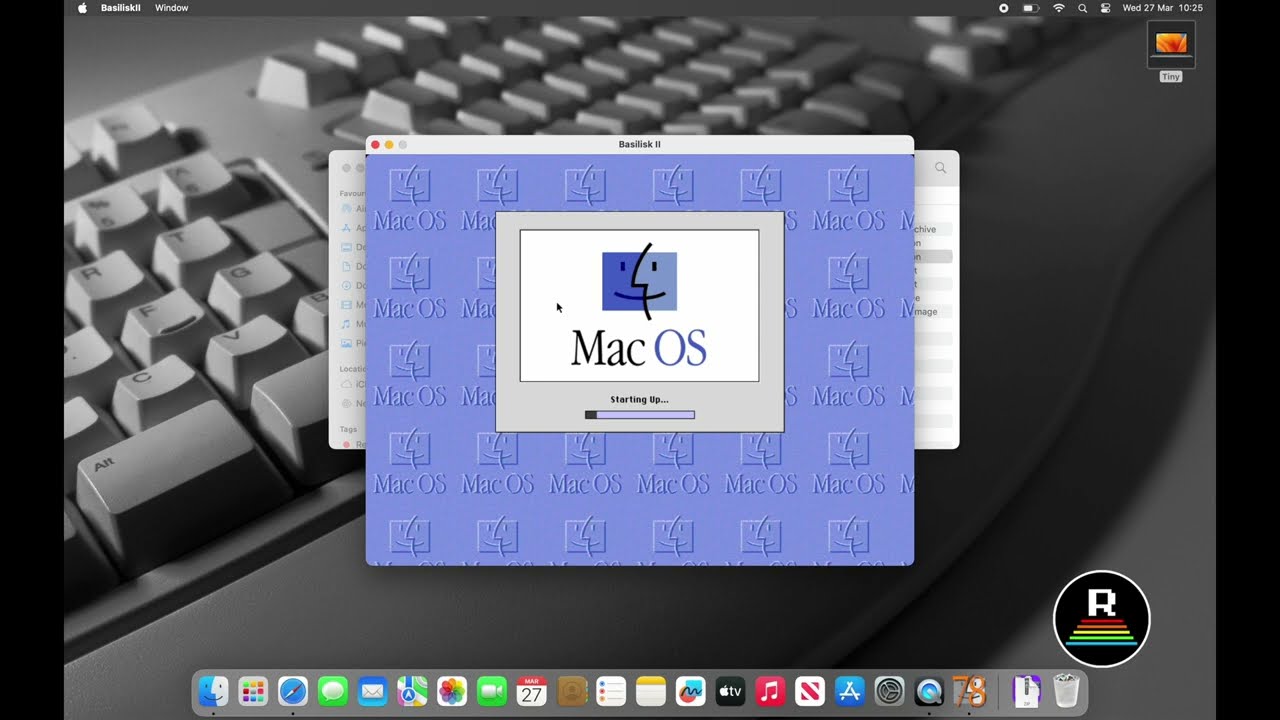
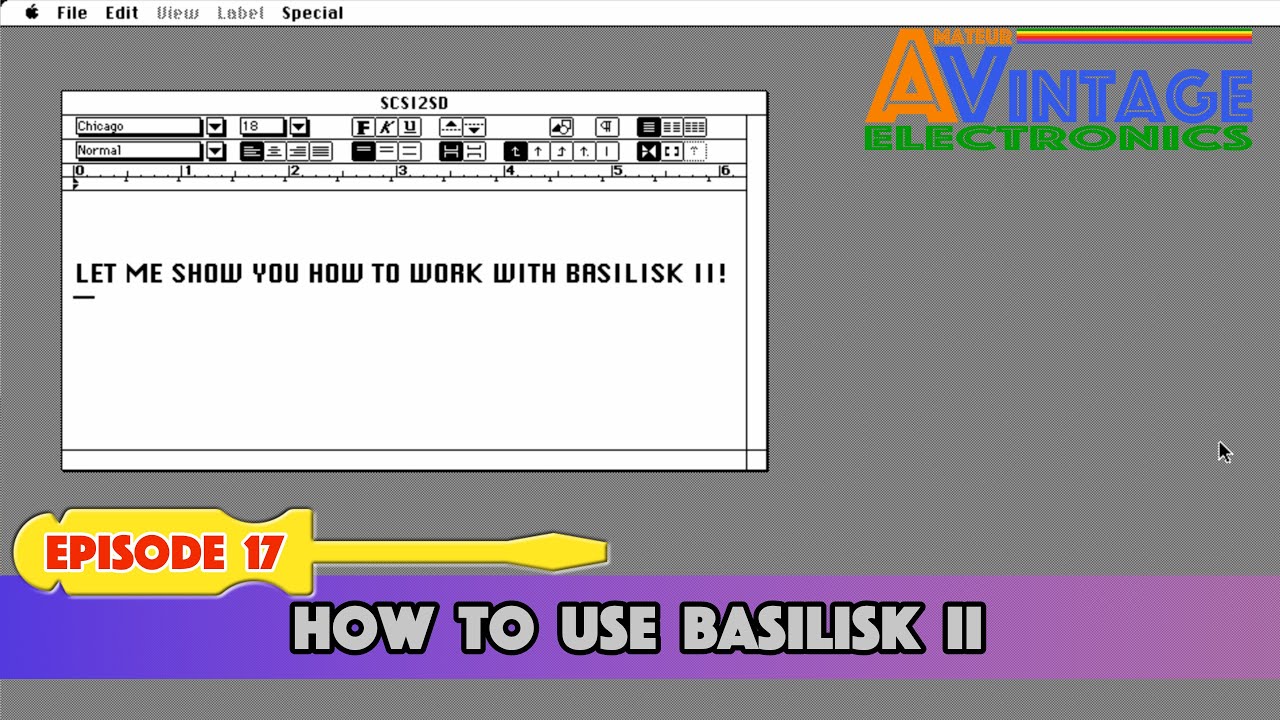
Episode 17: I was very reluctant before I started working with an Emulator, because it's a rather complex thing for an amateur. It has however many benefits, getting software onto your vintage Mac being one of that. In this easy guide I'm showing you how you can work with Basilisk II.
Video Chapters:
00:00 Intro
00:48 Step 1: Download & install Basilisk II
01:34 Step 2: Getting an image ready
03:45 Step 3: Transfer software onto your image
06:35 Step 4: Writing image onto SD Card
09:50 Summary, MagicSD and custom image options
Terminal commands: use these to copy an image onto the SD-Card or vice versa as explained!
Clone image from SD to modern Mac:
1. diskutil list
2. sudo dd if=/dev/disk[INSERT NUMBER] of=/[INSERT PATH]
Clone image from modern Mac onto SD:
1. diskutil list
2. diskutil unmountDisk /dev/disk[INSERT NUMBER]
3. sudo newfs_msdos -F 16 /dev/disk[INSERT NUMBER]
4. sudo dd if=/[INSERT PATH] of=/dev/disk[INSERT NUMBER]
Повторяем попытку...
Доступные форматы для скачивания:
Скачать видео
-
Информация по загрузке:
![[Лабораторная работа] Эмулируйте классический Macintosh уже сегодня! Учебник по Basilisk II!](https://imager.clipsaver.ru/QSWWZ4hkvVk/max.jpg)