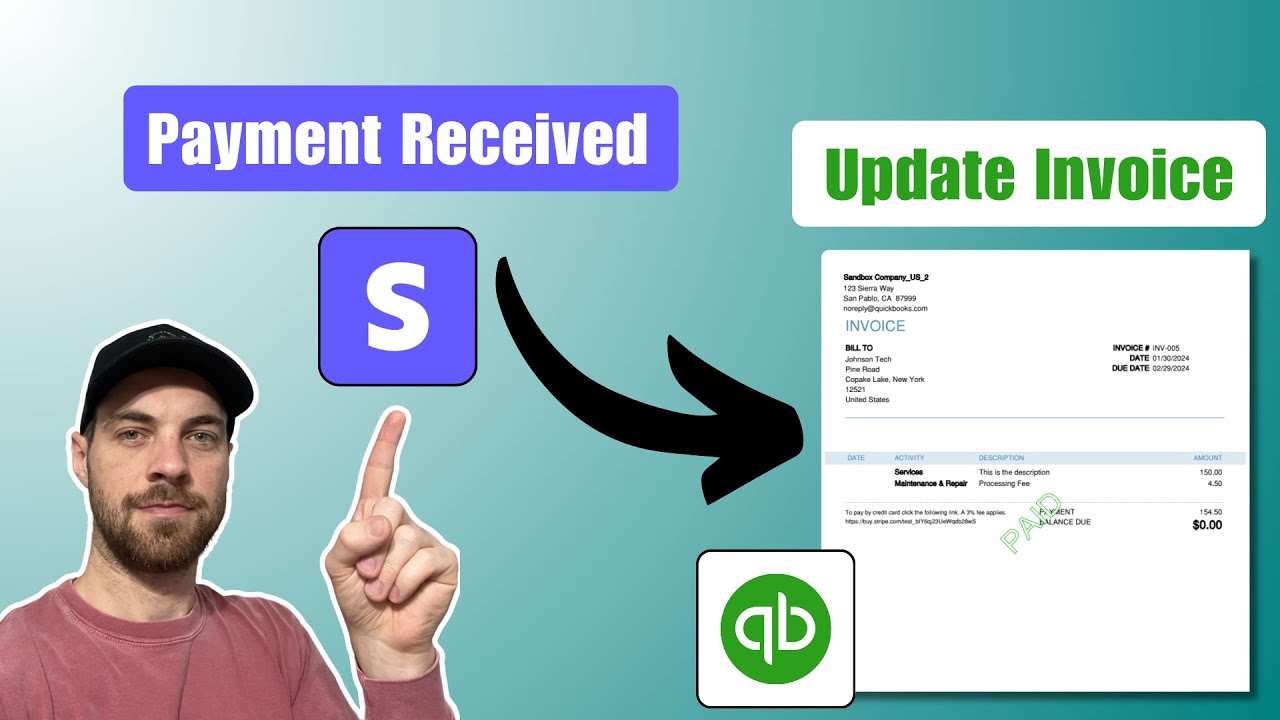
Automatically create and add Stripe payment links to Invoices
Автор: Zack @ InnerDev Solutions
Загружено: 2024-01-31
Просмотров: 1892
Описание:
How to automatically generate Stripe payment links, including processing fees, and add them to your invoices in QuickBooks, Xero, or Wave accounting software.
If you're handling deals, financial information, or your invoicing workflow using SmartSuite, Airtable, HubSpot, or any other CRM, this stripe integration tutorial is tailored to simplify your payment processing workflows.
In this tutorial, I'm excited to show you my method for automating the creation of Stripe payment links and integrating them into your invoicing system. I rely on Stripe for payment link generation and QuickBooks for managing my invoices. I'll guide you step-by-step, highlighting how I use make.com to connect with various APIs, focusing particularly on SmartSuite. This video is your go-to guide for streamlining your payment and invoicing process, saving you time and enhancing efficiency in your financial management. Join me to learn how to make your invoicing workflow as efficient as possible!
Get the blueprint here - https://community.make.com/t/automati...
_________________________________________
Learn more here ⬇️
Contact Us - https://innerdevsolutions.com
LinkedIn - / zackstevenson
_________________________________________
Table of Contents 📖 ⬇️
0:00 What I cover
01:45 Setting Up Your CRM with Smart Suite
02:37 Creating Invoices in SmartSuite
06:28 Setting Up Make.com
09:09 Creating Payment Links with Stripe
15:45 Creating Invoices with QuickBooks
18:07 Updating Records in Smart Suite
19:01 Testing the Workflow and Troubleshooting
_________________________________________
Software Tools (may contain affiliate links) ⬇️
Sign up using the links below!
SmartSuite - https://partners.smartsuite.com/zack
Make - https://www.make.com/en/register?pc=i...
_________________________________________
#zackstevenson #SmartSuite #PaymentLinks
Повторяем попытку...

Доступные форматы для скачивания:
Скачать видео
-
Информация по загрузке: