ycliper

Популярное

Музыка Кино и Анимация Автомобили Животные Спорт Путешествия Игры Юмор

Интересные видео

2025 Сериалы Трейлеры Новости Как сделать Видеоуроки Diy своими руками

Топ запросов

смотреть а4 schoolboy runaway турецкий сериал смотреть мультфильмы эдисон
Скачать

First steps with Memsource Editor v. 5 (2015)

Автор: CATguruEN

Загружено: 2016-02-18

Просмотров: 6436

Описание: http://wordfast.fi/blog/?p=1152

Memsource (https://www.memsource.com/en) is a cloud-based translation tool that offers two environments for translating: a web-based editor and a local editor available for Windows, Mac and Linux. There are different editions of Memsource for translators (Personal/Freelancer), translation agencies (Team) and enterprises (BIZ). This video shows how to translate a Word document from scratch in the Windows version of Memsource Editor 5.174 (October 2015) and a free Personal Edition account. A new project (Finnish to English) is created. A new job is created, with the addition of the Word document to be translated. A new translation memory is added to the project. A second reference translation memory is created, with the content of a TMX memory imported into it. A new termbase is created, with sample terminology from an Excel sheet imported into it (the Excel sheet includes extra information that takes into account the fact Finnish is an inflected language). The document is then downloaded as an MXLIFF file (internal format used by Memsource) and translated in the local editor with the cloud-based resources (TMs and termbase), using such function as inserting recognized terminology, autopropapagation and concordance search. Unfortunately, I forgot to add a new term pair to the termbase, as in the other First Step videos on SDL Trados Studio 2015, memoQ 2015, Wordfast Pro 4 and CafeTran 2015. A separate video will show this missing step. Finally, the translated document is generated, in two different ways: locally in the editor, and in the cloud-based interface.

Related videos:
First steps with SDL Trados Studio 2015:    • First steps with SDL Trados Studio 2015  
First steps with memoQ 2015:    • First steps with memoQ 2015  
First steps with CafeTran 2015:    • First steps with CafeTran Espresso 2015  
First steps with Wordfast Pro 4:    • First steps with Wordfast Pro 4  
How to translate with Translation Workspace XLIFF editor:    • How to translate in Translation Workspace ...  
Transit NXT – Translate with imported resources:    • STAR Transit NXT - Part 2 (2): Translate w...  

Не удается загрузить Youtube-плеер. Проверьте блокировку Youtube в вашей сети.
Повторяем попытку...
First steps with Memsource Editor v. 5 (2015)

Поделиться в:

Доступные форматы для скачивания:

Скачать видео

  • Информация по загрузке:

Скачать аудио

Похожие видео

First steps with CafeTran Espresso 2015

First steps with CafeTran Espresso 2015

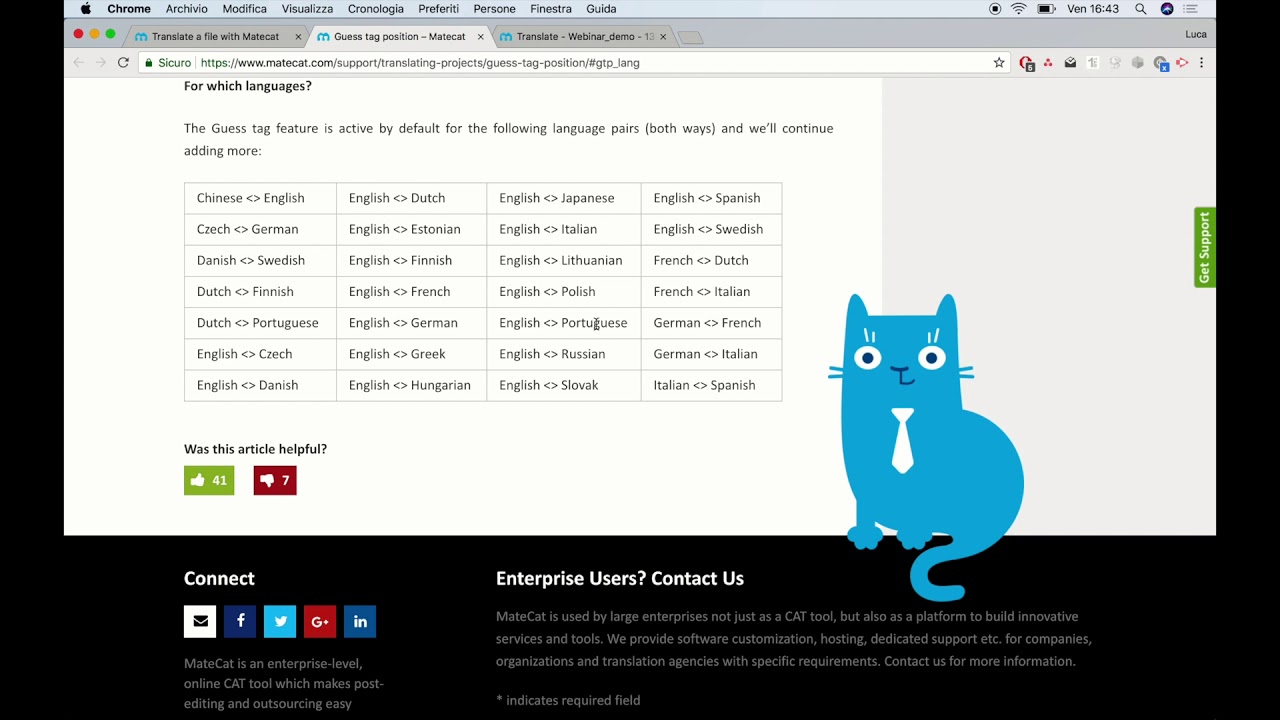
Webinar: Getting Started with MateCat!

Webinar: Getting Started with MateCat!

LaTeX for Students – A Simple Quickstart Guide

LaTeX for Students – A Simple Quickstart Guide

Новая страна вступила в войну? / Первый удар нанесён

Новая страна вступила в войну? / Первый удар нанесён

First steps with memoQ 2015

First steps with memoQ 2015

Free Tools for Translators (2014)

Free Tools for Translators (2014)

How to process a Trados package with Wordfast Pro 5

How to process a Trados package with Wordfast Pro 5

First steps with Wordfast Pro 4

First steps with Wordfast Pro 4

Deep Feeling Mix 2025 - Deep House, Vocal House, Nu Disco, Chillout | Emotional / Intimate Mood

Deep Feeling Mix 2025 - Deep House, Vocal House, Nu Disco, Chillout | Emotional / Intimate Mood

Winter Energy ❄️ Happy Day Playlist 2026 ☀️ Positive Chill House Music

Winter Energy ❄️ Happy Day Playlist 2026 ☀️ Positive Chill House Music

We're All Addicted To Claude Code

We're All Addicted To Claude Code

Microsoft Word для начинающих от А до Я. Базовый курс видеоуроков по программе Ворд

Microsoft Word для начинающих от А до Я. Базовый курс видеоуроков по программе Ворд

Как учиться быстро и самому? На примере языков  программирования.

Как учиться быстро и самому? На примере языков программирования.

Morning Coffee ☕❄️ Happy Music for Perfect Day ☀️ Relaxing Chillout House 2025 - 2026

Morning Coffee ☕❄️ Happy Music for Perfect Day ☀️ Relaxing Chillout House 2025 - 2026

Как начать работать с Obsidian ПРАВИЛЬНО (Гайд для новичков)

Как начать работать с Obsidian ПРАВИЛЬНО (Гайд для новичков)

Учебное пособие по MS Project 1. Введение

Учебное пособие по MS Project 1. Введение

Начало работы с GitHub Copilot | Учебное пособие

Начало работы с GitHub Copilot | Учебное пособие

How to translate a document in Trados Studio 2019

How to translate a document in Trados Studio 2019

Chansons Françaises de Paris | Voyage Romantique en Musique

Chansons Françaises de Paris | Voyage Romantique en Musique

ИИ и цифровая безопасность

ИИ и цифровая безопасность

© 2025 ycliper. Все права защищены.


  • Контакты
  • О нас
  • Политика конфиденциальности


Контакты для правообладателей: [email protected]