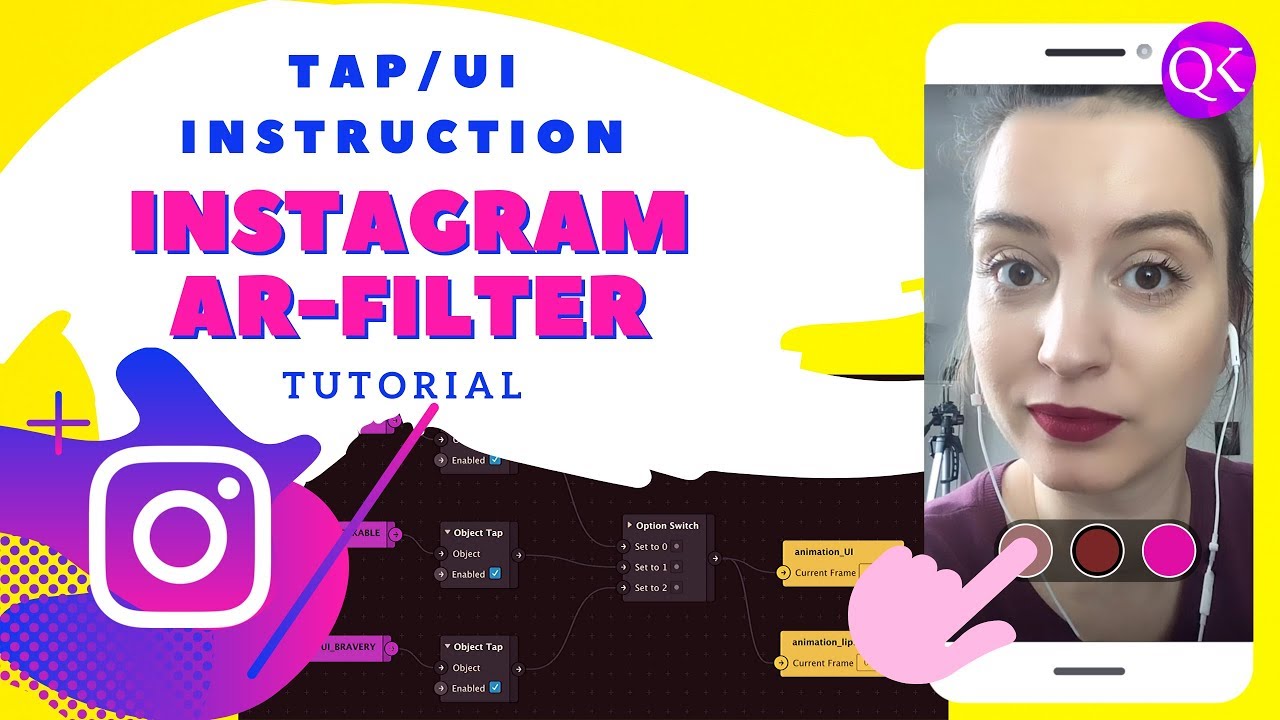
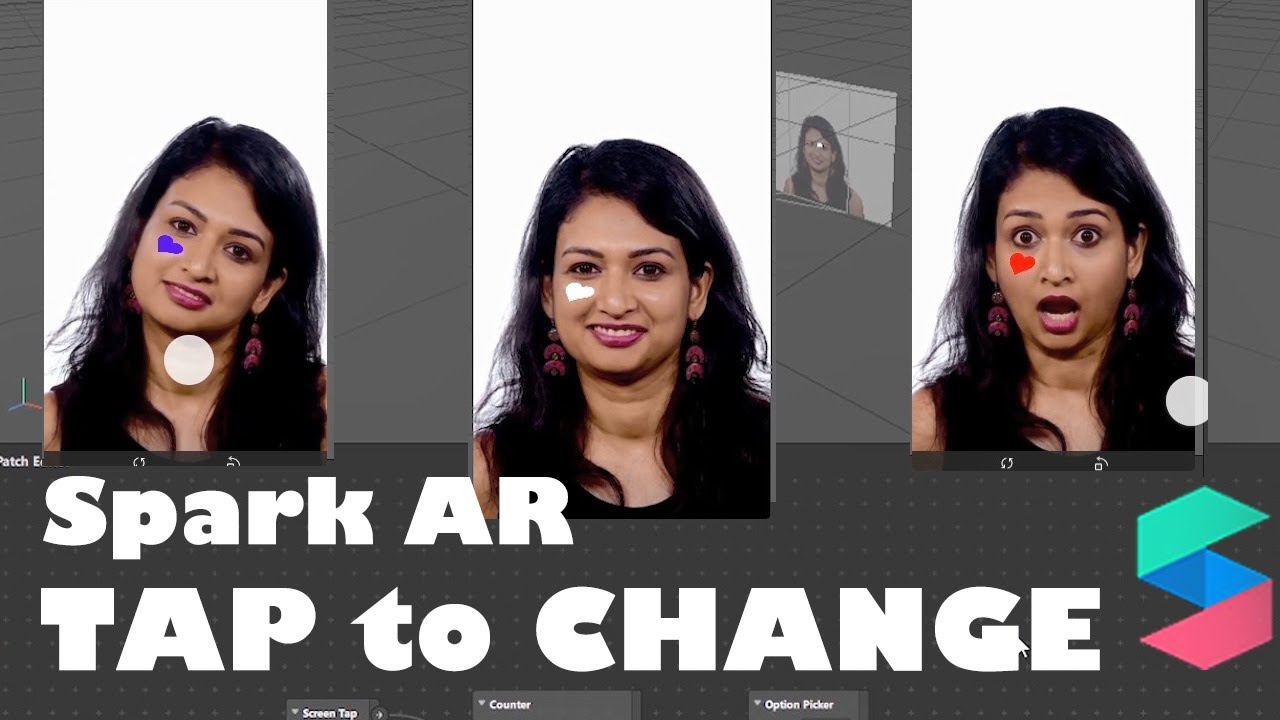
Tap Option and Switch Option in SPARK AR
Автор: QKnow Design
Загружено: 2019-10-20
Просмотров: 28768
Описание:
In this tutorial you will create your first make-up filters in Spark AR Studio. A simple tutorial that will teach you all the patch functions in Spark AR Studio. Learn how to quickly and easily control your own Instagram Filter with Spar AR Studio. Learn what cool patches are available for the Tap functions and how to create buttons that you program with the Switch option. Enhance your Instagram Story with your own AR filters. This DIY tutorial for your Instagram Story inspires you to get started right away.
Enjoy the process.
0:00 Intro
Tap Option
0:45 Set Scene
7:02 Patch Tap-Option
9:43 Runtime/Instruction
Switch Option
12:08 Set Scene
20:23 Patch Switch-Option
23:48 Camera Switch visibility
💡 Free-Tools 💡
Spark AR Studio: / ar-studio
Spar AR FaceAssets: / using-the-face-reference-assets
Spar AR Effect Manager: / sparkarhub
Texture: https://github.com/qknowdesign/lipcolor
👇 weitere Videos zum Thema Instagram👇
Instagram Story Filter [Halloween-Tutorial]
• Spark AR Studio Halloween-Tutorial [Face T...
Spar AR Tutorial Particle / Face Patch:
• SPARK AR Tutorial Particle [Patch Editor: ...
♡ Social Media ♡
● Instagram @qknowdesign: / qknowdesign
● Website: https://qknowdesign.com/
● Pinterest: https://www.pinterest.de/qknowdesign/
♡ E-Mail ♡
[email protected]
♡ Equipment ♡
Kamera: iPhone SE
Postproduktion: Premier CC + After Effects CC
#sparkar #instagramfilter #qknowdesigntutorial
Повторяем попытку...
Доступные форматы для скачивания:
Скачать видео
-
Информация по загрузке:






![SPARK AR Tutorial Particle [Patch Editor: Mouth Open, Blink, Eyelid]](https://imager.clipsaver.ru/idUij9qtHko/max.jpg)



![3D Comic Glasses with Eye Movement [Spark AR Tutorial]](https://imager.clipsaver.ru/HVqTAot0kEM/max.jpg)
![Y2K Instagram Filter + Paper like [Spark AR Tutorial]](https://imager.clipsaver.ru/78qNu6y_HfQ/max.jpg)