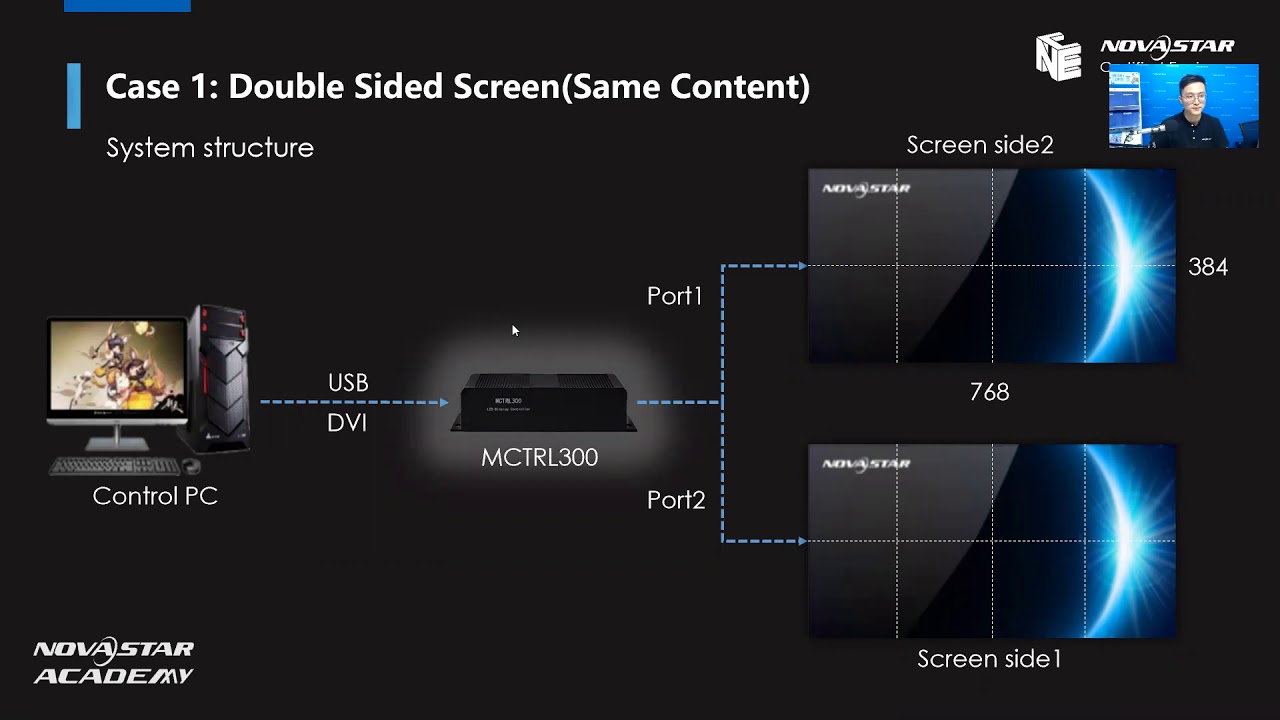
NovaStar How to Build a 4K LED Display System | NovaStar Controller Setup & Solution Guide
Автор: LEDSCREENPARTS
Загружено: 2022-04-26
Просмотров: 556
Описание:
🟢 Ultimate 4K LED Display Setup Guide Using NovaStar Controllers | From Multi-Device to All-in-One
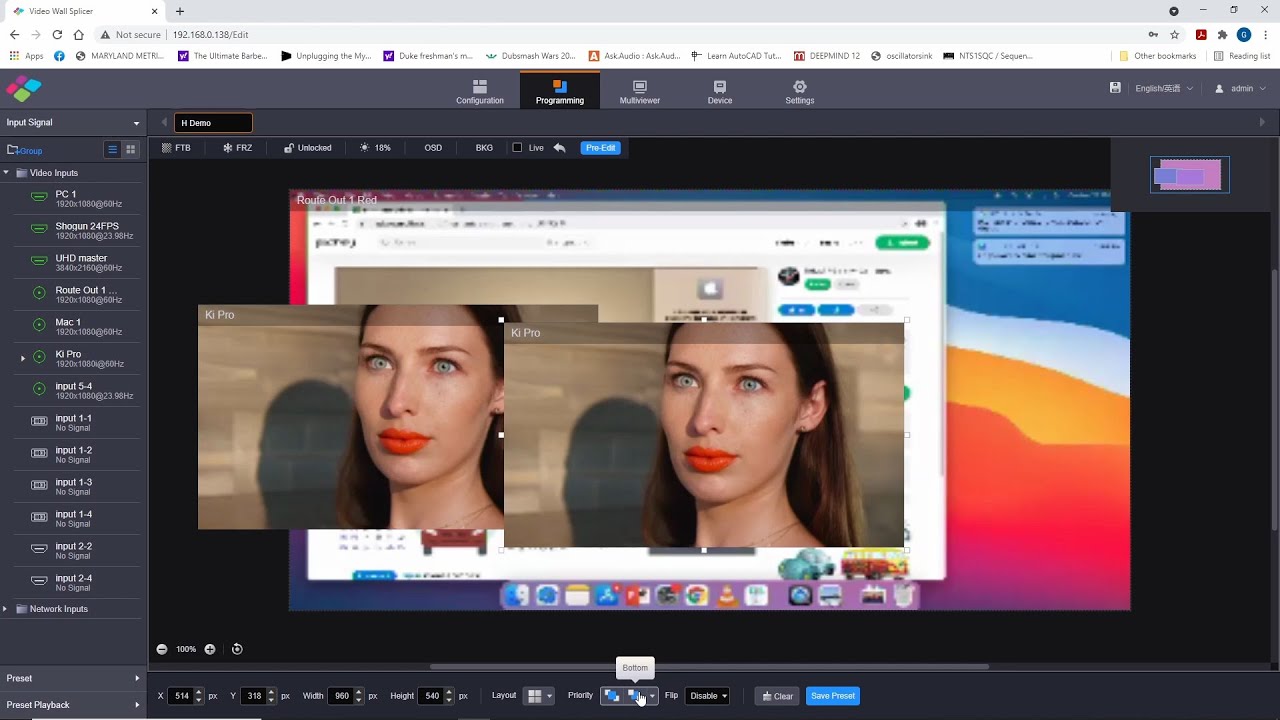
Struggling with complex 4K LED display projects? This in-depth NCE training course provides a full breakdown of NovaStar’s 4K control solutions, from entry-level 1080p controllers to powerful all-in-one 4K processors.
Whether you’re using MCTRL660, VX4S, R5, MCTRL4K, or NovaPro UHD Jr, this tutorial walks you through the system structure, cascading, video source management, and NovaLCT software configuration needed to build stable and professional 4K LED installations.
🔧 What You'll Learn in This Video
This training covers a wide range of controller setups and 4K design strategies tailored to different project scales and budgets. Key learning topics include:
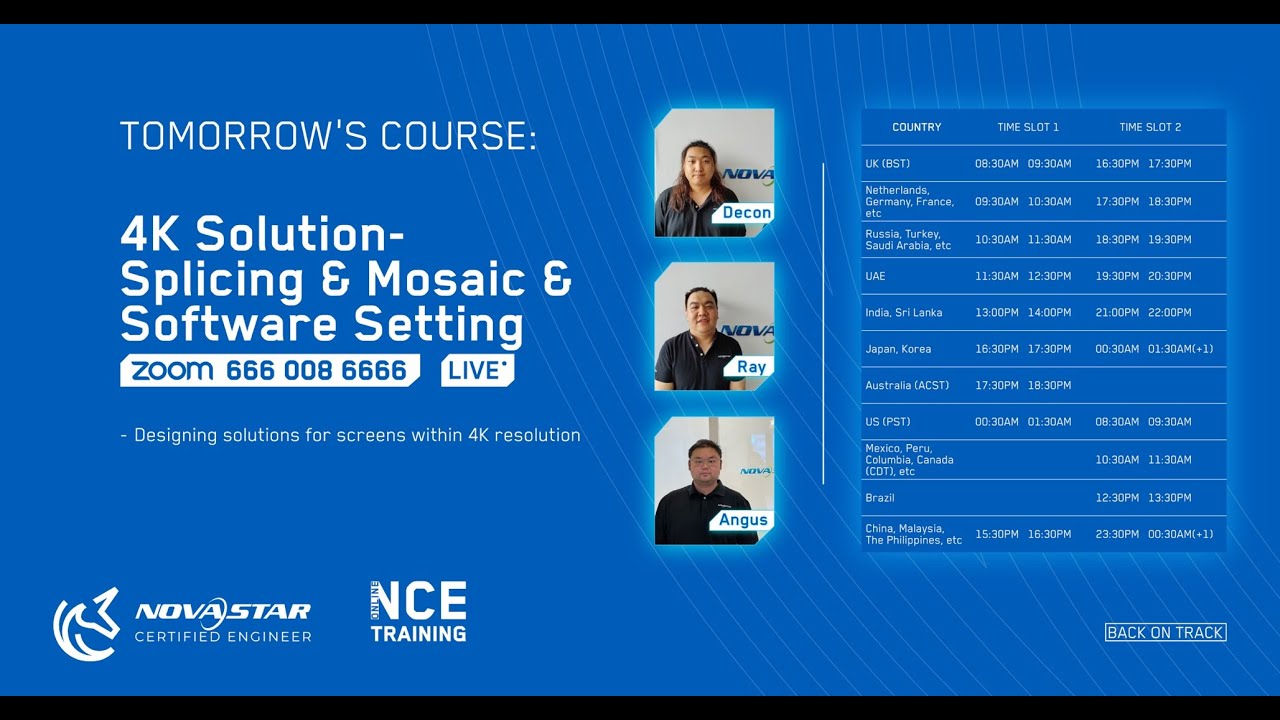
🔹 Introduction to NCE & 4K Trends
What is NovaStar NCE Certification and who is it for
Market demand for 4K displays as pixel pitch shrinks (e.g., P3.9 to P1.5)
4K ≠ UHD: Clarifying 3840x2160 vs 4096x2160
🔹 Key Questions Before Designing a 4K Project
What is the total screen resolution?
What video sources and inputs are required?
Are there special needs like HDR, low latency, or 3D?
How many controllers are needed based on loading capacity?
🔹 Controller-Based 4K Solutions
✅ 1080p-Level Controllers (e.g., MCTRL660, VX4S)
Load a 4K screen by dividing it into 4 segments
Requires 4x MCTRL660 or 4x VX4S
VX4S supports DVI loop (no external splicer required)
Setup via USB cascading + NovaLCT screen connection
On-screen Image Mosaic via front panel for VX4S
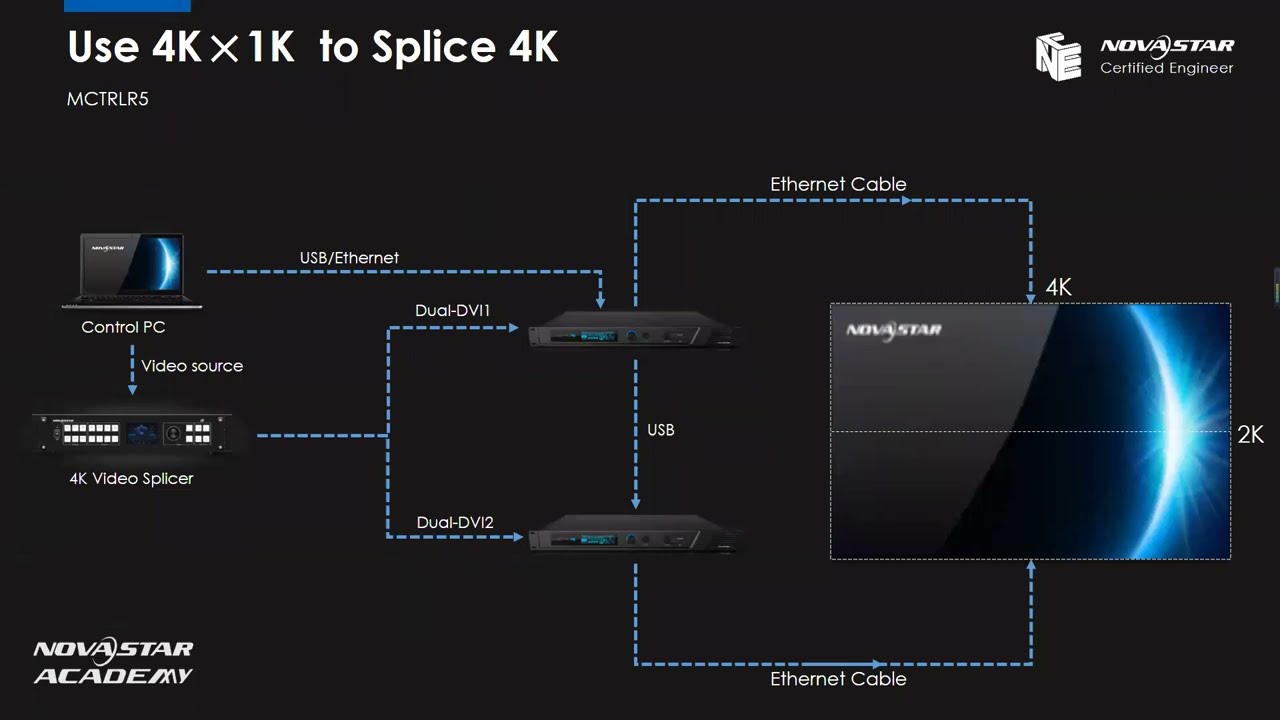
✅ 4K-by-1K Mid-Range Solutions (e.g., MCTRL R5)
4.1 million pixel capacity per R5
Only 2 controllers needed for full 4K screen
Requires 4K video splicer for synchronized input
USB cascading + 2-screen configuration in NovaLCT
✅ Single-Device 4K Solutions (e.g., MCTRL 4K, NovaPro UHD Jr)
Load full 4K (3840x2160) with one device
NovaPro UHD Jr has built-in video scaling
Simplified setup with fewer cables and devices
Supports HDMI 2.0, DP1.2, and 4K HDR inputs
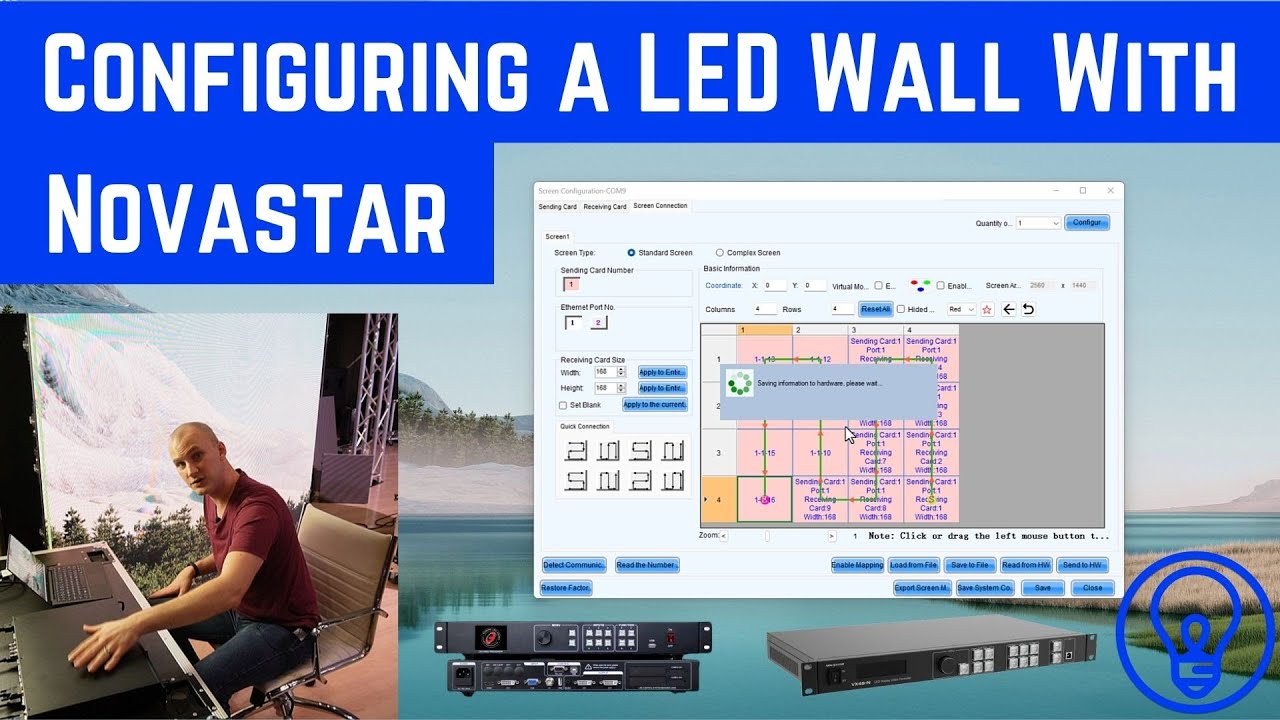
🔹 Software Configuration via NovaLCT
Configuring multiple screens (4-screen, 2-screen, or 1-screen modes)
Setting receiver card size, screen layout, and loading regions
Tips: No need to manually offset controller coordinates if using a video splicer
🔹 Feature Comparison & Summary
Controller Level Product Models Required Units for 4K Features
1080p Independent MCTRL660 / MCTRL600 4 units External splicer required
1080p All-in-One VX4S / NovaPro HD 4 units DVI loop, USB cascade
4K-by-1K Independent MCTRL R5 2 units 4K splicer needed, USB cascade
True 4K All-in-One MCTRL 4K / UHD Jr 1 unit HDR, scaler built-in, simple setup
NovaStar 4K LED display setup, MCTRL660, VX4S, MCTRL R5, MCTRL 4K, NovaPro UHD Jr, controller cascading, video splicer, NovaLCT software, screen connection, image mosaic, LED loading capacity, 3840x2160 resolution
📢 Want to simplify your 4K LED display projects?
This video is perfect for LED display system integrators, technical engineers, and installers who want to master practical 4K deployment strategies using NovaStar controllers.
📧 Contact us today for a quote or expert consultation:
🌐 Website: www.ledscreenparts.com
✉️ Email: [email protected]
📲 WhatsApp: +86 13316541431
NovaStar 4K solution, LED screen 4K setup, NovaLCT screen connection, MCTRL660 4K, VX4S mosaic tutorial, UHD LED wall, 3840x2160 display, MCTRL R5, NovaPro UHD Jr, 4K video processor, LED controller cascading, all-in-one LED controller, HDR LED display configuration
Learn how to configure 4K LED displays using NovaStar controllers like MCTRL660, VX4S, R5, and UHD Jr. This tutorial covers system structure, video input, cascading, and NovaLCT software setup for projects up to 3840x2160 resolution.
Повторяем попытку...

Доступные форматы для скачивания:
Скачать видео
-
Информация по загрузке:







![Best of Deep House [2026] | Melodic House & Progressive Flow](https://imager.clipsaver.ru/ZH-tHW9K5jI/max.jpg)