How To Change Your Display Name in WhatsApp Business (𝟮𝟬𝟮𝟲) | 100% WORKS | NO Yapping & EASY
Автор: Guide Hub (2026 WORKING GUIDES)
Загружено: 2026-02-23
Просмотров: 626
Описание:
(2026) Learn How To Change Your Display Name in WhatsApp Business in this video (EASY FULL GUIDE) | For more videos like this then please leave a like.
𝗕𝘂𝘀𝗶𝗻𝗲𝘀𝘀 𝗜𝗻𝗾𝘂𝗶𝗿𝗶𝗲𝘀💌: [email protected]
________________________________________
Music track: Option by Aylex
Source: https://freetouse.com/music/
No Copyright Vlog Music for Videos
________________________________________
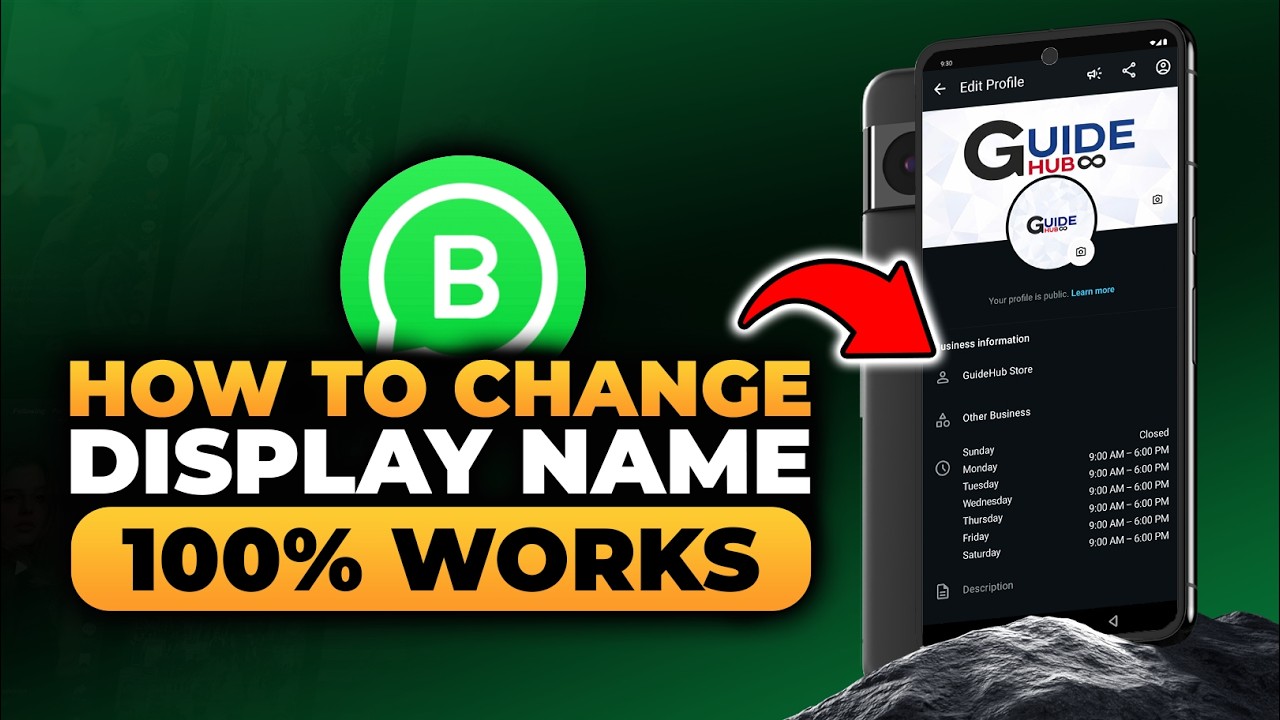
Without Yapping, Here's How To Change Your Display Name in WhatsApp Business. First open your phone, for example I am using Android. Make sure you have downloaded WhatsApp Business on your device before starting this process. If not, tap Play Store to open it and prepare to download the application. After that, tap the search icon to begin searching for the app. Then tap the search field at the top of the screen so you can type the app name. Type WhatsApp Business to search for it in the store. When the results appear, you can download it if you have not downloaded it yet by tapping the Install button and waiting for the process to complete. Because I have already downloaded it, return to the home screen without installing it again. Tap WhatsApp Business to open it and wait until the main interface fully loads. After it opens, there are four main menus displayed at the bottom of the screen, namely Chats, Calls, Updates, and Tools. Next, tap Tools to display the available options related to your business account settings. Scroll down slowly until the Manage Your Account section is visible on the screen. Tap Profile to display the profile options connected to your business account. Once the profile page opens, focus on the Business Information section where your account details are listed. Tap the display name that is currently being used to edit it. After that, tap the name field so the keyboard appears, then change the name, for example change it to GuideHub Store. Make sure the new name is typed correctly and matches the identity you want to use. After that, tap Save to apply the changes to your account. A pop up will appear on the screen to confirm the change, then tap Continue to proceed. You will see that the display name in WhatsApp Business has been successfully changed. The new name will now appear on your profile and be visible to customers who view your business information. You can repeat these steps anytime if you want to update your display name again in the future. Congratulation, In this video you just learn everything about How To Change Your Display Name in WhatsApp Business, so this video is really perfect for people who are interested and looking for a topic related to : how to change your display name in whatsapp business, how to change your display name in whats app business, how to change your display name in wa business, how to changing your display name in whatsapp business, how to changing your display name in whats app business, how to changing your display name in wa business, tutorial to change your display name in whatsapp business, tutorial to change your display name in whats app business, tutorial to change your display name in wa business
Guide Hub is Trusted Place For Clear & Simple How-To's and Guides (Helping You Solve Problems, Learn New Skills, and Tips)
Please Like, Subscribe, and Comment
Guide Hub
Повторяем попытку...
Доступные форматы для скачивания:
Скачать видео
-
Информация по загрузке: