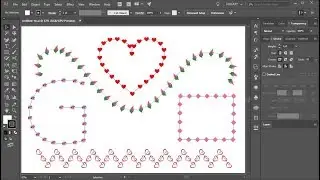
Easy to understand the function of Direct Selection Tools and Anchor Point
Автор: K Graphic Design Tutorials
Загружено: 2026-01-04
Просмотров: 33
Описание:
📝 In this tutorial, you’ll learn an easy and beginner-friendly explanation of the Direct Selection Tool and Anchor Points in Adobe Illustrator.
What you’ll learn in this video:
What the Direct Selection Tool is used for
How anchor points work in vector designs
Editing paths using anchor points and handles
The difference between Selection Tool vs Direct Selection Tool
Tips to edit shapes accurately and efficiently
This tutorial is perfect for:
✔ Adobe Illustrator beginners
✔ Anyone learning vector design basics
✔ Logo, icon, and shape editing
✔ Students and self-learners
📌 Software: Adobe Illustrator
📌 Skill Level: Beginner Friendly
If this video helps you:
👍 Like the video
💬 Leave a comment
🔔 Subscribe for more Illustrator tutorials
Повторяем попытку...

Доступные форматы для скачивания:
Скачать видео
-
Информация по загрузке: