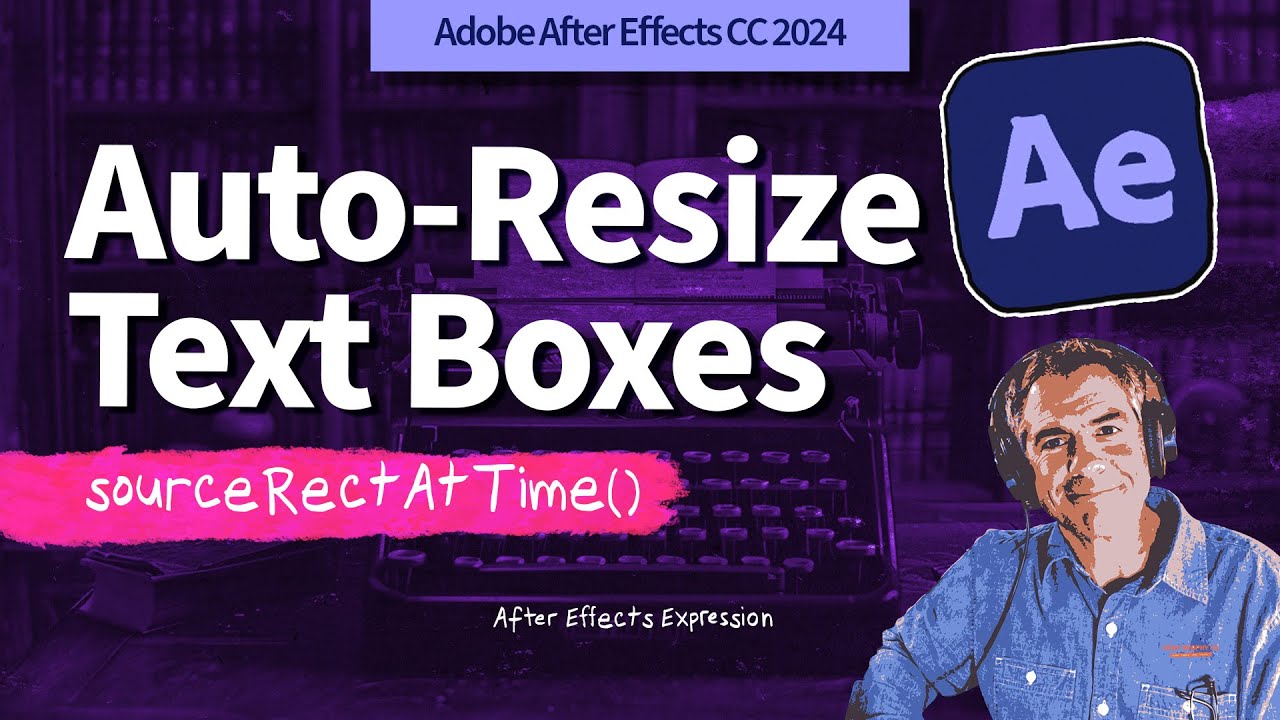
How To Create Auto-Resize Text Boxes in After Effects (sourceRectAtTime)
Автор: Mike Murphy Co
Загружено: 2024-06-26
Просмотров: 3533
Описание:
Adobe After Effects CC 2024: How To Create Auto-Resize Text Boxes
This tutorial will show you how to add the sourceRectAtTime Expression to the Size Property of a Shape to create auto-resizing text boxes in Adobe After Effects CC 2024.
Keyboard Shortcuts:
F2: Deselect All Layers
SS: Solo Property
Expression:
sourceRectAtTime()
Final Tutorial Expression:
w= thisComp.layer(index+1).sourceRectAtTime().width;
h= thisComp.layer(index+1).sourceRectAtTime().height;
[w,h];
———————
To try or buy Adobe After Effects CC 2024:
https://mikemurphy.co/adobe (affiliate link)
⭕️ Check out my new Domestika Course on Adobe Audition:
https://mikemurphy.co/domestika
——————
Chapters:
00:00 Intro: About The Tutorial
00:22 Add Text
00:34 Align Text + Anchor Point
00:44 Create Shape Layer
00:58 Fill & Stroke
01:13 Uncheck 'Bezier Path'
01:34 Rectangle Size Property
01:51 Solo Property
02:03 Width & Height
02:15 Add Expression
02:29 Add Width Variable
03:04 Add Height Variable
03:29 Add Array
03:59 Add Padding
04:32 Change Layer Name To Index
04:58 Fix: Lock Anchor Point
———————
How To Use sourceRectAtTime Expression:
1. Create New Composition
2. Add Parametric Shape (uncheck Bezier Path)
3. Add Text Layer Below Shape Layer
4. Twirl open Shape Layer and locate ‘Size’ Property
5. Hold Option/Alt key and click on stopwatch for ‘Size’ Property
6. Add variable
7. w= thisComp.layer(index+1).sourceRectAtTime().width+100;
8. h= thisComp.layer(index+1).sourceRectAtTime().height+100;
9. Add Array: [w,h];
10. Shape should fit around Text with some padding (+100)
How To Add Fix Alignment Issue:
1. Open Effects & Presets Panel
2. Search for ‘Anchor Point’
3. Drag ‘Lock Ancho Point’ on Shape & Text Layer
4. Fixed!
---------------------------------------------------------------
➜Amazon Influencer Store: https://www.amazon.com/shop/mikemurphyco
➜See All My Gear: https://www.mikemurphy.co/podgear
➜ Get Adobe Creative Cloud: https://mikemurphy.co/adobe
➜Screencast Software:
Screenflow: https://mikemurphy.co/screenflow
---------------------------------------------------------------
➜ VISIT MY WEBSITE:
https://mikemurphy.co
➜ SUBSCRIBE TO PODCAST
-https://mikemurphy.co/mmu
➜ SOCIAL MEDIA:
Instagram: / mikeunplugged
Facebook: https://mikemurphy.co/facebook
Twitter: / mikeunplugged
YouTube: https://mikemurphy.co/youtube
Amazon Associates Disclosure:
Mike Murphy is a participant in the Amazon Services LLC Associates Program, an affiliate advertising program designed to provide a means for sites to earn advertising fees by advertising and linking to Amazon.com
Повторяем попытку...
Доступные форматы для скачивания:
Скачать видео
-
Информация по загрузке: