How to Set Up Google Search Console FAST (For Beginners)
Автор: Stephen Baker
Загружено: 2026-02-08
Просмотров: 364
Описание:
Want a free SEO audit straight to your email today? Click here and submit your website: https://www.endurancedigital.net/
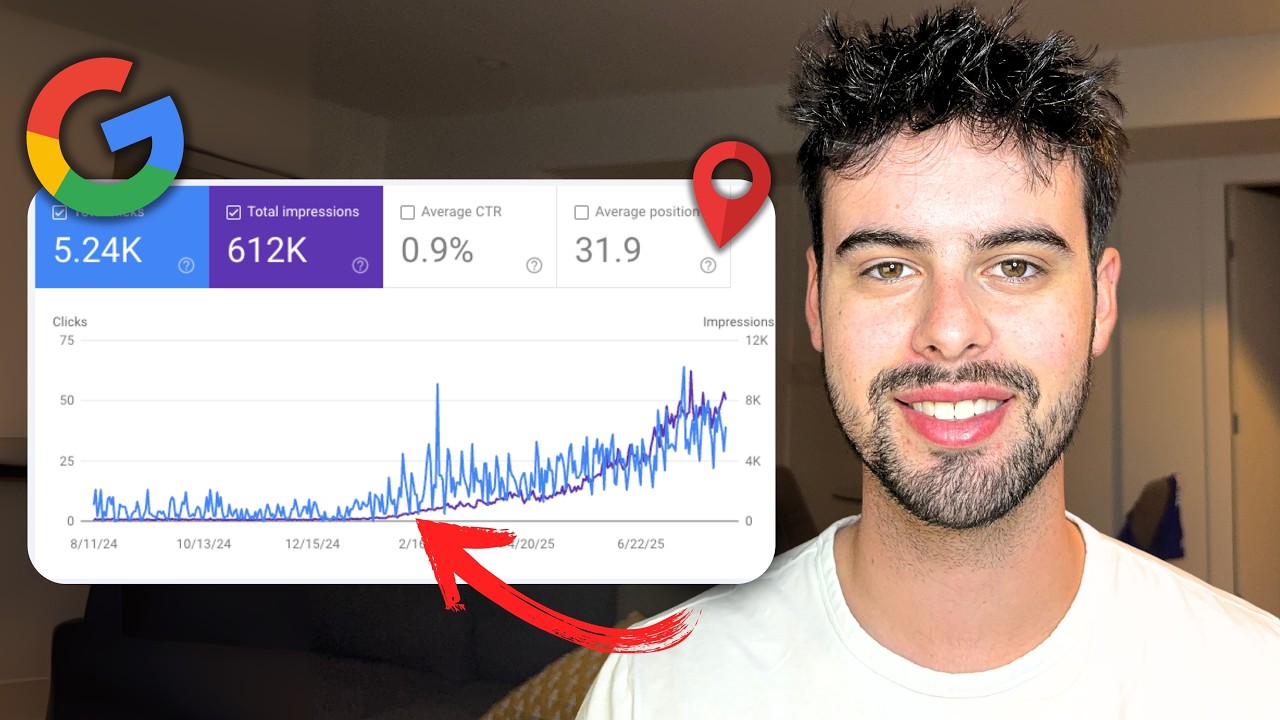
If you want your website to show up on Google, Google Search Console is non-negotiable. Here's how to set it up in under 5 minutes. Step 1: Go to Google Search Console and log in with your Google account. Step 2: Click "Add Property" and choose either Domain (if you have subdomains) or URL Prefix (easiest for most sites). Step 3: Verify ownership—either through DNS records (for Domain) or HTML tag (for URL Prefix). For DNS, add a TXT record to your domain provider (GoDaddy, Namecheap, etc.). For HTML tag, copy the code snippet and paste it in your website's header section (Webflow, Squarespace, Wix, or WordPress all have custom code sections). Step 4: Once verified, go to Sitemaps and submit "sitemap.xml" to tell Google about all your pages. Data takes 24-48 hours to populate, then you'll see clicks, impressions, keyword rankings, and what searches bring traffic. Without Google Search Console, your pages might not even be indexed. Set it up today.
--------
Follow me for more SEO tips:
Instagram: / stephendb01
LinkedIn: / stephen-baker-154234203
Facebook: https://www.facebook.com/profile.php?...
Timestamps:
0:00 - intro
0:34 - Domain setup
1:31 - URL prefix setup
3:03 - What to do next
3:25 - Outro + SEO Audit
Повторяем попытку...

Доступные форматы для скачивания:
Скачать видео
-
Информация по загрузке: