Gradually SPEED UP Objects With JUST 1 EXPRESSION | After Effects Tutorial
Автор: Aleksander Vlad
Загружено: 2020-08-11
Просмотров: 9698
Описание:
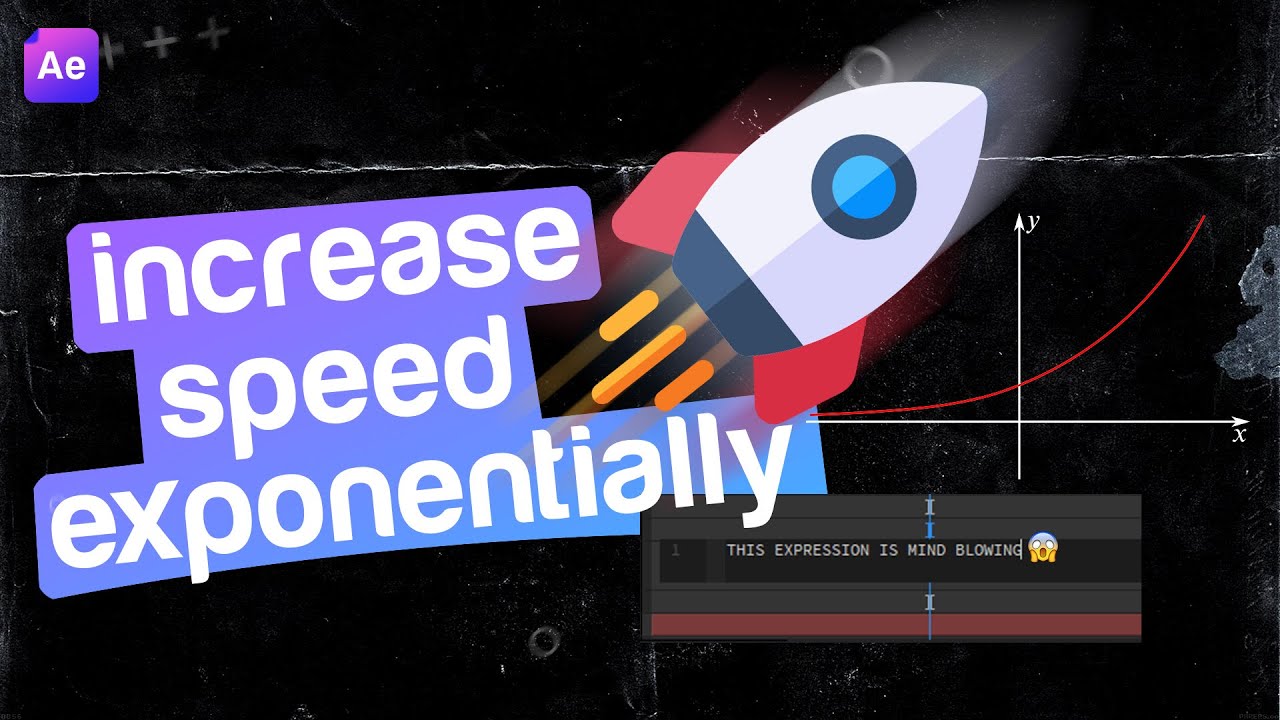
In this video I'll show you how to gradually increase the speed of any object in After Effects. We are going to use only 1 expression with 3 lines of code so it's very fast and easy. We won't use any keyframes and for that we will have full control over the position of the object: we can move the object anywhere and the effect will still be the same: starting slow and increasing speed over time.
The process for this effect is simple:
First, we are going to make the object move with constant speed by writing the expression: value + time. Because we want the speed to be exponentially, we will multiply the speed with a new variable and we'll link that variable to a slider. After that, we can write on the slider the following expression: value + Math.exp(time), where Math.exp(time) it's actually the exponential function y=e^x. And that's all!
------------------------------
⌚TIMESTAMPS:
00:00 - Video Overview
00:47 - Intro
00:58 - Introducing Myself
01:06 - Start Of The Tutorial
06:18 - Final Result
06:32 - Outro
------------------------------
🎬Follow my work:
Youtube - / vladalex40
Behance - https://www.behance.net/aleksowlade
Unsplash - https://unsplash.com/@aleksowlade
If you got any value from this video, please leave a like or a subscribe👍
Повторяем попытку...
Доступные форматы для скачивания:
Скачать видео
-
Информация по загрузке: