How To Prevent Channel Admins Add New Admins on Telegram (Updated)
Автор: Smart Fixer
Загружено: 2025-05-09
Просмотров: 11
Описание:
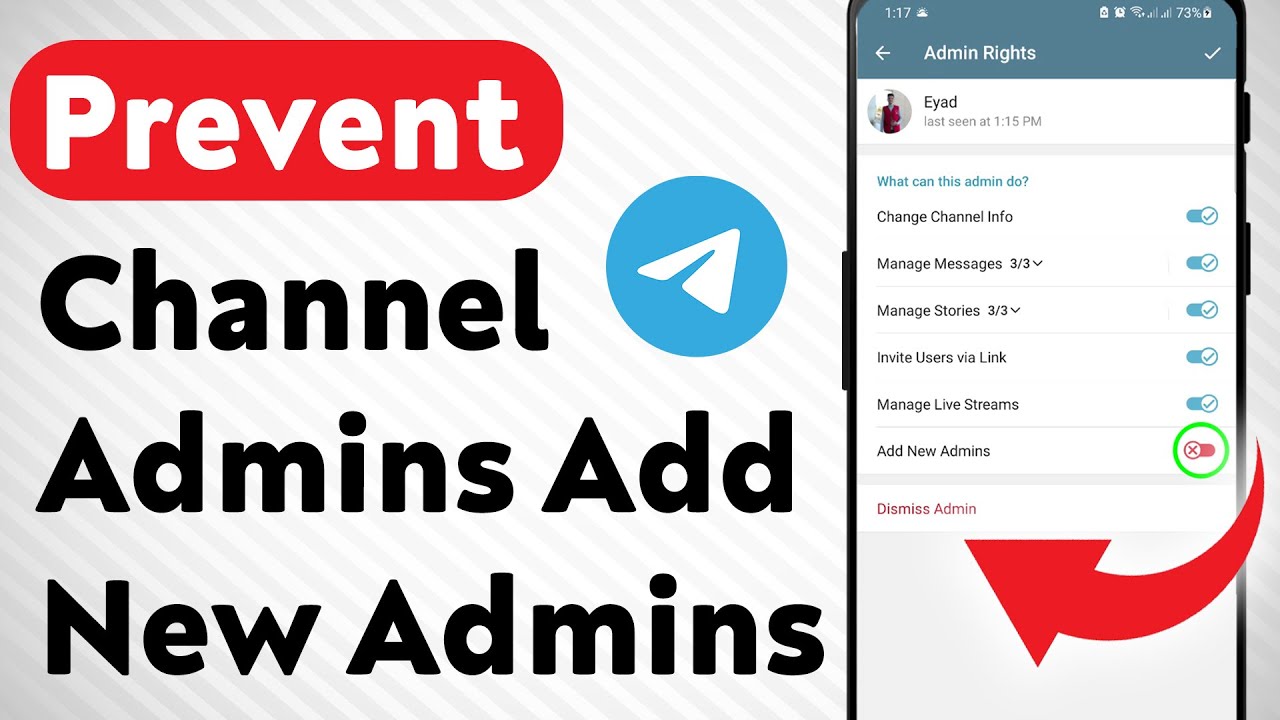
Learn how to prevent channel admins from adding new admins on Telegram with this updated step-by-step guide. Securing your Telegram channel is essential for maintaining control and avoiding unauthorized admin changes. Follow these instructions to manage admin permissions and keep your channel safe.
1. Open Telegram
2. Go to your Channel
3. Tap on the Channel Name, then tap Edit
4. Tap on Administrators
5. Tap on the admin you want
6. Toggle “Add New Admins” Off and save
This method ensures only trusted users can manage admin rights, helping you protect your Telegram channel from unwanted changes. Perfect for channel owners and managers who want more control over their community.-
===================
Chapters:
--------------
00:00 Intro
00:12 Soultion
01:05 Outro
===================
For advertiser contact us via email : [email protected]
Повторяем попытку...
Доступные форматы для скачивания:
Скачать видео
-
Информация по загрузке:


