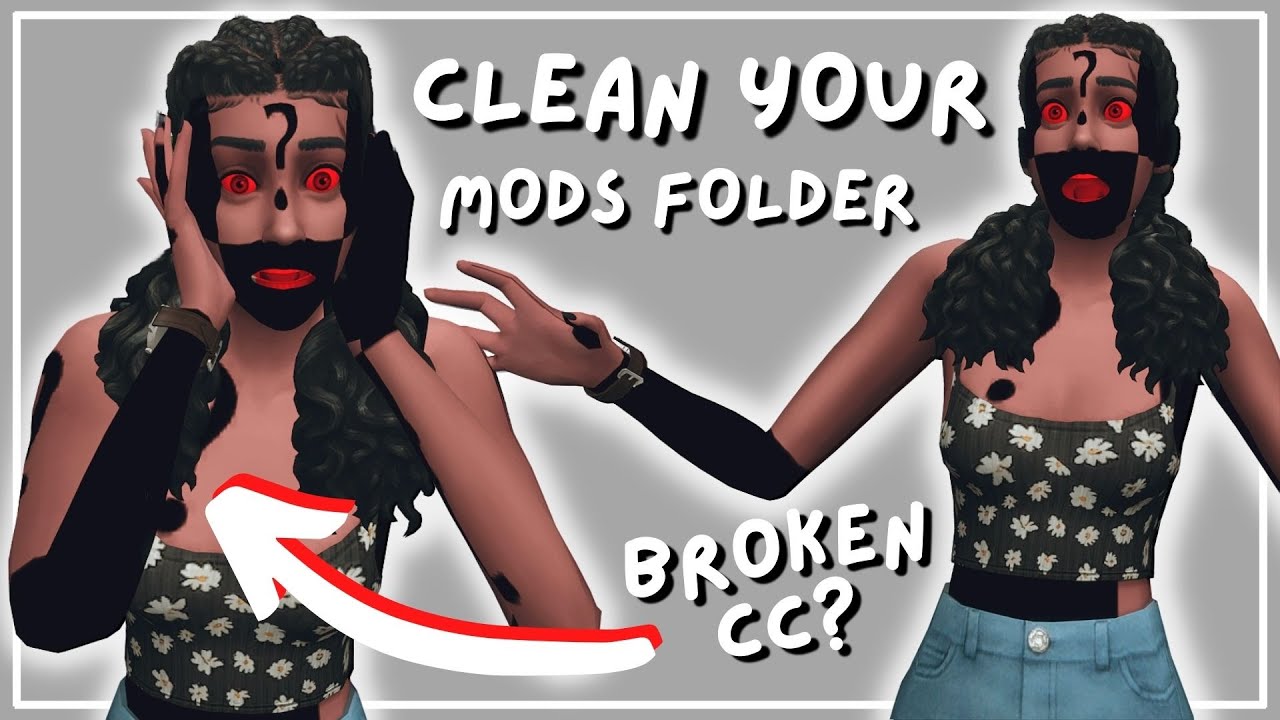
How To: EASILY Find Broken Custom Content, Clean Mods Folder + Tips on Organization | The Sims 4
Автор: asixteenthrose
Загружено: 2022-06-27
Просмотров: 71380
Описание:
Today I show you 3 different programs I use to keep my mods folder clean, organized and also how to find and bulk delete unwanted/broken CC from your game!!
✦ links ✦
sims 4 studio
https://sims4studio.com/board/6/downl...
sims 4 tray importer
https://luniversims.fr/files/file/73-... [updated 5/19/23]
sims 4 mod manager
https://modthesims.info/d/663086/sims...
✦ time stamps ✦
00:00 - Start
00:11 - Intro
00:48 - Download Programs
01:45 - Sims 4 Studio Method
02:52 - Sims 4 Studio Deleting swatches
03:13 - Sims 4 Studio Tags
03:36 - Sims 4 Studio Deleting CC
03:58 - Sims 4 Tray Importer Method
08:42 - Sims 4 Tray Importer Deleting CC
11:30 - My Mods Folder/Organization
18:33 - Sims 4 Mod Manager
22:47 - Outro
socials + other links ♥
✦ Twitter: / asixteenthrose
✦ Twitch: / asixteenthrose
✦ Tumblr: / asixteenthrose
✦ Simblr: / mintieeverett
✦ Sims Gallery: asixteenthrose (check 'includes custom content')
support and donations ♥
https://ko-fi.com/asixteenthrose
computer specs ♥
CPU: i9-9900K
Motherboard: ASRock Z390 Phantom Gaming 9
RAM: Corsair Vengeance 32GB (8GBx4)
GPU: GeForce RTX 2080 Ti
SSD: WD Green SATA-III
Hard Drive: 1TB Blue SN550 Series PCle
music: Epidemic sounds
thumbnails: Canva
video editing: Davinci Resolve 18
new videos as often as I can ♥
subscribe to stay up to date with my channel ♥
Повторяем попытку...
Доступные форматы для скачивания:
Скачать видео
-
Информация по загрузке: