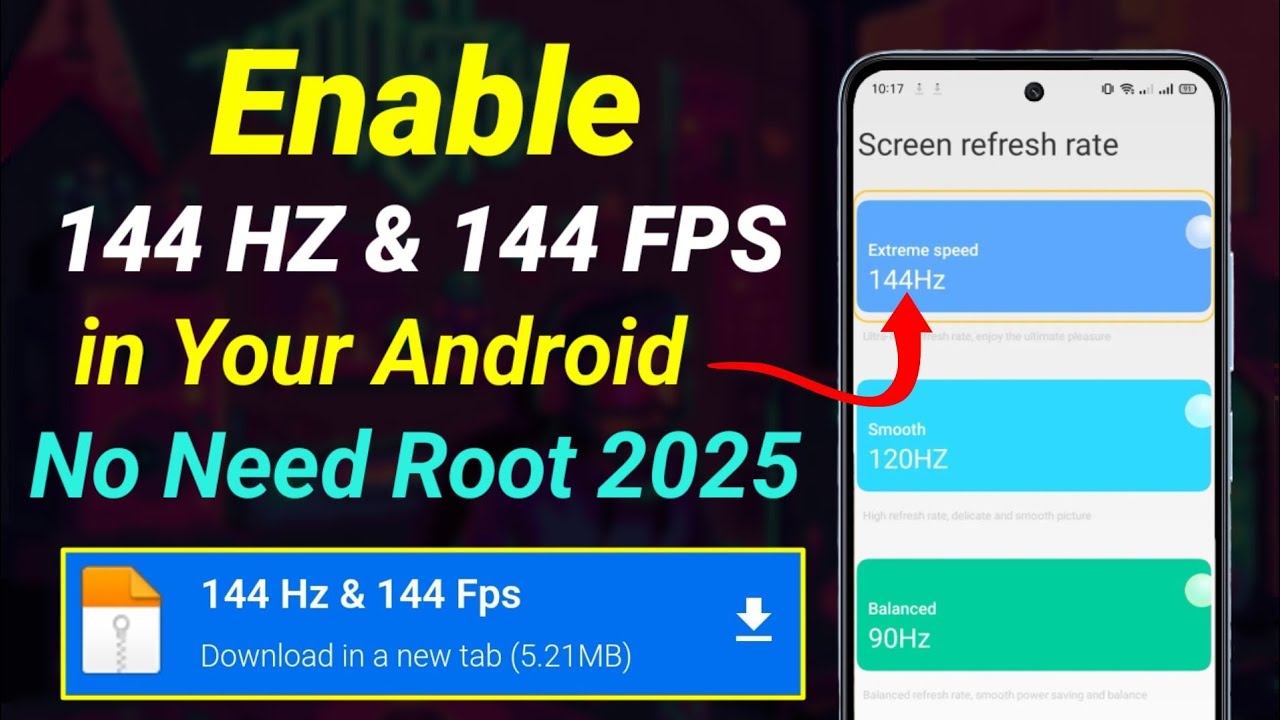
How to change Refresh Rate 90Hz Vivo Y04
Автор: TechQA
Загружено: 2025-04-29
Просмотров: 467
Описание:
How to Change Refresh Rate to 90Hz on Vivo Y04
0:10 60hz Refresh rate
0:19 Step by step guide
0:36 90hz Refresh rate
0:44 Smart switch screen
The Refresh Rate determines how smooth animations and transitions are displayed on the screen. On the Vivo Y04, you can adjust the refresh rate for a smoother experience, especially in tasks like gaming or browsing. Follow the steps below to set the refresh rate to 90Hz (if supported by your device model).
⮕ Step 1: Open the Settings Application
From the home screen or app drawer, tap the Settings icon to access your device settings.
⮕ Step 2: Tap on Display
Scroll down and tap on Display to open the display settings.
⮕ Step 3: Select Refresh Rate
Look for the Refresh rate option. It may be under the Advanced settings section.
⮕ Step 4: Choose 90Hz
Select the option for 90Hz to enable the smoother refresh rate.
If your device supports 90Hz, it will be listed as one of the available options, alongside 60Hz or other refresh rate settings.
⮕ Step 5: Confirm and Apply the Setting
Once 90Hz is selected, the change will be applied immediately.
Your device will now run at a 90Hz refresh rate for smoother performance.
This concludes the procedure for changing the refresh rate to 90Hz on your Vivo Y04.
#refreshrate
#60hz
#90hzdisplay
#90hz
#techqa
#vivoy04
#vivotips
#vivotricks
Повторяем попытку...

Доступные форматы для скачивания:
Скачать видео
-
Информация по загрузке: