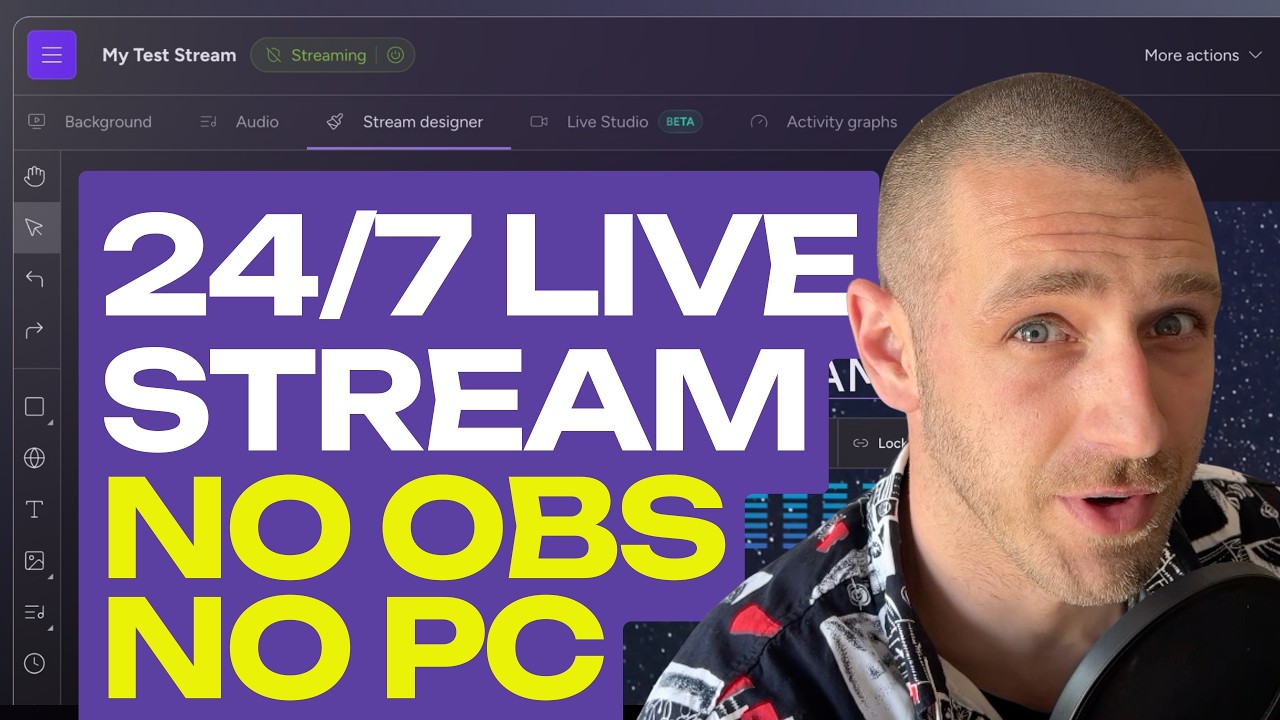
How to Live Stream 24/7 on YouTube (No OBS, No PC Needed!)
Автор: Upstream
Загружено: 2026-06-01
Просмотров: 797
Описание:
Want to run a 24/7 live stream on YouTube using pre-recorded videos, but don't want to leave your computer running all night? In this video, I show you how to easily set up a continuous, cloud-based 24/7 YouTube live stream without using OBS and without risking stream crashes.
We’ll be using Upstream.so to handle everything in the cloud. This means your computer can be completely turned off, you can be at the beach or sleeping, and your stream will stay online 24/7!
Text version of this Tutorial: https://blog.upstream.so/blog/24-7-li...
More on 24/7 Live Streaming: https://upstream.so/24-7-live-streaming
Try Upstream for free: https://upstream.so/
If you're looking to scale your channel, host a 24/7 radio/music station, loop a podcast, or even jump into your stream live with a webcam for commentary, this tool makes it incredibly easy. No technical hassle, no stream key copy-pasting, and no OBS headaches.
TIMESTAMPS 👇
0:00 - Introduction
0:10 - Getting Started with the Upstream Dashboard
0:30 - Creating a Stream via the Wizard (YouTube Connect)
1:10 - Setting Stream Settings (Title, Privacy, Resolution, Thumbnails)
2:10 - Uploading & Queueing Your Pre-Recorded Videos
4:30 - Review & Launching Your Stream in 1 Click
5:23 - Additional Options & On the fly edits
6:00 - Stream Designer
7:43 - START: Going Live
8:12 - Live Studio
8:30 - Final Thoughts: Why Cloud Streaming is Better Than Using Your PC
If you found this video helpful, make sure to hit that LIKE button and SUBSCRIBE for more tips on how to grow and automate your channel!
💬 Have questions about setting up your 24/7 stream? Drop a comment below!
#YouTubeLive #247Stream #Upstream #StreamAutomation #NoOBS #ContentCreator #LiveStreaming Tips
Повторяем попытку...
Доступные форматы для скачивания:
Скачать видео
-
Информация по загрузке: