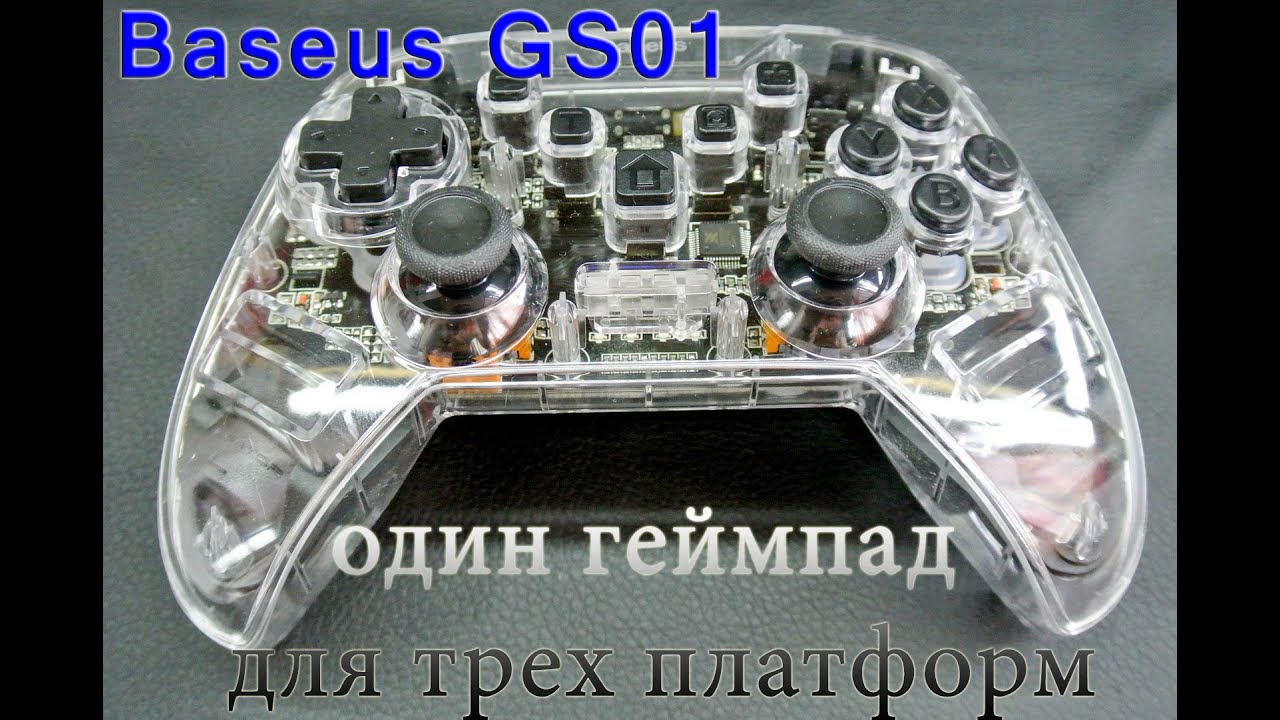
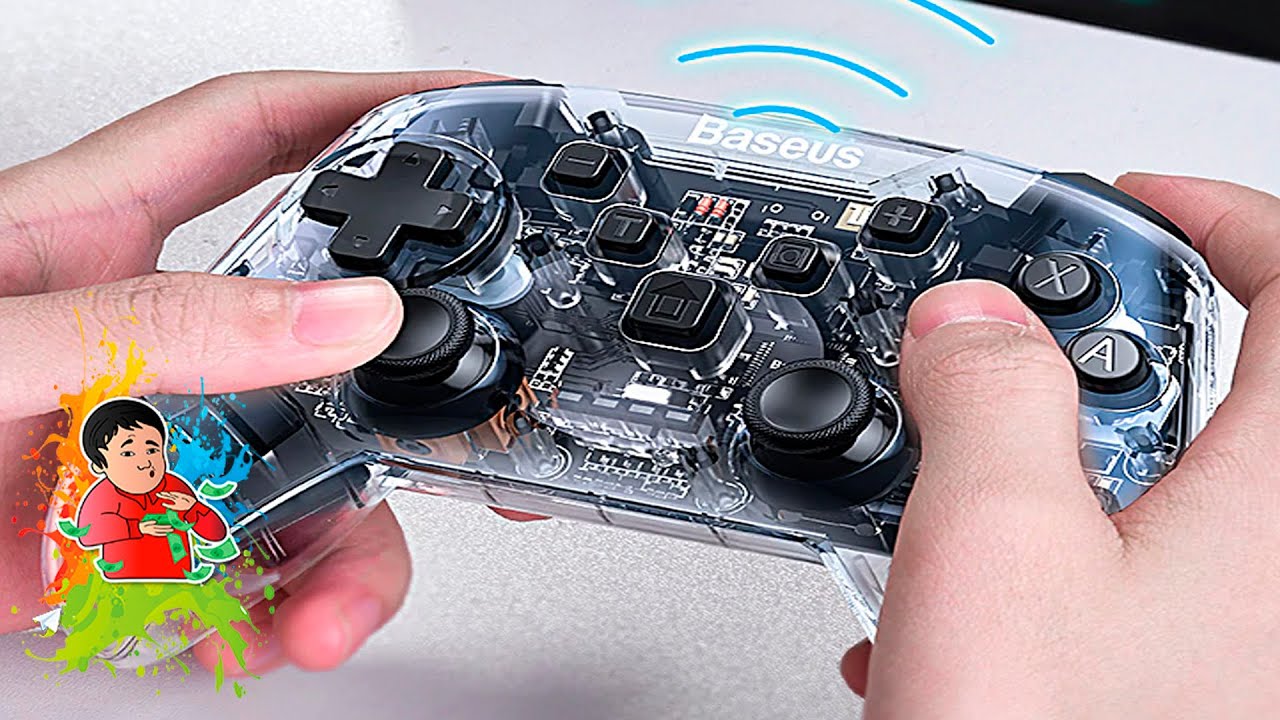
Baseus Gamo SW Motion Sensing Vibrating Gamepad smartphone (Android) pairing tutorial
Автор: GamerGrnd
Загружено: 2020-12-30
Просмотров: 5245
Описание:
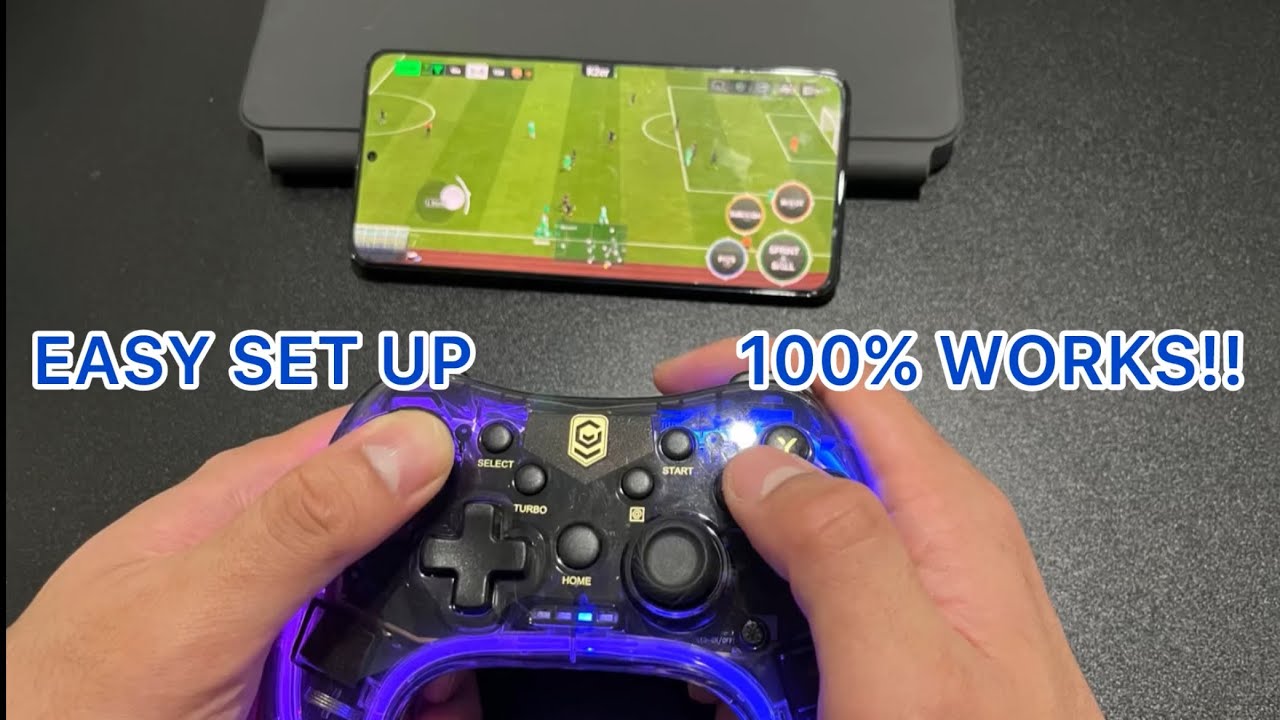
If you have purchased the Baseus Gamo SW Motion Sensing Vibrating Gamepad and wanting to pair up with your smartphone, this is the video for you.
I'm actually pairing the controller/gamepad to my POCO X3 NFC because I don't use iOS device. Not sure it will work the same for iOS so pray hard it works the same.
I M P O R T A N T Make sure to make the device paired as "Gamepad". NOT AS "Pro Controller"! If you paired as "Pro Controller", most game will not work as far in my testing. Once you paired it, you can use it without any 3rd party software as long the game supports controllers.
So far I only tried two Android games that work well with the controller, Real Racing 3 and Asphalt 9. You need to make sure the game supports all kind of controllers. Certain games like COD Mobile only supports PS4 or Xbox controllers only.
#BaseusGamoSWMotion #RealRacing3 #Asphalt9
Повторяем попытку...

Доступные форматы для скачивания:
Скачать видео
-
Информация по загрузке: