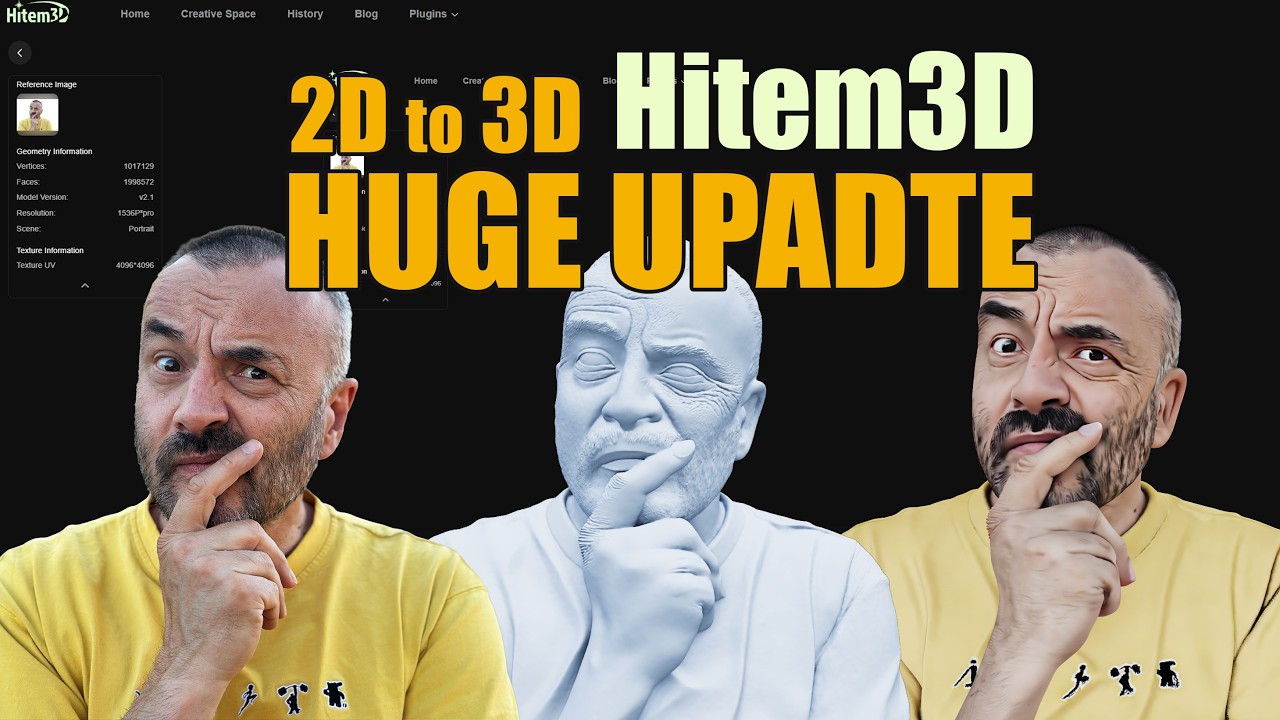
Create 2.5D Scene in Houdini - Simple and Easy Guide
Автор: LOVE.SURREAL
Загружено: 2026-03-15
Просмотров: 99
Описание:
A quick and easy tutorial on create 2.5D scene in Houdini using a Simple and Easy workflow. Enjoy and have fun creating!
00:10 Preparing 2D picture before import to Houdini
00:40 Edit Colorspace and save as *PSD format
01:20 Switch to Houdini / Create Copnet / Import 2D picture
02:35 Setup 2D picture resolution match to Copnet
03:20 Add Trace node and setup
04:20 Add Layer properties node to fix picture overlap issue
05:10 Trace all 2D layer to create 3D geometry
06:20 Camera setting for create UV from perspective
07:40 UV and material setup
08:30 material setup and use 2D picture from COP as material
10:40 2.5 scene/Edit by using transform node
12:00 Add new Camera /Background / Create some Parallax effect
13:45 Create group for each layer and create name attribute
14:40 Finish 2.5D workflow / You can use any Houdini Feature to create more magic!
15:00 My example -- Import to Solaris /Use Karma physical sky / Karma Fog box to mixing 2D and 3D world together / Use Slapcomp to and some color and light effect.
Thank you for watching
#houdini #krita #2.5d
Повторяем попытку...
Доступные форматы для скачивания:
Скачать видео
-
Информация по загрузке: