Your Mac Can Work Like a Personal Assistant— Most People Never Set This Up
Автор: Crazy Errors
Загружено: 2026-05-15
Просмотров: 161802
Описание:
A personal assistant starts your day,
protects your time, handles what you type,
and speaks when you need them.
Your Mac does all of this — natively,
for free, and without any third-party tools.
Most people have never turned any of it on.
This video covers six Mac features that
automate your working day once you set them up.
Some you may have seen individually in recent
videos. Today they work together as one
complete system.
Works on any Mac running macOS Tahoe.
The Apple Intelligence segment requires
Apple Silicon — everything else works
on all Macs.
WHAT WE COVER:
→ Morning Routine Shortcut — one tap opens
every app you use at the start of your day.
Build it in two minutes. Use it forever.
Add a second shortcut to close everything
at the end of the day.
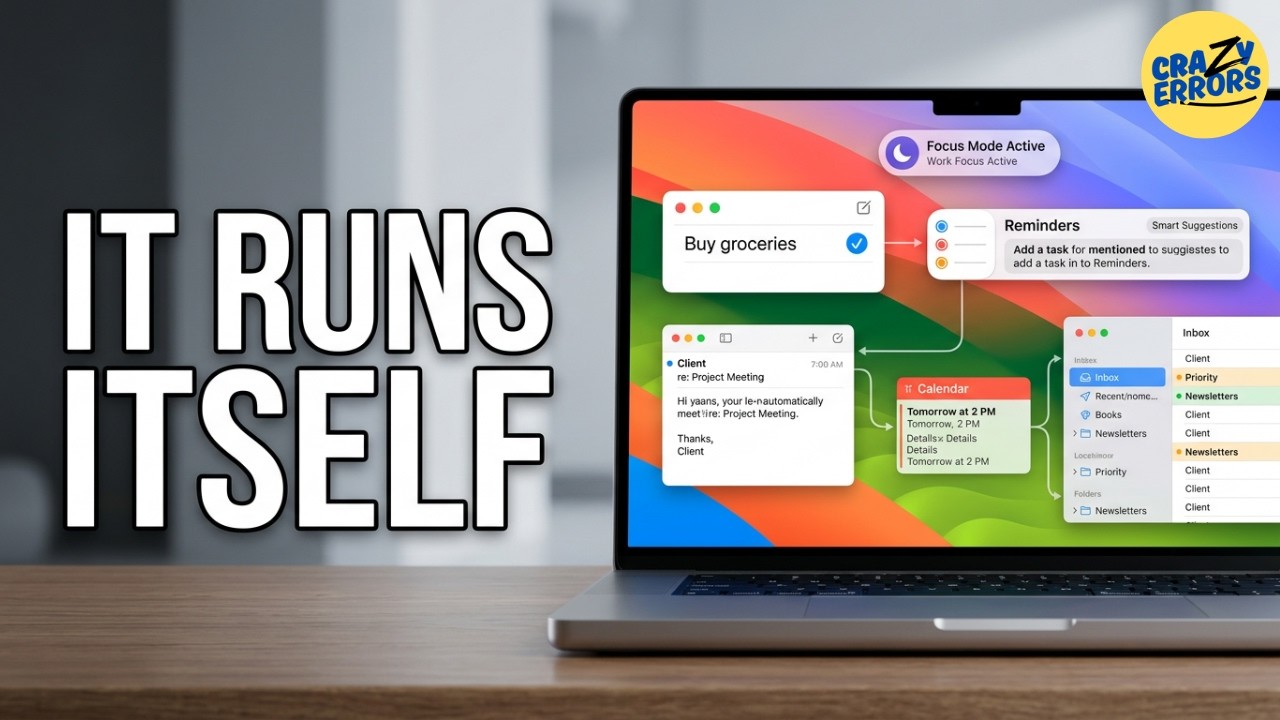
→ Focus Mode on a schedule — your Mac
automatically silences distractions during
working hours and shows only the right
calendar events. Set once. Runs every weekday.
→ Text Replacement + Dictation — type a short
code and your Mac types your full address,
email sign-off, or any phrase you use daily.
Enable Dictation and speak instead of typing
with automatic punctuation built in.
→ Apple Intelligence in Mail — Priority Mail
surfaces important emails automatically.
Smart Reply suggests complete responses.
Writing Tools refines your drafts in one tap.
Requires Apple Silicon.
→ Mail Rules — your inbox sorts itself before
you open it. Newsletters, promotions, and
confirmations move to their own folders
automatically. Set once. Runs on its own.
→ Siri — activate with a shortcut or your voice.
Set location-based reminders by speaking.
Open apps, check your calendar, send messages
without touching anything.
CHAPTERS:
0:00 Your Mac already works like a personal assistant
0:33 Morning Routine Shortcut — one tap starts your day
2:43 Focus Mode — your time protects itself
4:09 Text Replacement — stop typing the same things
5:26 Dictation — your Mac types what you say
6:02 Apple Intelligence — your inbox thinks ahead
7:12 Mail Rules — inbox sorts itself automatically
8:06 Siri — give your Mac a voice
9:01 Everything is running. Nothing manual.
WORK WITH CRAZY ERRORS:
→ Book a consultation:
https://crazyerrors.com/consult/
RELATED VIDEOS:
→ Your Mac Came With a Free Productivity
System — Most People Never Set It Up- • Your Mac Came With a Free Productivity Sys...
→ Your Mac Already Has AI Built In
— Here's What Most People Are Missing- • Your Mac Already Has AI Built In— Here's W...
ABOUT CRAZY ERRORS:
Crazy Errors is a Mac education channel
helping everyday Mac users understand
What's actually happening on their machine
— clearly, practically, and without
unnecessary complexity.
New videos every Tuesday and Friday
at 9:15 PM IST.
#macos #mactips #macbook #macbooktips #appletips #macproductivity #appleintelligence #crazyerrors
-----------------------------------------------------------------------------
🛍️ Best Tech Accessories on Amazon (Affiliate):
As an Amazon Associate, we earn from qualifying purchases. Your support helps the channel grow!
💻 Gear We Use (Affiliate) 🎥 Shot/Edited Using:
PC & Laptops
• MacBook Pro M4 Pro (2025): https://amzn.to/42FMvMk
Cameras
• Sony Alpha a6400: https://amzn.to/3FYZlwo
Mic
• Shure MV7+ Podcast Dynamic Microphone: https://amzn.to/4lHgw6j
• Hollyland Lark Max Wireless Lavalier Microphone: https://amzn.to/3EeZLON
-----------------------------------------------------------------------------
📲 Follow Crazy Errors Online | Stay connected for more tutorials & tech fixes:
🌍 Website: https://crazyerrors.com
📸 Instagram: / crazyerrors
📘 Facebook: / crazyerrors
🔴 Subscribe for more tech fixes: / @crazyerrors-tech
📧 Business Inquiries: [email protected]
-----------------------------------------------------------------------------
📌 Disclaimer & Service Notice
The content shared by Crazy Errors is for educational purposes only. While we strive for accuracy, all viewers are advised to follow instructions at their own risk.
By implementing any steps from this video, you agree that Crazy Errors is not liable for potential issues, data loss, or damage.
🤝 Partnerships: Supported by Xpertech Solution LLC (IT Support & Consulting) and Tesspro*(Web Design, SEO & Digital Marketing). Paid services offered separately.
🛒 Affiliate Disclosure: Some links may be affiliate links. If you purchase through them, we may earn a small commission at no extra cost to you — helping us provide free, high-quality tech guides.
🙏 Thank you for watching and supporting Crazy Errors!
Повторяем попытку...
Доступные форматы для скачивания:
Скачать видео
-
Информация по загрузке: