iPhone How to Change Default Payment Card in Apple Wallet Apple Pay Part 2
Автор: ION HowTo
Загружено: 2025-09-22
Просмотров: 266
Описание:
How to Change Your Default Card in Apple Wallet for Apple Pay.
Learn how to change your default payment card in Apple Wallet on your iPhone. I show you the steps to set a different card as your primary payment method for Apple Pay. This is useful if you get a new card or want to use a specific card for your contactless payments.
Amazon:*
iPhone Accessories https://rex.red/iPhone-accessories
iPhone Charger https://rex.red/iPhone-charger
iPhone Case https://rex.red/iPhone-case
iPhone Screen protector https://rex.red/iPhone-screen-protector
iPhone Magsafe https://rex.red/iphone-magsafe
iPhone Wallet https://rex.red/iphone-wallet
iPhone Usb c cable https://rex.red/iphone-usb-c-cable
Showing you on iOS 26 Beta 7 on iPhone 16 Pro Max Titanium Black 256 GB version Global model A3296 - MYWV3ZD/A
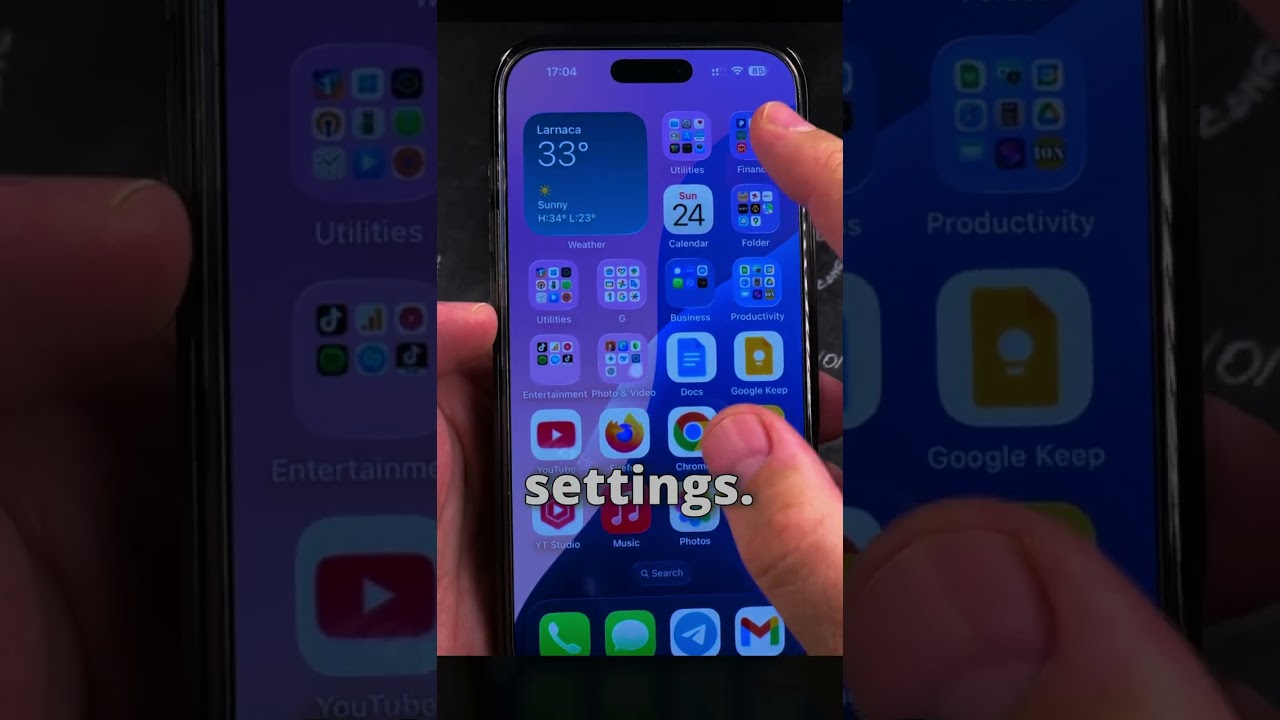
I show you how to open the Wallet app and manage your payment cards. Learn how to set a default payment card so you can tap and pay quickly at store terminals. If you want to know how to change your default card in Apple Pay, this guide covers the process for all iPhones.
Many people search for how to change default card on iPhone for contactless payments, and I demonstrate the entire process. You will learn how to reorder your cards and make sure the right one is selected first for transactions. This helps avoid the need to select a card manually each time you make a payment.
You can add a new card to Apple Wallet before setting it as your default or set an existing card as default. You can remove old or expired cards from your wallet to keep it organized. Managing your cards properly ensures a smooth and secure tap-to-pay experience.
If you have multiple cards and need to know how to choose which one to use by default, this guide is for you. I explain how the default card is charged when you hold your phone near a payment terminal. Following these steps will help you control your payments and use your preferred card every time you shop.
Watch the video carefully without skipping to see all the steps needed in this video.
Subscribe and click the Bell to watch more videos.
IONHowTo / @ionhowto
RedNumberONE / @rednumberone1
Buy merch https://store.ionhowto.com/
Join this channel to get access to perks:
/ @ionhowto
Any questions?
Feel free to ask in the comments section below.
Subscribe, Like and SHARE this video with your friends!
We earn money from qualifying purchases using our affiliate links.
Affiliate links are marked with a star. *
When you use our * links, you support this channel.
As an Amazon Associate I earn from qualifying purchases.
Website https://www.ionhowto.com/
Food Recipes: https://www.rednumberone.com/
Повторяем попытку...
Доступные форматы для скачивания:
Скачать видео
-
Информация по загрузке: